You’ll need ten critical communication practices to survive a storm: designate primary and backup emergency contacts, create expansive family contact lists, establish multiple communication methods with redundant systems, utilize text messaging over voice calls, register for official emergency alert systems, craft clear pre-written emergency messages, schedule regular check-in times, practice communication plans through drills, manage network congestion strategically, and install battery-powered weather radios. These protocols transform chaotic disaster scenarios into coordinated responses where every family member knows exactly what to do and when. Master these fundamentals to discover advanced techniques that’ll keep your household connected.
Key Takeaways
- Establish multiple communication methods including text messaging, weather radios, and satellite networks with quarterly testing of backup systems.
- Register for official county emergency alert systems and customize notification preferences for multiple locations and special needs.
- Create comprehensive emergency contact lists with 911, doctors, and utility companies stored in multiple formats and locations.
- Craft clear emergency messages using pre-written templates that specify threats, locations, immediate actions, and timelines.
- Conduct regular family communication drills to practice check-in schedules, test escape routes, and identify plan weaknesses.
Designate Primary and Backup Emergency Contacts
Setting up a reliable emergency contact system starts with documenting detailed details for your primary contact person. You’ll need their full legal name, relationship to you, and multiple phone numbers—cell, home, and work—with your preferred method marked. Don’t forget email and physical address for exhaustive reach.
Complete the verification process by obtaining your contact’s consent directly. They deserve to know they’re listed and understand notification scenarios.
Next, designate a backup contact using identical information. This secondary person guarantees you’re never unreachable during critical moments.
Store contacts in multiple formats: physical lists, your phone, and cloud storage. Update both contacts annually or when circumstances change. Address privacy concerns upfront—your contacts control their information and can withdraw consent anytime.
Create Comprehensive Contact Lists for All Family Members
When storms threaten your area, you’ll need instant access to every critical phone number that could save lives. Build complete contact lists containing 911, local non-emergency police, your doctors’ main and after-hours numbers, specialists, pharmacy, and utility companies.
Include poison control (1-800-222-1222), fire department, and medical alert device details. To guarantee emergency contacts remain accessible, print copies for your home, work, wallet, and fridge using large, readable fonts. Store digital versions in your phone’s notes app.
Maintain updated contact information by reviewing lists yearly and after any life changes. Share these lists with household members so everyone’s empowered to respond independently. Verify contact availability regularly and inform people they’re included—preparation protects your autonomy when disaster strikes.
Establish Multiple Communication Methods and Backup Systems
Because power outages and network failures often accompany severe storms, you must establish redundant communication channels before disaster strikes. Distribute redundant communication channels across multiple platforms: text alerts, email notifications, two-way radios, and social media updates guarantee message delivery when primary systems fail.
Leverage satellite-based networks in remote locations where cellular infrastructure becomes compromised. Two-way radios operating on shared frequencies enable direct coordination without relying on overloaded cell towers.
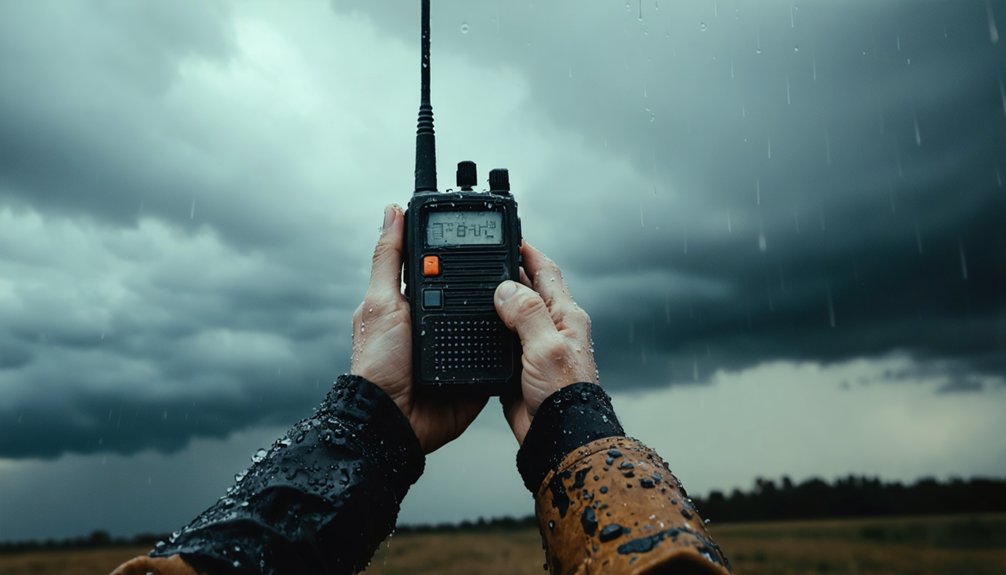
Configure mass notification systems to send pre-planned evacuation alerts simultaneously across all endpoints, saving critical response time. Install battery-powered weather radios to receive Emergency Alert System broadcasts independently of internet connectivity.
Stock handheld radios for quick field communication between family members. Subscribe to multiple weather monitoring services that provide updates through various channels. Test every backup system quarterly to verify operational readiness when traditional communication infrastructure collapses.
Utilize Text Messaging and Group Chat Applications
Text messaging provides critical advantages during storms when voice networks become congested—a single one-minute call consumes the bandwidth of 800 text messages, making SMS far more reliable when emergency communications overwhelm cellular infrastructure.
You’ll find that 98% of text messages are opened within minutes of receipt, ensuring your storm warnings and status updates reach recipients faster than alternative channels.
Establish group chat applications now to enable real-time coordination among family members, neighbors, or team members, as these platforms allow simultaneous multi-person communication without the bandwidth demands of conference calls.
Text Messages Over Calls
During severe weather emergencies, voice networks collapse under call volume while text messages continue delivering through congested infrastructure. You’ll maintain contact when others can’t—texts consume minimal bandwidth, allowing 800 messages through channels that’d handle just one voice call. The reliability of text messages proves critical during disasters, with 98% open rates ensuring your warnings reach family members within minutes.
However, understand the trade-offs. Emergency dispatchers need accurate information quickly, and location accuracy of texts falls short compared to calls. When you contact 911, call if you’re safe to do so—dispatchers rely on background sounds and precise GPS coordinates. Reserve texts for 911 only when calling creates danger or when voice networks completely fail. Your message creates a permanent record either way.
Group Chat App Benefits
When storm warnings escalate, group chat applications centralize your family’s communication into one accessible thread—but you’ll need the right platform for the job. Consumer-grade messaging apps like WhatsApp weren’t designed for mission-critical situations and lack proper incident management integration.
Instead, choose dedicated emergency notification systems that enable real time collaboration with two-way updates and location tracking. These platforms prevent the notification fatigue that occurs when urgent alerts compete with routine messages—people are 73% less likely to notice critical warnings in channels saturated with everyday content.
Purpose-built emergency apps deliver streamlined incident response through automated alerts, real-time status updates, and all-encompassing tracking. Don’t rely on platforms where silenced phones or muted notifications could delay your family’s evacuation when seconds matter most.
Register for Official Emergency Alert Systems

Registration with official emergency alert systems establishes your direct communication line to county and municipal authorities during severe weather events. Navigate to your county’s emergency management website and create your profile with contact details, preferred notification methods, and multiple locations you frequent. You’ll customize whether alerts reach you through calls, texts, or emails—your choice, your control.
Direct emergency alerts put life-saving weather information in your hands—register once, stay protected through every storm that comes your way.
Systems like Everbridge and CodeRED deliver time-sensitive information without government overreach into your daily life.
Critical registration steps:
- Annual profile updates maintain your current contact information and address changes
- Test notifications confirm your alerts function properly before actual emergencies strike
- Multiple location registration covers workplaces, schools, and properties you manage
- Emergency notification accessibility options accommodate language preferences and special needs
Recurring registration verification guarantees you’re never disconnected when storms threaten your community.
Keep Devices Charged With Portable Power Sources
Your emergency alerts won’t reach you if your phone dies during a power outage. Maintain communication independence by keeping backup battery packs fully charged before storms hit. Store multiple packs—one for each essential device—and recharge them every three months to prevent capacity loss.
Consider wind up radio chargers that don’t rely on electricity or batteries. These hand-cranked devices generate power mechanically, ensuring you’ll access emergency broadcasts when grid power fails.
If using gasoline-powered generators for charging, operate them at least 20 feet from your home with three to four feet clearance on all sides. Never run generators in garages, basements, or enclosed spaces—carbon monoxide kills in minutes. Install carbon monoxide detectors throughout your home. Generators meeting UL 2201 standards include automatic shutoff sensors that prevent deadly CO buildup.
Craft Clear and Concise Emergency Messages
During storm emergencies, every word in your message counts—confusion costs lives. You must craft templated emergency messages that deliver critical information without excess language. Strip away unnecessary details and include essential details only: what’s happening, where, and what action recipients must take immediately.
Your emergency templates should contain:
- Threat identification: “Tornado warning” not “severe weather event”
- Specific location: “Highway 27 between mile markers 14-19” not “general area”
- Immediate action: “Evacuate now via Route 5 north” not “consider leaving soon”
- Timeline: “Complete evacuation by 3:00 PM” not “as soon as possible”
Pre-write these templates before storms strike. Test them with your network. Revise based on feedback. When disaster hits, you’ll communicate with precision while others waste precious seconds crafting messages from scratch.
Schedule Regular Check-In Times During Emergencies
When storm conditions deteriorate, establishing a fixed check-in schedule keeps your team coordinated and your community informed. You’ll need to stagger check-in intervals across text, email, and phone to prevent communication overload while maintaining consistent contact. Assign specific roles within your emergency team so everyone knows who’s responsible for each channel and update cycle.
Pre-script your messages now, before crisis hits. Templates let you deploy accurate information quickly without starting from scratch under pressure. Coordinate remote check-ins by designating a clear chain of command for initial alerts and subsequent updates.
Set explicit expectations about timing so your audience doesn’t make false assumptions during information gaps. Model responses for different scenarios during drills, then review what worked post-event. Frequent, patterned updates provide reassurance even when conditions haven’t changed.
Practice Communication Plans Through Family Drills
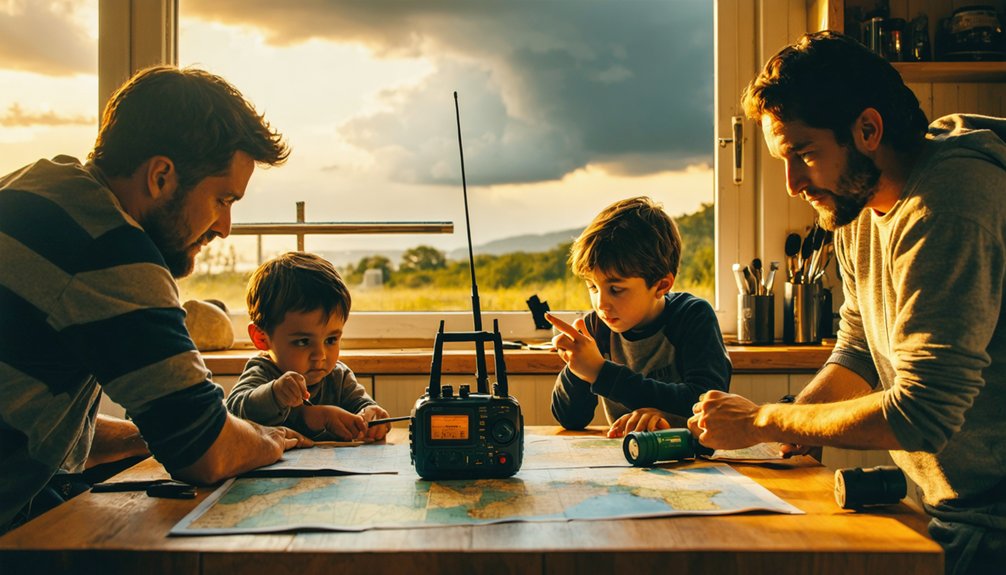
Because emergency plans fail without practice, families must conduct regular drills that transform written procedures into automatic responses. You’ll need to run these exercises at least twice yearly, integrating them into your family meeting schedules alongside household safety checklists.
Sound your smoke alarm, check doors for heat, and exit through primary routes while leaving belongings behind. Your children must reach your designated meeting spot for headcount, then simulate calling your out-of-state contact.
Critical drill components include:
- Children testing doors with the back of their hands before opening
- Teenagers leading younger siblings to the outdoor meeting location
- Parents verifying everyone’s arrival while simulating emergency calls
- Family members identifying blocked exits and alternative escape routes
After each drill, debrief immediately. Identify weaknesses, adjust procedures, and practice corrections until responses become instinctive.
Manage Network Congestion With Strategic Messaging
During storms, you’ll face severe network congestion as thousands attempt simultaneous calls, overwhelming cellular infrastructure and blocking urgent communications. Protect your ability to reach emergency services by sending text messages instead of making voice calls—SMS requires less bandwidth and routes through congested networks more reliably.
Transmit only critical information about immediate safety threats, injuries, or evacuation needs to preserve network capacity for life-saving coordination among first responders.
Prioritize Critical Messages Only
Network congestion becomes inevitable as thousands of users simultaneously demand communication services during storm events, creating bottlenecks that can delay or block life-saving information. You must prioritize critical resource allocation by categorizing messages based on urgency and operational necessity. Emergency vehicles require top-tier access, while non-essential traffic gets restricted to maintain continuous coverage for first responders.
Strategic message filtering protects bandwidth:
- Medical evacuations receive instant transmission paths through dedicated channels
- Resource deployment coordinates flow uninterrupted to staging areas and command posts
- Hazard warnings bypass standard queues to reach affected populations immediately
- Non-emergency updates defer automatically until network capacity stabilizes
You’ll preserve operational capacity by enforcing strict categorization protocols. Deploy intuitive tools that automatically route critical communications while temporarily limiting lower-priority traffic, ensuring responders maintain reliable connectivity when lives depend on it.
Use Text Over Calls
Strategic categorization means little if your chosen communication method can’t penetrate network congestion when it matters most. During storms, when thousands simultaneously compete for cellular bandwidth, text reception robustness becomes your critical advantage.
SMS messages consume markedly less data than voice calls, allowing them to succeed where phone connections fail entirely. Network infrastructure naturally favors low-bandwidth communications during overload conditions, giving text delivery prioritization over voice traffic. You’ll maintain contact when others can’t get through. This isn’t theoretical—FCC disaster reports consistently document text success amid widespread voice failure.
Deploy texts for urgent coordination and status updates. Reserve voice attempts for only the most critical exchanges requiring real-time dialogue. This bandwidth-conscious approach preserves your communication capability when infrastructure buckles under emergency demand.
Frequently Asked Questions
How Do I Communicate With Elderly Family Members Who Don’t Use Smartphones?
You’ll reach elderly relatives through landline options, senior-friendly phones with urgent response buttons, and prearranged signals. Equip them with devices like Jitterbug phones featuring large screens. Test everything beforehand—you can’t afford communication failures during emergencies.
What Should I Do if All Communication Methods Fail Simultaneously?
Activate your backup communication plans immediately—use runners, written notes, or pre-arranged meeting points. Rely on low-tech information sharing methods like posted messages at designated locations. Don’t wait—execute predetermined protocols and gather at your emergency rally point now.
How Can I Verify if Emergency Messages Are Legitimate or Hoaxes?
Check for carrier-approved emergency labels and identifiable sender names when verifying message sources. Legitimate alerts appear across multiple channels simultaneously. Cross-reference through official government websites and apps, evaluating message credibility before acting on instructions.
Should I Wait for Official Evacuation Orders or Leave Early?
Don’t wait if you’re in high-risk zones. Monitor weather forecasts closely and consult local authorities, but leave early when conditions warrant. You’ll maintain control over your safety and avoid dangerous last-minute evacuations when roads become congested.
How Do I Communicate My Pet’s Needs During Emergency Shelter Situations?
Present documentation of your pet’s medical needs, allergies, and behavioral requirements directly to shelter staff during registration. Your pet evacuation plans should include labeled carriers with care instructions, ensuring you secure appropriate shelter accommodations without bureaucratic delays.