You can watch live storm chasing feeds for free on platforms like LiveStormChasing.com, Severe Studios, and Texas Storm Chasers, which stream real-time severe weather coverage at no cost. YouTube channels from established chasers like Brandon Copic offer both live and archived footage. For mobile access, download dedicated apps from Live Storms Media or Texas Storm Chasers through Google Play or the Apple App Store. There’s far more to know about maximizing your storm-watching experience across these platforms.
Key Takeaways
- LiveStormChasing.com offers free, stable streams covering hurricanes, blizzards, and floods with real-time verification across multiple weather events.
- Severe Studios provides a free interactive map that auto-detects active chasers, making it easy to find live streams instantly.
- Texas Storm Chasers runs a free 24/7 YouTube stream and offers a dedicated mobile app for consistent access.
- Live Storms Media and Texas Storm Chasers have free dedicated apps available on both Google Play and the Apple App Store.
- YouTube channels like Brandon Copic offer free live and archived storm chasing footage with strong viewer engagement features.
The Best Free Sites for Live Storm Chasing Feeds
If you want to watch live storm chasing footage for free, several dedicated platforms stream real-time severe weather coverage directly from chasers in the field.
Live Storms Media delivers mobile-accessible streams at no cost, while Severe Studios provides an interactive map for locating active chasers covering supercells, hail, and lightning.
LiveStormChasing.com expands coverage to hurricanes, blizzards, and floods, offering real-time target verification useful for weather education.
Texas Storm Chasers runs a 24/7 stream accessible through YouTube and a free mobile app.
YouTube itself hosts established chasers like Brandon Copic, providing years of archived and live intercept footage.
Each platform supports storm safety awareness by putting raw, unfiltered severe weather data directly in your hands, bypassing costly subscription barriers entirely.
How To Watch Live Storm Chasing Feeds on Your Phone
Watching live storm chasing feeds on your phone is straightforward once you know which apps and platforms support mobile streaming.
Live Storms Media and Texas Storm Chasers both offer dedicated mobile apps available on Google Play and the Apple App Store, giving you direct access without browser limitations.
Live Storms Media and Texas Storm Chasers offer dedicated mobile apps on Google Play and the Apple App Store.
Severe Studios streams are fully compatible with Android and iOS, and its automatic stream detection keeps you current without manual updates.
StormCenter’s app adds 24-hour rewind functionality alongside live chaser tracking and storm alerts, making it a strong all-in-one option.
LiveStormChasing.com also supports mobile browsers for broader weather coverage.
For maximum flexibility, install multiple mobile apps so you’re never locked into a single feed during fast-moving severe weather events.
Which Platform Has the Best Storm Coverage and Reliability?
When it comes to coverage breadth and reliability, no single platform dominates every category, so matching your priorities to each platform’s strengths is the smarter approach.
For weather diversity and stream stability, LiveStormChasing.com covers tornadoes, hurricanes, blizzards, and floods. Severe Studios wins on interface usability with its auto-detecting stream list and interactive map.
For mobile access, Texas Storm Chasers and Live Storms Media both offer dedicated apps with consistent performance. StormCenter delivers superior data accuracy through integrated chaser reports and 24-hour rewind functionality, strengthening reliability factors during active events.
Platform comparisons reveal YouTube channels like Brandon Copic provide long-term viewer engagement and historical coverage.
Evaluate each option against your specific needs—stream stability, real-time data, or broad weather diversity—before committing to one primary source.
How To Find Active Storm Chasers During Severe Weather
When severe weather breaks out, you can use live tracking maps on platforms like Severe Studios and LiveStormChasing.com to pinpoint active chasers in real time.
These maps display chaser positions and update automatically, letting you jump directly into a relevant stream without manually updating the page.
You’ll also want to monitor multiple active chaser streams simultaneously, since different chasers may be targeting distinct storm cells across a region.
Using Live Tracking Maps
Tracking active storm chasers during severe weather is straightforward once you know which platforms integrate live mapping tools. Severe Studios and LiveStormChasing.com both offer interactive features that display chaser positions across a map interface, giving you real-time updates without manual searching.
You can monitor multiple chasers simultaneously, filter by event type, and access streams directly from map markers. Severe Studios automatically detects new live streams, eliminating refresh cycles and improving user engagement through seamless streaming technology.
StormCenter’s app extends mobile accessibility further, letting you follow chaser reports and storm data with a 24-hour rewind function for weather education purposes.
These platforms strengthen chaser communities by centralizing information and prioritizing storm safety through verified, real-time positioning data you can trust during rapidly evolving severe weather events.
Monitoring Active Chaser Streams
Finding active storm chasers during severe weather requires knowing where streams concentrate during high-risk events. Severe Studios automatically detects new live streams without page refreshes, letting you monitor multiple chasers simultaneously through its interactive map.
LiveStormChasing.com’s map overview displays chaser positions in real time, giving you precise targeting data during active chases.
Streaming technology has transformed how you access these feeds — platforms like StormCenter’s app integrate live chaser reports with storm data, while Severe Studios’ dashboard aggregates top chasers covering supercells, hail, and tornadoes.
Viewer engagement drives these platforms, meaning high-risk days typically generate the most concentrated streaming activity. Cross-referencing Severe Studios, LiveStormChasing.com, and YouTube simultaneously maximizes your coverage, ensuring you’re tracking every significant storm intercept as conditions develop.
How To Use Chaser Maps To Find Live Storm Feeds
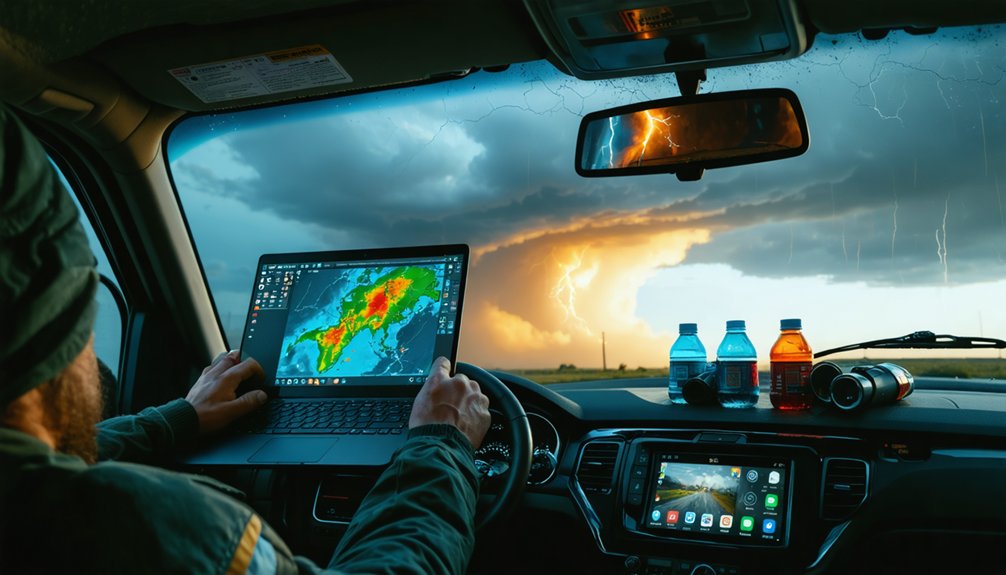
Chaser maps on platforms like Severe Studios and LiveStormChasing.com let you visually locate active storm chasers in real time without manually updating the page.
You can browse an interactive map to identify chasers positioned near active storm systems, then click directly on their markers to access live stream feeds.
The StormCenter app extends this functionality by combining map-based chaser tracking with integrated storm and tornado reports, giving you a thorough view of unfolding severe weather events.
Locating Active Chaser Maps
Several platforms integrate interactive maps that let you locate active storm chasers and jump directly into their live feeds.
Severe Studios provides a browsable map displaying active chaser locations in real time, automatically detecting new streams without requiring a page refresh.
LiveStormChasing.com offers a similar map overview, letting you track chaser positions and access feeds covering tornadoes, hurricanes, and floods simultaneously.
StormCenter delivers extensive storm tracking tools with map-based chaser following and integrated storm reports.
To use these maps effectively, open the platform, load the map interface, and identify clustered chaser markers in high-risk zones.
Click any marker to access that chaser’s live stream directly.
Cross-referencing multiple platforms maximizes your coverage, ensuring you never miss a significant weather event unfolding in real time.
Accessing Streams Via Maps
Once you load a map-enabled platform like Severe Studios or LiveStormChasing.com, you’ll see clustered markers indicating active chasers positioned near high-risk weather zones.
These interactive chaser maps let you tap or click any marker to instantly access that chaser’s live feed without shifting away from the overview.
Real time tracking updates marker positions continuously, so you’re always seeing current chaser locations relative to storm movement.
Severe Studios automatically detects new streams without requiring a page refresh, keeping your map accurate as conditions develop.
LiveStormChasing.com adds a target verification layer, showing which chasers are actively confirming tornado or severe weather threats.
Cross-reference the map with the platform’s stream list to prioritize feeds nearest the highest-risk cells, maximizing your chances of catching significant weather events as they unfold.
What Do Live Storm Chasing Streams Actually Show?
When you tune into a live storm chasing stream, you’re watching real-time footage captured from vehicles actively pursuing severe weather systems.
These feeds deliver unfiltered storm visuals — rotating supercells, wall clouds, hail cores, lightning strikes, and confirmed tornadoes. You’re seeing chase dynamics as they develop, including repositioning maneuvers as chasers adjust to storm movement.
Platforms like Severe Studios and LiveStormChasing.com stream multiple weather phenomena simultaneously, giving you direct visual access without broadcaster filtering.
You’ll observe chasers verifying storm targets, communicating positioning data, and responding to rapidly shifting conditions. Some streams integrate real-time maps showing chaser locations relative to storm cells.
What you’re accessing isn’t produced content — it’s raw, unedited atmospheric science happening in front of a mounted camera.
What To Do When a Live Storm Chasing Feed Won’t Load
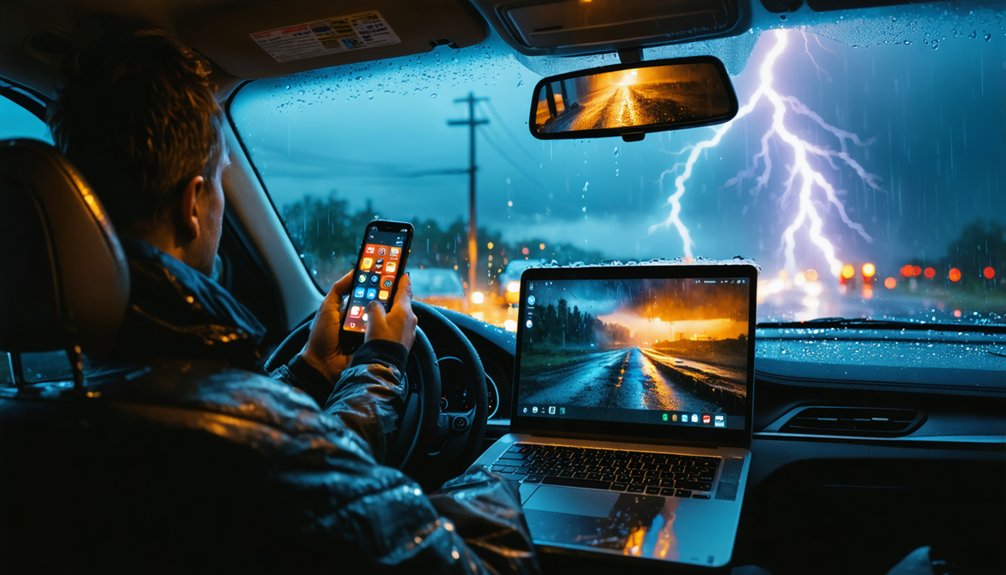
Live streams deliver raw footage without issue most of the time, but technical failures do occur — and knowing how to diagnose them quickly keeps you connected during active weather events.
When stream troubleshooting becomes necessary, start with the basics: reload your browser or app, then verify your internet connection. Weak bandwidth is the most common cause of connection issues, so switch networks or restart your router if buffering persists.
If you’re using Texas Storm Chasers, their platform specifically recommends reloading or checking your connection first.
For app-based platforms like Severe Studios or StormCenter, force-close and reopen the app.
If one feed fails, pivot immediately to an alternative source — YouTube channels, LiveStormChasing.com, or Live Storms Media all provide redundant access to active storm coverage.
Frequently Asked Questions
Can I Become a Storm Chaser and Stream Live for Free?
You can apply to stream live on Live Storms Media via their contact form. Master storm chasing basics, secure reliable streaming equipment, and you’ll broadcast severe weather events to free audiences across their platform.
Are Live Storm Chasing Feeds Safe to Watch With Children?
Live storm chasing feeds are generally safe for children, offering real-world storm safety awareness and child education. You’ll want to preview content first, as intense weather intercepts can occasionally include strong reactions from chasers.
Do Storm Chasers Get Paid for Their Live Streaming Content?
Some storm chasers do earn streaming revenue through ads, donations, and sponsorships, helping you fund their storm chasing gear. Platforms like YouTube let chasers monetize freely, turning passion into sustainable income while delivering raw, unfiltered coverage.
How Far in Advance Can I Know When Storm Chasing Streams Start?
You can’t predict exact stream start times far in advance, but storm prediction models give you 24–48 hours’ notice. Monitor streaming platforms like Severe Studios, which automatically detects new live streams without requiring page refreshes.
Can I Download or Save Live Storm Chasing Streams to Watch Later?
You can’t directly download live streams, but StormCenter’s 24-hour rewind feature gives you video storage access for reviewing past storms. For other streaming options, you’ll need third-party screen recording tools to save content locally.
References
- https://www.livestormsmedia.com
- https://www.severestudios.com/livechase
- https://livestormchasing.com
- https://texasstormchasers.com/live/
- https://stormcenter.app
- https://livestormchasing.com/map
- https://www.youtube.com/@BrandonCopicWx
- https://www.youtube.com/playlist?list=PLaS1BuqVDyKkAsTFyc0r2KsSDcfA57Hvq
- https://livestormchasers.com