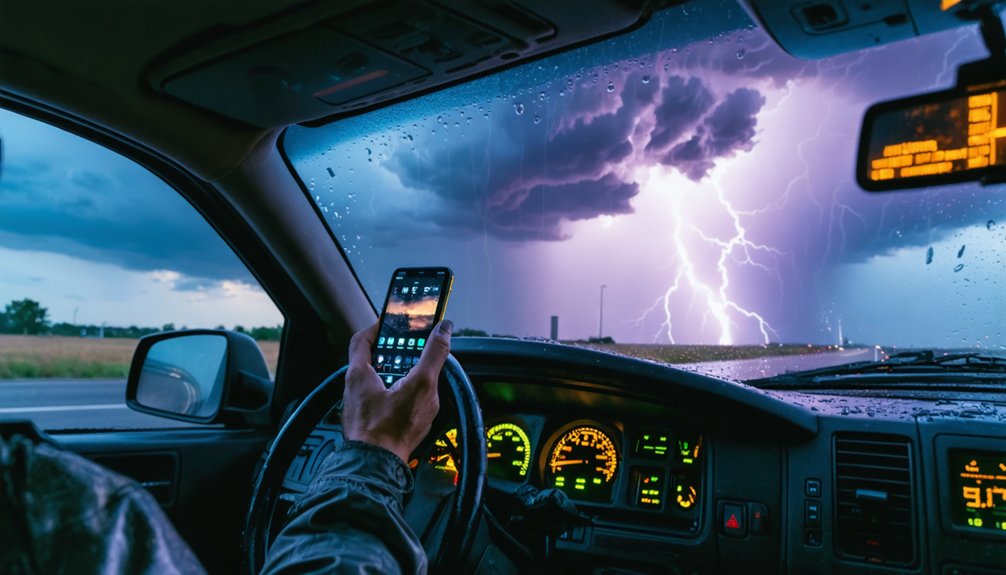
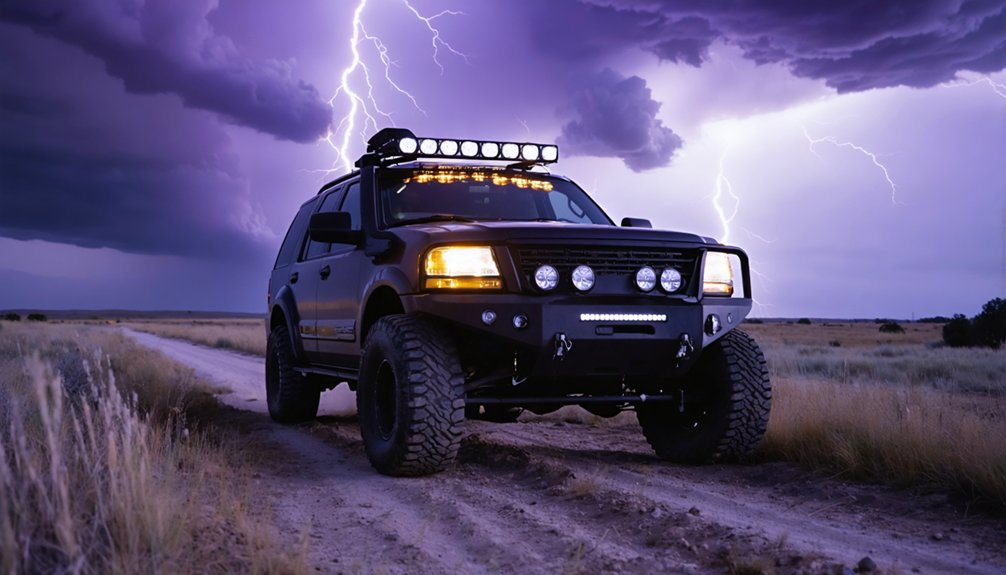
For storm chasing, you’ll need a dashcam that handles extreme heat, hail impact, and high-contrast lighting without failing mid-chase. The Viofo A329S leads in 4K heat resistance, while the BlackVue Elite 9 gives you cloud-based remote monitoring. Pair your front unit with a Viofo A229 Plus for multi-angle coverage. Mount stability and GPS timestamping aren’t optional—they’re essential. Keep scrolling to find exactly what your setup needs.
Key Takeaways
- The Viofo A329S is a top dashcam choice, offering 4K footage, high bitrate, 60fps, and superior heat resistance for extreme storm conditions.
- Multi-camera setups using the Viofo A329S for front footage and Viofo A229 Plus for rear and side angles ensure complete storm coverage.
- The Apitek X1 has survived direct tornado strikes, making it a reliable option for the most extreme storm chasing environments.
- GPS-integrated dashcams like the Street Guardian provide clean timestamps, enhancing the documentary and scientific value of storm chase footage.
- Pre-chase testing of USB video output, OBS Studio settings, and camera mounts is critical to avoid equipment failure during active storms.
What Storm Chasers Actually Need From a Dashcam
Storm chasing puts dashcams through conditions that would destroy most consumer-grade setups—extreme heat, violent wind, torrential rain, and the need to capture fast-moving atmospheric events without driver intervention.
When you’re chasing, you need dashcam features that work autonomously so you can focus on the road and the storm simultaneously.
Your storm recording setup should prioritize heat resistance, high dynamic range for sky detail, multiple camera angles, and high frame rates like 60fps to sharpen rapidly moving subjects.
GPS timestamps add documentary value, while parking mode extends capture during stationary intercepts. Cloud connectivity lets you monitor footage remotely.
Overexposure in bright storm environments kills usable footage, so dynamic range isn’t optional—it’s critical.
Build durability against physical shock rounds out what separates a capable storm chaser’s dashcam from everything else.
Best Storm Chasing Dashcams in 2025, Ranked
Five dashcams stand out in 2025 for storm chasing use, each earning its place through specific technical strengths rather than general consumer appeal.
Storm chaser experiences consistently validate these selections across real field conditions.
The Viofo A329S leads with 4K front footage, high bitrate output, and 60fps capability that sharpens fast-moving debris and rotation.
The Viofo A329S captures fast-moving debris and rotation with razor-sharp 4K clarity at 60fps.
Its heat resistance outperforms most competitors.
The Vueroid S1 4K Infinite delivers top-tier video quality alongside the longest parking recording duration available.
The BlackVue Elite 9 adds cloud connectivity and remote monitoring—critical when you’re operating solo.
The Street Guardian excels through clean timestamps and GPS integration without unnecessary plug-ins.
The Viofo A229 Plus rounds out dashcam innovations with affordable multi-angle coverage, letting you capture every quadrant of a developing storm hands-free.
Budget vs. Premium Storm Chasing Dashcams
Choosing between budget and premium dashcams comes down to your operational priorities. If you’re running lean, the Viofo A119 Mini 2 covers front-facing footage without draining your wallet—solid for single-angle documentation. Budget considerations matter when you’re funding your own chases.
However, premium features justify the higher cost when data integrity is non-negotiable. The Viofo A329S delivers 4K front footage at high bitrate with 60fps sharpness and heat resistance—critical during extended deployments.
The Vueroid S1 adds long-term parking recording for overnight setups. The Blackvue Elite 9 layers in cloud connectivity and remote monitoring, giving you real-time access without physical retrieval.
Evaluate your chase profile: solo runs favor budget options, while multi-angle, all-condition documentation demands premium investment.
Which Storm Chasing Dashcams Survive Extreme Heat and Hail
Extreme conditions separate reliable dashcams from failed hardware fast. When you’re chasing supercells, heat resistance isn’t optional — it’s a baseline requirement.
The Viofo A329S handles extreme heat better than most competing units, maintaining operational stability during extended high-temperature exposure without thermal shutdown triggering prematurely.
The Viofo A329S stays operational in brutal heat where competing dashcams fail and shut down prematurely.
The Apitek X1 demonstrates exceptional hail durability, having survived a direct tornado strike and complete window blowout across three years of field use.
It also operates in parked hot vehicles without heat-related shutdowns, giving you continuous recording confidence during staging periods.
Both units give you genuine operational freedom in environments that destroy lesser hardware.
If you’re running extended storm chases in summer heat corridors, these two cameras deliver the thermal and physical resilience your mission demands without compromising footage integrity.
Best Storm Chasing Dashcam Mounts for Every Vehicle Type
Mounting your dashcam correctly determines whether you capture usable storm footage or spend the chase fighting glare, vibration, and obstructed sightlines.
Dashcam stability starts with matching your mount type to your vehicle’s windshield angle and interior layout. Steep windshields in sedans favor low-profile adhesive mounts, while SUVs and trucks with flatter glass perform better with adjustable suction-cup arms that let you dial in the camera angle precisely.
For multi-camera setups like the Viofo A229 Plus, route cables cleanly along the headliner to eliminate sag and interference.
Mounting techniques that use a secondary rear-window bracket improve rearward storm documentation without blocking your driving sightlines.
Keep the Street Guardian’s non-standard mount orientation in mind, as it requires additional planning before your chase day begins.
How to Run Multiple Dashcam Angles in a Chase Vehicle
Running multiple dashcam angles in a chase vehicle gives you a hands-off, complete storm record without relying on a handheld camera operator.
Running multiple dashcam angles means complete storm coverage — no camera operator required, just hands-free documentation.
A smart dashcam configuration lets you document every critical angle simultaneously, freeing you to focus on positioning and safety.
Multi angle benefits you can’t ignore:
- Front camera — Use the Viofo A329S at 4K/60fps to capture high-bitrate forward footage with sharp moving subjects.
- Rear and side cameras — Add the Viofo A229 Plus for affordable additional channels without sacrificing front resolution.
- Live streaming output — Route a USB video/audio signal from your dashcam to a laptop for real-time data logging during active chases.
This three-channel approach gives you complete situational coverage while keeping your hands on the wheel.
How to Stream Your Storm Chasing Dashcam Feed Live
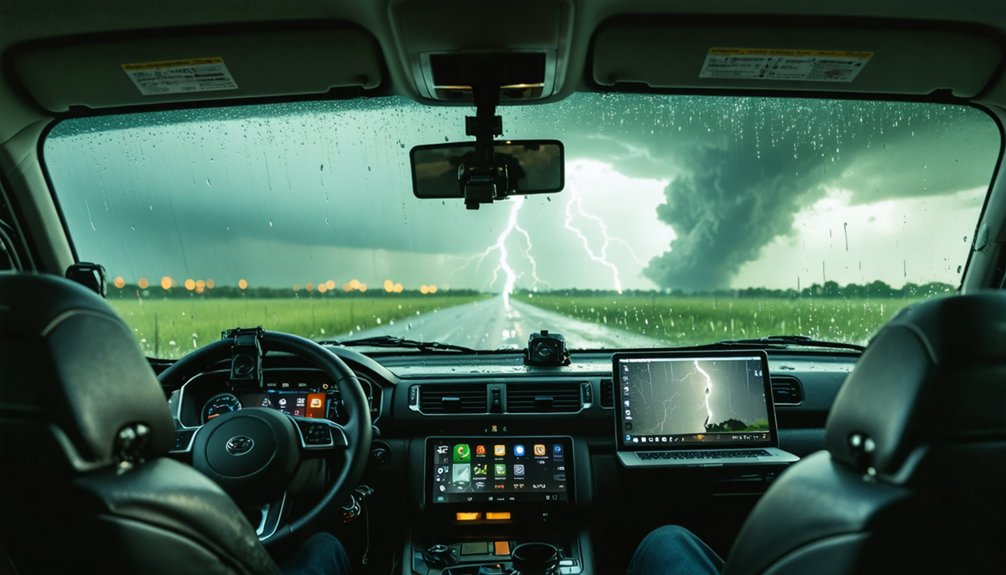
To stream your dashcam feed live during a chase, you’ll need a model that supports USB video and audio output, which lets your laptop recognize the camera as a capture device.
Once connected, you can route that signal through streaming software like OBS Studio, setting your dashcam as the video source and configuring bitrate to match your mobile data connection.
Keep your resolution and frame rate settings conservative—720p at 30fps typically holds up better than 4K over a cellular hotspot under storm conditions.
USB Output Setup Basics
Whether you’re documenting a wedge tornado or a lightning-filled supercell, streaming your dashcam feed live to a laptop requires a camera with USB video output—not all dashcams support this.
Confirm your model outputs video data, not just charging power, before committing to a setup.
Three essentials for a functional USB streaming configuration:
- Verify USB cable types — Use a data-capable USB-C or micro-USB cable; charging-only cables won’t transmit video signals.
- Manage dashcam power independently — Hardwire your dashcam to your vehicle’s fuse box so USB streaming doesn’t conflict with dashcam power requirements.
- Install capture software — Use OBS or equivalent on your laptop to recognize the dashcam as a video input source for real-time broadcast.
Connecting Dashcam To Laptop
Streaming your dashcam feed live to a laptop during a storm chase breaks down into 3 core steps: physical connection, driver recognition, and software configuration.
First, confirm dashcam compatibility by verifying your unit supports USB video/audio output, not just USB charging or data transfer. Connect via the appropriate cable, then let your laptop’s OS detect the device.
Driver recognition happens automatically on most modern systems, but some models require manufacturer-specific drivers. Once recognized, open OBS Studio or similar capture software, select your dashcam as the video source, and configure resolution and bitrate settings.
Laptop integration works best when you’ve pre-tested this sequence before entering the field. During active chasing, a failed connection costs you irreplaceable footage, so pre-chase testing isn’t optional — it’s critical.
Live Streaming Software Options
Once your dashcam is recognized as a video source, you need software that can capture, encode, and optionally broadcast that feed in real time.
Software compatibility with your operating system and USB input determines what works.
Three reliable options storm chasers use:
- OBS Studio – Free, open-source, and supports custom encoding settings, scene switching, and direct streaming to platforms like YouTube or private servers.
- vMix – Paid software offering low-latency live streaming with multi-source mixing, ideal if you’re running multiple camera feeds simultaneously.
- Streamlabs Desktop – Beginner-friendly OBS fork with built-in alert overlays and cloud backup for your stream settings.
Each option lets you control bitrate, resolution, and output destination independently, keeping your storm chase documentation fully under your command.
Frequently Asked Questions
Can Dashcam Footage Be Used as Legal Evidence After Storm Damage?
Can your footage hold up in court? Yes, dashcam legality supports using storm damage recordings as legal evidence. You’ll want timestamped, GPS-verified footage—models like Street Guardian actively deliver that precision for you.
How Long Do Dashcam Recordings Stay Saved After a Power Loss?
After a power loss, your recording duration depends on your dashcam model. The Garmin Dash Cam 20 uses powered shutdown to save footage, while Vueroid S1 supports long-term low-power parking recording, keeping you free and covered.
Do Storm Chasing Dashcams Require Special Insurance for Professional Use?
You’ll need to verify storm chasing regulations in your region, as professional dashcam liability often requires commercial vehicle insurance. Standard policies typically won’t cover professional storm chasing operations, so consult your insurer directly.
Which Dashcam Memory Cards Handle Extreme Temperature Fluctuations Best?
Like a soldier built for battle, you’ll want industrial-grade microSD cards — Samsung Pro Endurance or SanDisk High Endurance excel, offering high temperature performance up to 85°C and low temperature durability down to -25°C for reliable storm chasing.
Can Dashcams Record Useful Data for Post-Storm Meteorological Analysis?
Yes, you can extract valuable meteorological insights from dashcam footage. GPS-enabled models like Street Guardian capture timestamps and location data, helping you analyze storm patterns with data accuracy, supporting post-storm research effectively.
References
- https://www.vortexradar.com/best-dashcams/
- https://stormtrack.org/threads/dashcams.28751/
- https://www.youtube.com/watch?v=yYo3qTJ3fyc
- https://stormhighway.com/dashcam/reviews.php
- https://www.youtube.com/watch?v=KjXOG9e9KkY
- https://dashcamtalk.com/forum/threads/storm-chaser.18983/
- https://www.caranddriver.com/car-accessories/g46063800/best-dash-cams-tested/