For storm chasing, you need a laptop that’s MIL-STD-810H certified, IP65-rated, and built with a magnesium alloy frame to survive heat, vibration, and rain. The Panasonic Toughbook 40 Mk2, Getac B360 G1, and Dell Latitude Rugged line are the top 2025 picks. Prioritize hot-swappable batteries, sunlight-readable displays, and SSD storage for real field performance. The right combination of specs and certifications makes all the difference when you’re deep in a chase.
Key Takeaways
- Storm chasing laptops must meet MIL-STD-810H and IP65 ratings to withstand shock, vibration, rain, and extreme temperature swings.
- Top 2025 picks include the Panasonic Toughbook 40 Mk2, Getac B360 G1, and Dell Latitude Rugged Line.
- High-brightness, sunlight-readable displays are essential for visibility during outdoor field operations.
- SSDs improve vibration resistance, faster boot speeds, and lower power consumption compared to mechanical drives.
- Hot-swappable batteries and vehicle charging ensure uninterrupted operation during multi-stage chases.
What Storm Chasers Actually Need From a Field Laptop
When you’re running radar software, ingesting footage, and monitoring multiple data streams from a moving vehicle, a thin-and-light laptop built for office travel won’t hold up. You need a machine engineered for shock, vibration, temperature swings, and rain exposure—conditions that destroy standard hardware fast.
Software compatibility matters because your radar and mapping tools must run without driver conflicts or stability failures mid-chase. You can’t troubleshoot a crashed system while a supercell rotates overhead.
Software failures don’t wait for clear skies—your system must stay stable when the storm doesn’t.
Battery efficiency is equally critical. Long chase legs mean hours without access to a wall outlet, so your laptop needs sustained runtime, not just peak benchmark numbers. Vehicle charging helps, but strong native battery performance keeps you operational when it counts most.
Reliability, visibility, and processing stability define the right field machine.
The Durability Certifications That Actually Matter
Not all durability claims mean the same thing, so knowing which certifications to prioritize saves you from buying hardware that fails under real field stress. MIL-STD-810H is your baseline filter — it covers shock, vibration, temperature extremes, humidity, and altitude through standardized testing protocols, not marketing language.
Durability myths often stem from vague manufacturer claims that lack independent verification, so you’ll want to confirm MIL-STD-810H compliance specifically.
IP ratings add another layer, protecting internal components from rain and dust intrusion during roadside deployments. IP65 or higher handles storm-level exposure more reliably than unsealed chassis designs.
Material durability also separates fully rugged from semi-rugged models. Magnesium alloy frames and reinforced chassis construction resist impact and flex that standard consumer builds simply can’t handle under repeated field stress.
Fully Rugged vs. Semi-Rugged: What Storm Chasers Should Choose
When shopping for a storm-chasing laptop, you’ll encounter two distinct protection tiers: fully rugged and semi-rugged.
Fully rugged models withstand the harshest field stresses—extreme temperature swings, sustained vibration, and direct water exposure—while semi-rugged units trade some of that protection for reduced weight and lower cost.
Your operating environment, budget, and failure tolerance should drive which category you choose.
Defining Rugged Protection Levels
How much punishment will your laptop actually face in the field? That answer determines whether you need fully rugged or semi-rugged protection. Durability myths often lead chasers to overpay for specs they don’t need—or underbuy and regret it mid-chase.
Fully rugged laptops meet MIL-STD-810H standards for shock, vibration, extreme temperatures, and water intrusion. They’re built for direct exposure to hail, rain, and roadside deployment. The Panasonic Toughbook 40 Mk2 represents this tier.
Semi-rugged models handle moderate stress but sacrifice some protection for lighter weight and lower cost. Rugged tech advancements have narrowed that gap considerably, making semi-rugged viable for chasers who stay vehicle-based.
Your operating conditions—not marketing claims—should drive this decision. Match the protection level to your actual field exposure.
Field Performance Trade-Offs
Choosing between fully rugged and semi-rugged hardware isn’t just a durability question—it’s a performance trade-off with real field consequences.
Fully rugged systems like the Toughbook 40 Mk2 deliver MIL-STD-810H compliance, higher IP ratings, and hot-swappable batteries—critical when you’re deploying roadside in hail or driving through sustained vibration. You pay for that protection in added weight and cost.
Semi-rugged models cut those durability trade-offs by offering lighter frames and lower price points, but they expose you to greater failure risk during extreme weather events.
For usability considerations, semi-rugged designs often include thinner displays and less sealed port covers—acceptable for moderate field conditions, not ideal for full-season chasing.
If your laptop is your primary field workstation, fully rugged hardware is the defensible choice.
Choosing Your Rugged Category
The category you select—fully rugged or semi-rugged—determines how much exposure risk you’re accepting before the season starts. Fully rugged systems meet stricter durability standards across MIL-STD-810H shock, vibration, temperature, and IP-rated water and dust resistance. If you’re deploying roadside in hail or driving through sustained rain, that certification gap matters.
Semi-rugged units trade peak protection for lighter weight and lower cost, making them viable if your chases stay shorter and conditions stay moderate.
Display usability also shifts between categories. Fully rugged screens typically offer higher brightness ratings for direct sunlight readability—critical when you’re pulling radar data from a vehicle hood.
Evaluate your typical deployment scenario honestly. Match the protection tier to your actual field exposure, not the most optimistic version of your season.
Best Rugged Laptops for Storm Chasers in 2025
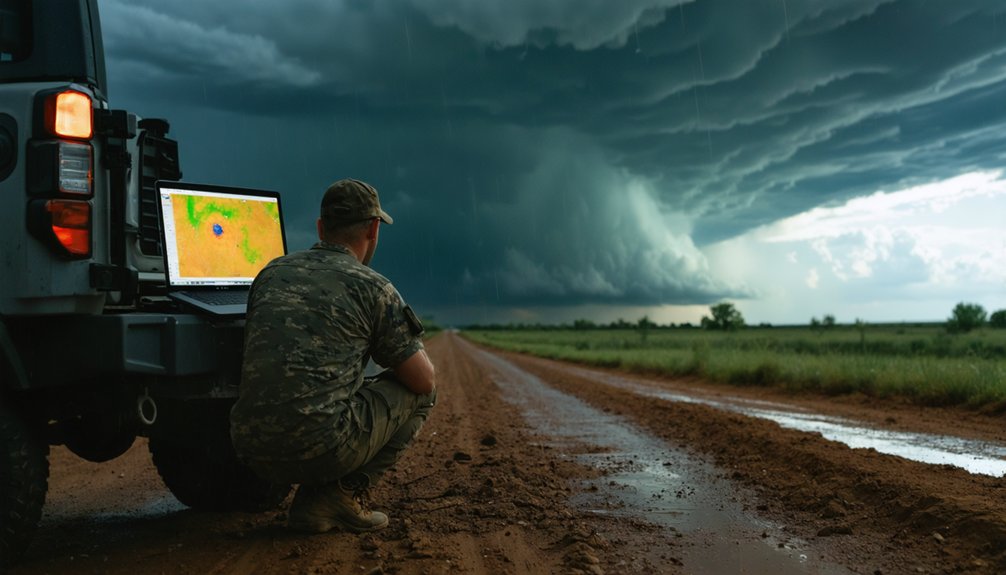
When reliability and durability define your priorities, three rugged laptops stand out for storm chasing in 2025: the Panasonic Toughbook 40 Mk2, the Getac B360 G1, and Dell’s Latitude rugged line.
Reliability and durability demand the best — the Toughbook 40 Mk2, Getac B360 G1, and Dell Latitude deliver.
The Toughbook 40 Mk2 delivers maximum MIL-STD-810H protection, a sunlight-readable display, and an ergonomic design built for rapid field deployment. Its hot-swappable battery keeps you operational through extended chases without grid access.
The Getac B360 G1 offers fully rugged protection at reduced weight, making vehicle handovers faster.
Dell’s Latitude rugged line, validated by a field case study reporting zero failures across a full season, pairs strong video rendering with dependable uptime.
All three support SSD storage and vehicle charging, giving you the solar efficiency-compatible power resilience that untethered, mobile storm chasing demands.
Which Rugged Laptop Handles Radar and Video Best?
Running radar software, ingesting footage, and managing multiple data streams simultaneously puts real pressure on a laptop’s CPU and memory. You need technology integration that keeps every tool responsive without bottlenecks slowing your decisions.
Top performers for radar and video workflows:
- Panasonic Toughbook 40 Mk2 – handles heavy-duty processing with a user interface optimized for field multitasking
- Dell Latitude XFR – field-verified faster video rendering and season-long reliability with zero reported failures
- Getac B360 G1 – lightweight fully rugged option balancing processing capability with portability
SSD storage eliminates vibration-related read failures and accelerates boot times. Stable CPU performance under thermal stress matters more than peak benchmarks. You’re not in a controlled environment, so your laptop’s sustained output defines what you can actually accomplish in the field.
Battery Life and Power Options That Keep You Chasing Longer
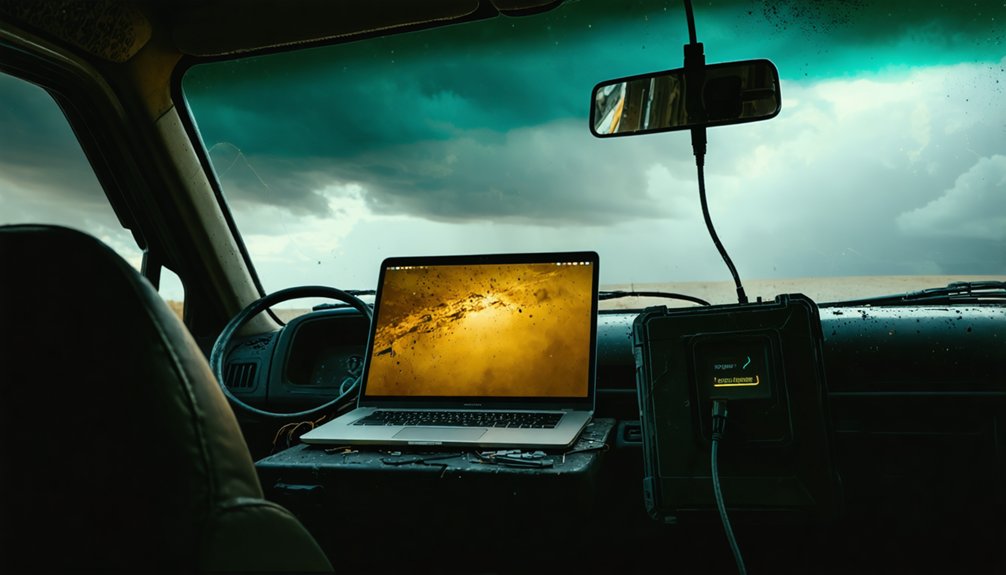
Processing power means nothing if your laptop dies mid-chase with no outlet in sight. You need battery longevity measured in real field hours, not manufacturer estimates from controlled benchmarks.
The Toughbook 40 Mk2 supports hot-swappable batteries, letting you swap cells without shutting down radar software mid-intercept. That’s operational continuity you can’t afford to sacrifice.
Smart power management extends your runtime considerably. Dimming your display, throttling background processes, and disabling unused ports all preserve capacity during long drives between targets.
SSD drives draw less power than mechanical drives, adding another marginal but genuine gain.
Vehicle charging keeps you topped off between deployments, but you shouldn’t depend on it exclusively. Carry a fully charged spare battery when you’re running multi-state chases with unpredictable stops and limited infrastructure.
Frequently Asked Questions
Can Storm Chasers Use Rugged Laptops in Freezing Cold Temperatures?
Yes, you can deploy rugged laptops in freezing temperatures—they’re MIL-STD-810H tested for temperature resilience. However, monitor your battery performance closely, as cold substantially reduces capacity, limiting your operational freedom during extended winter chases.
Are Rugged Laptops Worth the Higher Price for Hobbyist Storm Chasers?
Dell’s field data shows zero failures across an entire season. If you chase regularly, rugged laptops justify the cost comparison despite limited aesthetic appeal—they’re built to keep your radar and mapping tools running when it matters most.
How Do Rugged Laptops Hold up Against Hail Impacts During Chases?
Rugged laptops handle hail resistance well through MIL-STD-810H-certified impact durability. You’ll get tested protection against shock and vibration. Models like the Toughbook 40 Mk2 actively withstand these field stresses, keeping your gear operational when conditions turn violent.
Can Rugged Laptops Connect to Vehicle-Mounted External Antennas and GPS?
Before the storm cuts your signal—yes, you can connect rugged laptops to vehicle-mounted external antennas. Most support GPS integration via USB or serial ports, ensuring antenna compatibility keeps your positioning and data streams locked in.
How Long Do Rugged Laptops Typically Last Before Needing Replacement?
You’ll typically get 7–10 years from a rugged laptop. Their battery longevity often spans 1,000+ charge cycles, while screen durability withstands years of field exposure—far outlasting consumer-grade machines that average 3–5 years.
References
- https://stormtrack.org/threads/best-laptop-to-use-for-chasing.20598/
- https://www.benholcomb.com/storm-chasing/equipment/
- https://www.reddit.com/r/stormchasing/comments/i4ocso/i_am_in_a_dilemma_about_whether_to_buy_a_macbook/
- https://i.dell.com/sites/content/business/large-business/merchandizing/en/Documents/Customer-Case-study-2011-TVN.pdf
- https://www.pcmag.com/picks/the-best-rugged-laptops
- https://www.ruggedratings.com/most-durable-laptops
- https://www.dell.com/en-us/shop/dell-laptops-and-notebooks/sf/rugged-laptops
- https://www.youtube.com/watch?v=iTsHRItRpB4
- https://www.techradar.com/news/best-rugged-laptops
- https://www.bobjohnson.com/blog/best-rugged-laptops-for-field-work