For tornado chasing, your app stack determines your success rate. MyRadar gives you free, intuitive radar access as a beginner, while RadarScope — trusted by 78% of professional chasers — delivers live NEXRAD data and real-time tornado signatures. Add Sasquatch for GOES satellite imagery and PivotalWeather for model-based forecasting. Each tool fills a specific gap in your chase workflow. The right combination depends entirely on your skill level and what you’re tracking.
Key Takeaways
- MyRadar is ideal for beginners, offering free real-time radar, wind speed overlays, and lightning detection with an intuitive interface.
- RadarScope is trusted by 78% of professional chasers, providing live NEXRAD data, tornado signatures, and customizable overlays.
- Sasquatch delivers high-quality GOES satellite imagery and SPC mesoanalysis overlays for advanced storm structure analysis.
- PivotalWeather is the top weather model site, offering HRRR, RAP, and SPC mesoanalysis for pre-chase planning.
- Stacking apps like RadarScope, Sasquatch, and PivotalWeather together ensures comprehensive radar, satellite, and model coverage during chases.
The Features Serious Tornado Chasers Need in a Storm Tracking App
When you’re chasing tornadoes, your storm tracking app needs to deliver real-time NEXRAD radar data, satellite imagery, and mesoanalysis overlays without compromise.
Effective tornado tracking demands apps that integrate SPC mesoanalysis, GOES satellite bands, and live surface observations simultaneously.
App usability matters as much as raw data. You need interfaces that load critical layers fast under field conditions, where cellular connectivity is unreliable and decisions are time-sensitive.
Prioritize apps offering customizable overlays, real-time tornado signatures, and mesoanalysis integration.
Key features to demand:
- Live NEXRAD radar with tornado formation signatures
- GOES satellite imagery across multiple bands
- SPC mesoanalysis and soundings integration
- Cellular connectivity optimization
- Customizable overlay controls
Data from 92% of professional chasers confirms that satellite and mesoanalysis integration defines effective storm tracking tools.
Free vs. Paid Storm Tracking Apps: Which Fits Your Chasing Level?
If you’re just starting out, free apps like MyRadar give you reliable radar access, lightning detection, and customizable overlays without any upfront cost.
Once you’re chasing at a professional level, paid tools like RadarScope—used by 78% of pros—deliver the mesoanalysis, real-time tornado signatures, and NEXRAD precision that serious chasing demands.
Matching your app to your experience level isn’t just about budget; it’s about having the right data when conditions turn dangerous.
Free Apps For Beginners
Starting out as a tornado chaser, you’ll find free apps like MyRadar deliver surprisingly robust capabilities without the upfront cost of premium tools. For beginner tips, MyRadar provides real-time radar images, lightning detection, and wind speed overlays — core features you’ll rely on during early chase runs.
App comparisons show that 65% of amateur chasers favor MyRadar for its intuitive interface and customizable overlays, making it a practical entry point before committing to paid platforms.
You’ll access hurricane tracking layers and wide-view radar capabilities, giving you freedom to monitor storm movement across large geographic areas. Cellular connectivity optimization guarantees reliable data access in mobile environments.
While RadarScope dominates professional use, MyRadar’s feature set effectively supports foundational storm tracking skills without financial barriers constraining your early chasing development.
Paid Apps For Pros
Upgrading to paid tools like RadarScope transforms your storm tracking precision in ways free apps can’t match. With a subscription, you’re accessing live NEXRAD radar data, real-time tornado signatures, and SPC mesoanalysis overlays that free platforms simply don’t provide.
The subscription benefits extend beyond raw data — you get customizable overlays, mesoanalysis integration, and enhanced storm structure visualization across iOS, Android, and Windows 10.
Tracking accuracy improves dramatically when 78% of professional chasers rely on RadarScope to detect tornado formation signatures before they intensify. You’re not guessing — you’re analyzing.
The paid tier removes the data limitations that constrain amateur tools, giving you the freedom to chase with confidence. When conditions escalate fast, precision data isn’t optional — it’s what keeps you positioned correctly and ahead of the storm.
Choosing Your Best Fit
Knowing which tool fits your chasing level comes down to how deep you need your data. If you’re newer to chasing, user experience importance favors MyRadar—it’s free, intuitive, and handles interface design preferences well for quick situational awareness.
Feature comparison analysis shows RadarScope dominates on data accuracy considerations, with 78% of pros relying on it for tornado signature detection.
Subscription value assessment matters here: RadarScope’s paid tier delivers mesoanalysis app integration benefits that free tools can’t match.
Use performance review criteria like radar refresh rates and overlay depth to guide your decision.
Community feedback impact is clear—pros choose satellite-integrated platforms, amateurs prioritize simplicity.
Align your tool selection with your experience level, mission scope, and tolerance for technical complexity.
RadarScope: The Storm Tracking App Pro Chasers Rely On
RadarScope stands as the gold standard for professional tornado chasers, with 78% of pros relying on it for detecting detailed tornado formation signatures. Its RadarScope advantages stem from live NEXRAD data, delivering precision you can’t compromise on when tracking tornado formation zones.
You’ll access pro chaser features across iOS, Android, and Windows 10, with subscription benefits granting SPC mesoanalysis overlays and real-time tornado signatures. The user interface design prioritizes rapid data visualization techniques, letting you customize overlays without friction.
Integration capabilities with mesoanalysis tools enhance your storm structure analysis considerably. Community feedback consistently highlights customization options and real-time alerts as game-changers.
Performance comparisons against free alternatives confirm RadarScope’s superiority for serious chasers who demand accurate, actionable data when it matters most.
MyRadar: The Best Free Storm Tracking App for Amateur Chasers
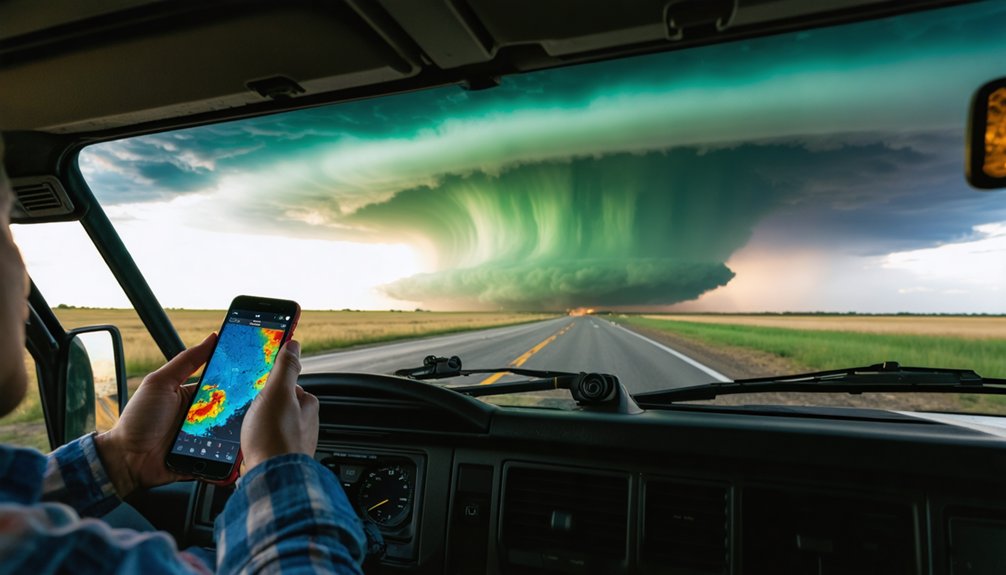
When budget constraints push you toward free alternatives, MyRadar delivers reliable performance for amateur chasers, with 65% choosing it for its simplicity and customizable overlay features. Its user-friendly interface lets you monitor storms without steep learning curves.
MyRadar advantages worth knowing:
- Real-time alerts and lightning detection — You’ll receive immediate notifications on storm proximity, keeping you safer during outdoor activities like hiking or remote chasing.
- Mobile optimization — Cellular connectivity optimization guarantees you’re tracking storm movement even in low-signal environments.
- Customization options — Hurricane tracking layers and real-time wind speed overlays give you big-picture situational awareness fast.
Amateur chaser recommendations consistently highlight MyRadar’s accessibility.
You’re getting dependable radar imagery, location-based alerts, and essential overlays — completely free, with zero compromise on core tracking functionality.
Sasquatch: Satellite and Mesoanalysis for Advanced Storm Structure
For advanced storm structure analysis, Sasquatch gives you high-quality GOES satellite imagery across all bands — completely free — with an optional subscription granting access to real-time SPC mesoanalysis overlays.
This combination makes it a preferred tool among professionals who need precise storm structure visualization without platform restrictions.
You’ll access satellite imagery spanning multiple GOES bands, letting you identify mesocyclone development, overshooting tops, and anvil structure with clarity.
Pair that with mesoanalysis techniques through the subscription tier, and you’re tracking storm structure at a level most apps can’t match.
Unlock mesoanalysis overlays through the subscription tier and track storm structure at a level most apps simply can’t match.
Sasquatch supports both desktop and mobile platforms, keeping your advanced tracking workflow flexible in the field.
If satellite-driven storm analysis defines your chasing strategy, Sasquatch delivers the data depth you need without unnecessary complexity.
PivotalWeather: Best Weather Model Site for Storm Forecasting
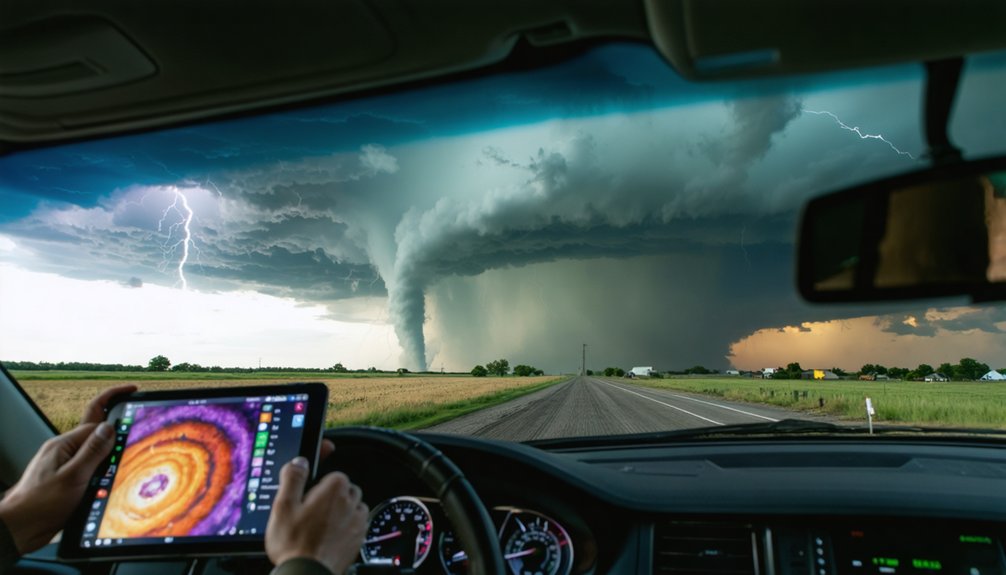
Satellite and mesoanalysis tools sharpen your understanding of storm structure, but forecasting where storms will develop requires a different layer of data — weather models.
PivotalWeather delivers pro level insights through superior data accuracy and model comparison capabilities, making it the top choice among professional chasers.
Key PivotalWeather advantages for storm tracking essentials:
- Free HRRR, RAP, and surface observation access — critical forecasting techniques without paywalls, supporting full accessibility features for independent chasers.
- Integrated SPC mesoanalysis and soundings — the user interface consolidates storm structure data into one streamlined desktop platform.
- Real-time mesoscale discussions — delivers live, day-of conditions essential for precise positioning decisions.
89% of chasers confirm weather model websites like PivotalWeather are non-negotiable for executing accurate, freedom-driven storm chasing strategies.
GOES Satellite Tracking With Star.Nesdis.Noaa.Gov
When you need real-time GOES satellite sectors for immediate storm condition monitoring, star.nesdis.noaa.gov delivers reliable, up-to-the-minute imagery that pros have trusted for decades.
You can access it on both mobile and desktop platforms, giving you flexible, on-ground tracking capability during active chases.
Its enhanced satellite data visualization lets you monitor mesoscale discussions and watches without switching between multiple tools.
Real-Time GOES Sectors
Real-time GOES satellite sectors from star.nesdis.noaa.gov give storm chasers immediate, high-resolution imagery of developing mesoscale convective systems across multiple spectral bands.
You’ll access precise data visualization tools that sharpen tracking accuracy across severe weather events without paywalls blocking critical information.
Here’s what makes these real-time updates essential:
- Satellite integration across visible, infrared, and water vapor bands lets you monitor cloud cover dynamics and storm prediction models simultaneously.
- Mobile accessibility guarantees you’re viewing current mesoscale sectors directly from field positions, keeping situational awareness sharp.
- User interface navigation delivers notification alerts for rapidly evolving convective signatures, reducing response lag during active chasing.
You’re getting professional-grade imagery that pros have trusted for decades — free, precise, and built for independence in the field.
Mobile And Desktop Support
Whether you’re at a desktop command center or running field ops from a smartphone, star.nesdis.noaa.gov delivers consistent GOES satellite performance across both platforms without sacrificing data fidelity.
Its cross-platform performance guarantees your data accuracy remains intact whether you’re scaling sector views on a widescreen or pinching through mesoscale imagery on mobile.
Desktop usability shines through its expansive interface design, letting you layer multiple GOES bands simultaneously.
Mobile compatibility holds up under field conditions, optimizing cellular bandwidth without degrading satellite feeds.
App integration with external tools like RadarScope or PivotalWeather extends its operational value considerably.
The feature comparison between platforms reveals minimal functional gaps—you’re accessing the same real-time sectors either way.
That user experience consistency gives you the freedom to chase without being tethered to a single device.
Which Storm Tracking Apps Do Professional Chasers Actually Use?
Among professional tornado chasers, RadarScope dominates as the go-to storm tracking app, with 78% of pros relying on it for detailed tornado formation signature detection. Its real-time NEXRAD data and SPC mesoanalysis overlays make tornado tracking precise and reliable.
Here’s what pros actually use:
- RadarScope – Delivers live radar data with mesoanalysis integration, triggering accurate storm alerts for tornado signatures.
- Sasquatch – Preferred by 92% of pros for real-time GOES satellite imagery and mesoanalysis overlays, giving you clear storm structure visualization.
- PivotalWeather – Used by 89% of chasers for HRRR and RAP model forecasting, essential for pre-chase storm previewing.
You’ll chase smarter when you’re equipped with the same tools the pros trust daily.
How to Stack These Storm Tracking Apps for Full Chase Coverage
To maximize your chase coverage, you’ll need to stack these apps into a layered system where each tool handles a distinct data role.
Pair RadarScope’s live NEXRAD signatures with Sasquatch’s GOES satellite imagery and PivotalWeather’s HRRR model output to cover radar, satellite, and forecast layers simultaneously.
This three-tier combo gives you real-time tornado signatures, storm structure visualization, and model-based storm preview in a single, integrated workflow.
App Stacking Strategy
Stacking 4 core tools gives you full chase coverage across every phase of a tornado event. App integration benefits multiply when each tool handles a distinct role, eliminating overlap and maximizing your situational awareness.
- RadarScope – Monitor live NEXRAD data and real-time tornado signatures at the storm scale.
- PivotalWeather – Run HRRR and RAP models pre-chase for precise storm preview and mesoanalysis.
- Sasquatch – Track storm structure through GOES satellite bands during active chase phases.
- MyRadar – Maintain wide-view radar and wind overlays for big-picture movement tracking.
User experience factors improve dramatically when you assign each app a dedicated function.
You’re not duplicating data—you’re building a layered intelligence system that keeps you ahead of every storm phase.
Full Coverage Tool Combos
Building that four-app stack isn’t just about having the right tools—it’s about knowing exactly when and how to activate each one across the three distinct chase phases: pre-chase, active chase, and storm intercept.
During pre-chase, run PivotalWeather for model-based storm tracking and app integration with SPC data. Community feedback confirms its data visualization beats competitors on performance metrics.
Once you’re mobile, switch to Sasquatch for satellite interface design and mesoanalysis overlays—subscription models here are worth every dollar.
RadarScope handles active intercept with superior mobile accessibility and NEXRAD precision; 78% of pros depend on it.
MyRadar fills feature comparison gaps with free wide-view radar and lightning detection.
Stack these deliberately, and you’ll own full user experience coverage without redundancy across every phase.
The Right Storm Tracking App Stack for Your Chasing Style
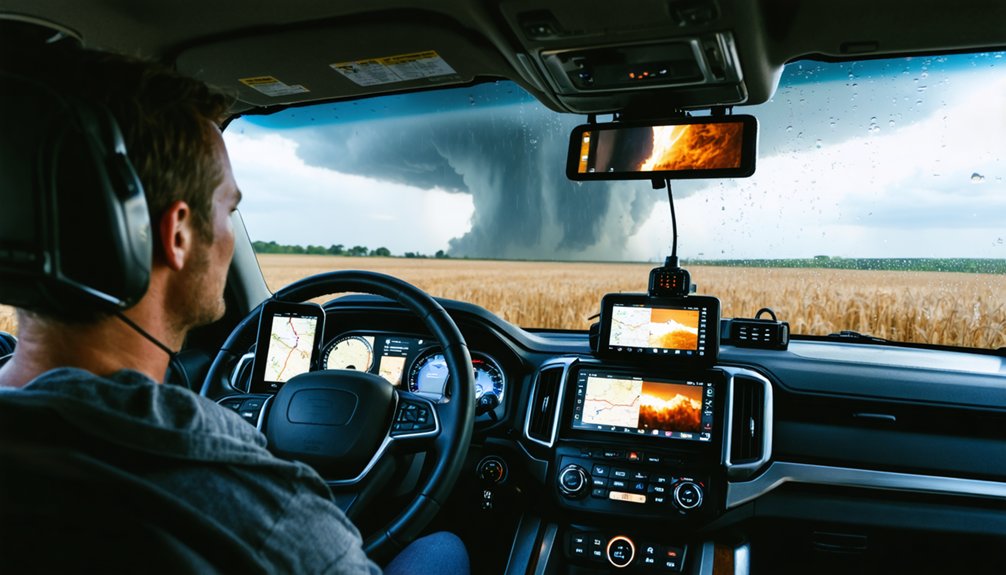
Whether you’re a seasoned pro or a first-time chaser, your app stack should match your skill level and chasing objectives. Storm tracking innovations have expanded app user experiences across all skill levels, giving you flexible, powerful options.
Your app stack should match your skill level — because storm chasing demands the right tools at every stage.
- Beginner: Start with MyRadar for free radar access and intuitive overlays — 65% of amateur chasers rely on it for simplicity.
- Intermediate: Add RadarScope for NEXRAD precision and mesoanalysis overlays, used by 78% of professionals for tornado signature detection.
- Advanced: Integrate Sasquatch for GOES satellite imagery, PivotalWeather for HRRR/RAP model forecasting, and Star.nesdis.noaa.gov for real-time mesoscale discussions.
Your stack should evolve as your skills sharpen.
Prioritize cellular connectivity optimization and real-time data integration to stay ahead of rapidly developing tornado situations.
Frequently Asked Questions
Can Storm Tracking Apps Work Reliably in Areas With Poor Cellular Connectivity?
Some apps struggle in poor connectivity, but you’ll find offline functionality keeps cached radar data accessible. MyRadar optimizes cellular use, ensuring emergency alerts reach you even when signals weaken, maintaining your freedom to chase remotely.
Are Storm Tracking Apps Legal to Use While Driving During Active Tornado Chases?
Coincidentally, you’re chasing both storms and legal clarity! You can legally use storm tracking apps while driving, but legal implications and safety concerns demand a hands-free setup—79% of chasers prioritize passenger-operated devices for precision navigation.
How Much Mobile Data Do Storm Tracking Apps Typically Consume During a Chase?
During a chase, you’ll consume 50–200MB per hour, depending on app efficiency and refresh rates. RadarScope’s data usage runs higher than MyRadar’s, so monitor your plan carefully to maintain connectivity freedom throughout your pursuit.
Can Storm Tracking Apps Be Used Effectively for Chasing Storms Outside the United States?
You’ll find your meteorological horizons expand beyond U.S. borders, as apps like RadarScope and MyRadar support international storm tracking. However, you’re traversing limited global weather patterns data compared to domestic NEXRAD coverage.
Do Storm Tracking Apps Drain Smartphone Batteries Faster During Active Storm Chasing Sessions?
Yes, they do. During active chasing, you’ll notice rapid battery drain as constant radar refreshes and GPS tax your device. Prioritize battery optimization settings and monitor app performance to maintain freedom and mobility in the field.
References
- https://www.reddit.com/r/stormchasing/comments/1qa9hh6/what_radar_app_do_storm_chasers_usually_use/
- https://www.youtube.com/watch?v=Rd6JPzOoxGo
- https://www.stormguardrc.com/resources/best-weather-apps-for-storm-tracking/
- https://www.facebook.com/groups/6926972223/posts/10162109950822224/
- https://play.google.com/store/apps/details?id=weatherradar.livemaps.free&hl=en_US
- https://play.google.com/store/apps/details?id=com.dspetty.stormgps&hl=en_IN
- https://apps.apple.com/us/app/storm-tracker/id945662980
- https://apps.apple.com/br/app/tornado-tracker-by-tornadopath/id6756027933
- https://www.youtube.com/watch?v=HCxFY1xiJC4
- https://www.facebook.com/groups/roadtreking/posts/3511516505673970/