In 2026, your best storm chasing app stack starts with Windy.com, the only option confirmed on both Android and iPhone with layered radar, precipitation overlays, and cross-platform consistency. Pair it with My Lightning Tracker Pro for near-real-time strike detection and Weather Radar: Storms for quick radar confirmation. Always verify actual radar refresh cycles—3-5 minutes of lag creates dangerous positional errors. What you choose depends heavily on your platform, chase role, and how deep you want to go.
Key Takeaways
- Windy.com is the only confirmed cross-platform app supporting both Android and iPhone in 2026, offering layered radar and storm prediction models.
- My Lightning Tracker Pro provides near-real-time lightning strike detection but remains primarily Android-only, with iPhone support unconfirmed.
- Weather Radar: Storms offers a simplified radar view but is confirmed Android-only with no robust historical storm data tools.
- Radar refresh speed is critical; actual refresh cycles should be verified, as 3-5 minute lag causes significant storm positional errors.
- No current storm chasing app offers comprehensive historical storm data, making supplementary sources essential for post-event analysis.
Storm Chasing App Criteria That Actually Matter in 2026
Choosing a storm chasing app comes down to four core criteria: radar refresh speed, lightning alert capability, map clarity, and confirmed developer support. Fast refresh rates let you track rapidly shifting cells without acting on stale data. Lightning alerts keep you aware of dangerous proximity before conditions escalate. Clear map interfaces support faster route decisions when you’re moving through active weather.
Beyond real-time tools, access to historical storm data strengthens your situational awareness by revealing regional storm patterns and typical storm prediction timelines. Developer support visibility confirms the app receives maintenance updates, which matters when you’re relying on it in critical conditions.
Cross-platform availability between Android and iPhone should always be verified independently, since not every app confirms parity across both operating systems.
Best Storm Chasing Apps for Android and iPhone Compared
Three apps stand out for storm chasing use based on confirmed store data, developer support visibility, and feature alignment with operational needs: Windy.com, My Lightning Tracker Pro, and Weather Radar: Storms.
Windy.com delivers the broadest capability. Its layered radar interface supports storm tracking accuracy across wide geographic ranges, and it’s confirmed on both Android and iPhone.
Windy.com leads the pack with layered radar and confirmed availability across both Android and iPhone.
My Lightning Tracker Pro narrows focus to near-real-time strike detection, which is critical when proximity danger escalates fast.
Weather Radar: Storms offers a simplified radar view, though Android-only confirmation limits it for cross-platform chasers.
None of the three currently surfaces robust historical storm data tools within confirmed store listings, so you’ll want a supplementary source if post-event analysis is part of your operational workflow.
Windy.com: Radar Layers Built for Storm Chasers
Windy.com gives you access to multiple interactive radar layers, letting you overlay wind, precipitation, and storm data simultaneously on a single map view.
You can monitor fast-moving storm cells in near real time, which makes the app particularly useful when you’re tracking rapid atmospheric changes in the field.
The app runs on both Android and iPhone, so you’re not locked into a single platform when coordinating with other chasers.
Interactive Radar Layer Access
Because storm cells move fast, you need radar that refreshes quickly and layers data without cluttering the interface—and that’s where Windy.com separates itself from generic weather apps. Its interactive radar gives you direct control over what you’re analyzing, letting you toggle between precipitation returns, wind fields, and satellite imagery without rebuilding your view from scratch.
You can stack data overlays selectively, isolating variables like cape values or dewpoint gradients that matter during active chasing. That precision reduces decision fatigue when conditions shift rapidly. The map-based interface responds to your inputs rather than forcing you through preset screens, which keeps your workflow efficient in the field.
For a chaser who values autonomy over automated summaries, that level of direct data access is operationally significant.
Real-Time Storm Visualization
Storm chasers need real-time visualization that keeps pace with rapidly evolving cells, and Windy.com’s radar layer system is structured specifically for that demand. You’re not locked into a single data view — the platform layers wind fields, precipitation intensity, and storm movement across an interactive map that updates continuously.
That multi-layer access directly supports weather forecast accuracy because you’re cross-referencing atmospheric variables rather than relying on a single feed. You can also pull historical storm data to compare current cell behavior against past patterns, sharpening your read on trajectory and intensity shifts.
Windyty, SE built this for mobile deployment, meaning you’re getting desktop-grade radar intelligence from your Android or iPhone in the field, where decisions happen fast and margin for error stays narrow.
Cross-Platform Availability Details
Cross-platform reach matters when your setup includes both Android and iPhone users on the same chase team. Windy.com confirms availability on both platforms, so your team can share identical radar layers without hitting app compatibility gaps mid-chase. That consistency reduces coordination friction when you’re relaying storm position data across devices.
However, platform limitations surface with other options. My Lightning Tracker Pro and Weather Radar: Storms show confirmed Android listings, but no App Store data from the provided evidence verifies iPhone support. Don’t assume cross-platform parity without checking each app’s current store listing independently.
For mixed-device chase teams, Windy.com is currently your safest baseline choice. Supplement it with lightning-specific tools only after you’ve verified their app compatibility on every device your team runs.
My Lightning Tracker Pro: Strike Monitoring When It Counts
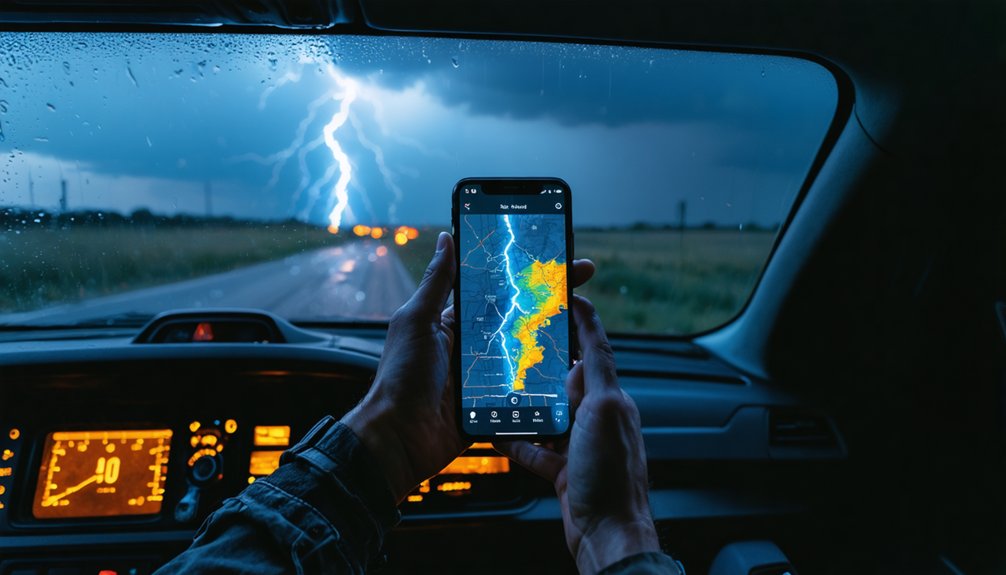
Where general radar apps spread their focus across wind, precipitation, and temperature overlays, this app concentrates processing on strike frequency and location accuracy.
That narrow focus translates to faster situational awareness when a cell moves toward your position.
Radar accuracy here applies specifically to strike mapping rather than precipitation imaging, so treat it as a complement to your primary radar tool, not a replacement.
Android availability is confirmed through Google Play.
If you’re running iPhone, verify current App Store availability independently before relying on it in the field.
Weather Radar: Storms for No-Frills Radar Visualization
If lightning strike monitoring narrows your focus to a single threat vector, Weather Radar: Storms pulls the view back out to precipitation imaging and radar visualization without layering in the feature overhead that broader platforms carry.
You get a clean radar interface oriented toward storm tracking, which suits chasers who want situational awareness without steering through satellite imagery overlays or atmospheric modeling dashboards they won’t use in the field.
The app’s Google Play listing confirms Android availability and active developer contact information, signaling maintained support. iPhone availability isn’t verified from available store data, so cross-platform chasers should confirm independently.
If your operational priority is fast, readable radar output with minimal interface friction, Weather Radar: Storms delivers a focused tool that stays out of your way when conditions deteriorate quickly.
Why Radar Refresh Speed Can Make or Break a Chase
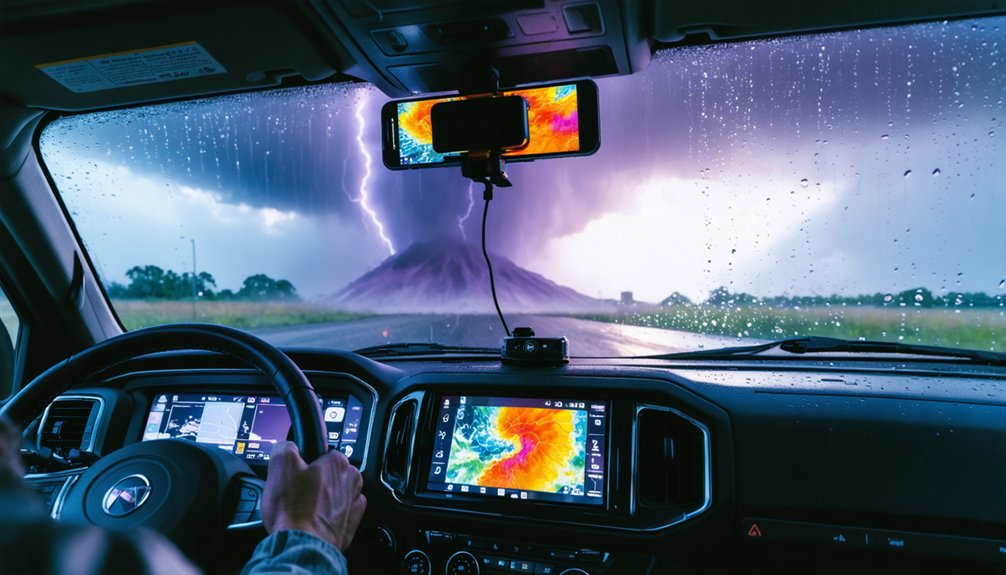
Radar refresh speed determines how accurately your app reflects current storm position, and a lag of even three to five minutes can place a fast-moving supercell several miles ahead of where your display shows it. That storm delay isn’t a minor inconvenience—it’s a positioning error that affects every routing decision you make in the field.
Data latency compounds when your app pulls from slower upstream sources, stacking network transmission time on top of the radar site’s own scan interval. You need to verify your app’s actual refresh cycle, not its advertised rate, since those figures often differ.
Faster refresh cycles give you actionable positional data instead of historical snapshots, keeping your situational awareness tight when storm behavior shifts within minutes.
Single App or Stack: Building Your Storm Chasing Toolkit
Speed matters, but speed alone doesn’t complete your toolkit. Relying on a single app creates blind spots. Instead, stack complementary tools that each handle a distinct function.
Use Windy.com for layered radar visualization and access to storm prediction models that inform route decisions before a cell develops. Add My Lightning Tracker Pro to monitor real-time strike proximity, giving you a live safety margin.
Pull in Weather Radar: Storms for a clean, focused radar interface when you need quick visual confirmation.
Cross-reference historical storm data to identify patterns in your target region before you deploy. Each app fills a gap the others leave open. Your stack should cover radar, lightning detection, and predictive modeling — three separate functions that no single app currently handles with equal precision.
Which Storm Chasing Apps Work on Your Platform

Your Android options are the most confirmed here—Windy.com, My Lightning Tracker Pro, and Weather Radar: Storms all carry verified Google Play listings.
But iPhone availability isn’t equally documented across all three. Windy.com is the only app in this set with cross-platform presence clearly supported by store data, so you shouldn’t assume the full stack transfers to iOS without checking the App Store directly.
Before committing to a toolkit, verify each app’s current platform availability yourself, since store listings change and the evidence base here doesn’t guarantee 2026 iPhone parity for every option.
Android App Availability
All three apps covered in this guide—Windy.com, My Lightning Tracker Pro, and Weather Radar: Storms—have confirmed Google Play listings, meaning they’re verified as Android-compatible. You can install any of them directly from the Play Store without third-party workarounds.
Windy.com delivers the broadest Android feature set, letting you monitor cloud coverage and wind patterns across interactive map layers.
My Lightning Tracker Pro focuses on real-time strike detection, giving you a dedicated lightning-safety layer.
Weather Radar: Storms keeps things straightforward with a radar-first interface built for quick storm assessment.
Developer contact information is publicly listed for all three, which signals active maintenance—a practical indicator that the apps aren’t abandoned.
Verify your specific Android version compatibility before installing, since older OS builds occasionally conflict with updated app requirements.
iPhone Compatibility Gaps
While Android compatibility is confirmed for all three apps, iPhone support is only verified for Windy.com based on available store data. If you’re chasing on iOS, that’s a critical distinction worth addressing before you commit to any setup.
My Lightning Tracker Pro and Weather Radar: Storms show no confirmed App Store listings in the available research, creating real compatibility challenges for iPhone users who rely on those tools.
These iPhone limitations don’t necessarily mean the apps don’t exist on iOS, but unverified availability isn’t something you should assume during active storm pursuit.
Your safest move is checking the App Store directly before heading into the field. Cross-platform parity matters when conditions change fast and switching devices mid-chase isn’t an option you have.
Cross-Platform Verification Tips
Checking compatibility before you head out takes less than two minutes and removes any guesswork about what’s actually running on your device. Confirm platform support directly in each store listing rather than assuming cross-platform parity exists.
- Open Google Play or the App Store and search the exact app title before installing.
- Verify satellite imagery layers load correctly on your specific OS version after installation.
- Test data synchronization under a cellular connection, not just Wi-Fi, before deploying in the field.
- Check the developer’s listed support contact to confirm the app receives active maintenance.
- Review the listed compatibility requirements against your current Android or iOS version to catch conflicts early.
These steps take minimal time but eliminate costly surprises when conditions deteriorate fast.
Cross-Platform Gaps Chasers Should Confirm Before Deploying
Before you deploy any storm-chasing app in the field, you’ll want to verify cross-platform availability independently—because the research backing this article confirms Android listings for all three apps but doesn’t fully validate iPhone support for My Lightning Tracker Pro or Weather Radar: Storms.
Windy.com is the only app here with confirmed cross-platform presence.
That gap matters when weather pattern anomalies escalate quickly and storm prediction accuracy depends on your tools functioning across every device your team carries.
Don’t assume parity exists because an app runs well on Android. Check each app’s App Store listing directly, confirm version currency, and validate that alert systems and radar layers operate identically across platforms before you’re positioned in the field with no fallback option.
Frequently Asked Questions
Are Storm Chasing Apps Legal to Use While Driving During a Chase?
You’ll face serious legal considerations and safety concerns when using apps while driving. Most jurisdictions ban handheld device use, so mount your phone, use a co-pilot, or pull over before checking storm data.
Do Storm Chasing Apps Work Without a Cellular Signal in Remote Areas?
Most apps require cellular signal for live updates, but you can cache offline map functionality beforehand. Without connectivity, weather data accuracy drops considerably, so you’ll want downloaded radar tiles ready before entering remote dead zones.
Can Storm Chasing Apps Drain Your Phone Battery Faster Than Normal?
Like Odysseus battling relentless seas, you’ll face battery consumption challenges—GPS, live radar, and lightning alerts drain power fast. Enable power optimization settings to reclaim control and extend your phone’s endurance during critical storm chasing sessions.
Are There Subscription Fees Associated With Premium Storm Chasing App Features?
Yes, you’ll often encounter subscription fees for premium storm data access and advanced app customization options. Evaluate each app’s pricing tier carefully, as free versions typically limit radar refresh rates and lightning alert functionality considerably.
Do Storm Chasing Apps Share User Location Data With Third Parties?
Many storm chasing apps do share your location data through third-party integrations, raising serious data privacy concerns. You’ll want to review each app’s privacy policy carefully to understand what data they’re collecting and who’s receiving it.
References
- https://play.google.com/store/apps/details?id=com.windyty.android&hl=es_419
- https://play.google.com/store/apps/details?id=com.jrustonapps.mylightningtrackerpro&hl=es_US
- https://play.google.com/store/apps/details?id=weatherradar.livemaps.free&hl=es_419
- https://crazystormchasers.com/best-mobile-storm-chasing-games/