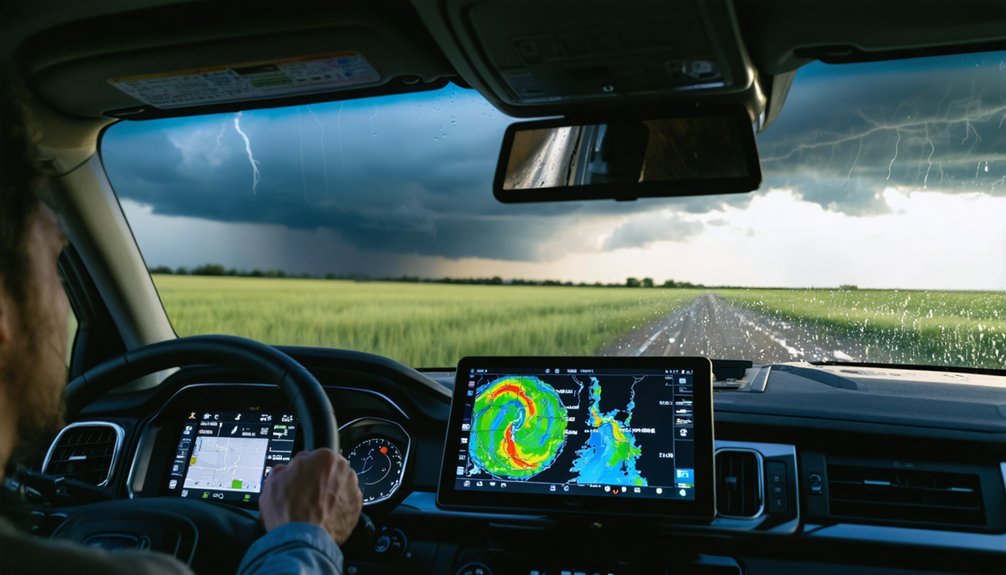
For storm chasing, you’ll get far more utility from a layered app stack than any dedicated GPS unit. Clime handles NWS polygon alerts and real-time radar, while RadarScope delivers deep dual-polarization interrogation in the field. Add Google Maps for clean routing, Satsquatch for satellite imagery, and StormCenter for live chaser tracking. Pre-chase, cross-reference GFS, NAM, and HREF models on dedicated weather sites. Each tool covered ahead will sharpen your positioning strategy considerably.
Key Takeaways
- Mobile apps outperform dedicated GPS units by offering real-time updates, live radar overlays, and integrated NWS multi-hazard alerts in one interface.
- Clime serves as the primary hub for storm chasers, consolidating NWS polygons, real-time radar, and multi-hazard alerts into one user-friendly platform.
- RadarScope provides advanced dual-polarization radar products and detailed storm structure analysis, complementing Clime’s situational awareness capabilities.
- Layering satellite imagery and mesoanalysis data with radar returns sharpens situational awareness and supports proactive intercept route adjustments.
- Building a multi-app stack with defined roles—covering radar, satellite, live tracking, and model analysis—ensures comprehensive and efficient storm chasing operations.
Why Apps Beat Dedicated GPS Units for Storm Chasing
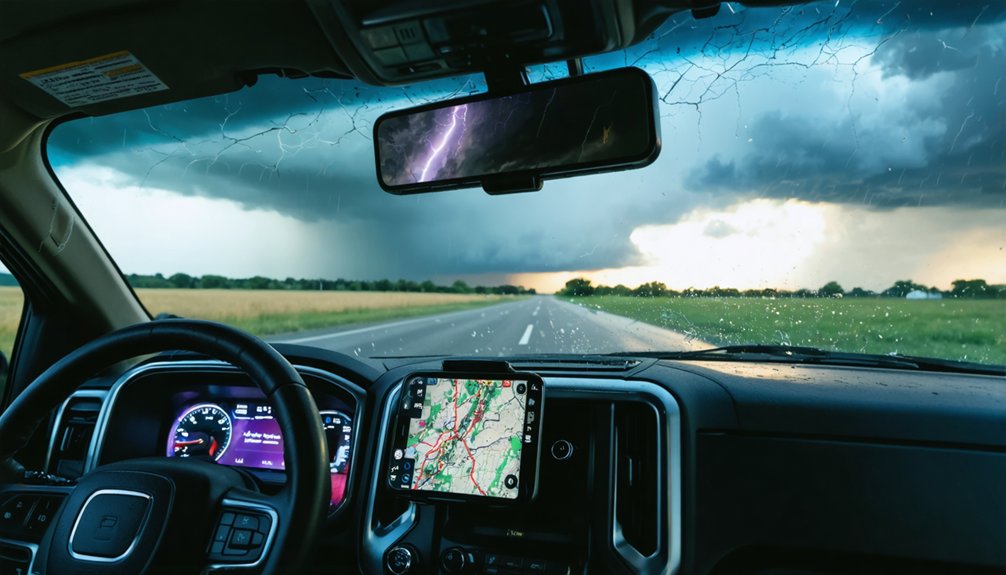
When you’re moving fast in deteriorating conditions, your mapping tool needs to keep up — and dedicated GPS units simply don’t. Small screens, outdated maps, and zero data integration make them operationally inefficient for any serious storm chaser. The functionality comparison isn’t close.
Mobile mapping apps deliver clear app advantages: real time updates, live radar overlays, NWS polygon integration, and multi-hazard alerts — all within a single interface. You’re not juggling separate devices; you’re running a consolidated operational platform from your phone or tablet.
The user experience gap widens further in the field. Apps receive continuous software updates, support multi-source data integration, and adapt to rapidly evolving storm environments.
For operational efficiency under pressure, dedicated GPS hardware simply can’t compete with what modern mobile mapping solutions provide.
Which Weather Model Sites to Check Before You Chase
Mobile apps handle your in-field navigation and real-time radar, but the decision-making that keeps you alive happens hours before you’re anywhere near a storm.
Professional chasers lean on dedicated weather model websites over app-based alternatives because the data presentation and analytical depth simply can’t be matched.
Dedicated weather model websites offer data depth and presentation that no mobile app can realistically compete with.
Weather model accuracy varies greatly between the GFS, NAM, and HREF, so you’re cross-referencing multiple runs rather than trusting a single output.
Model update frequency matters here—knowing exactly when each model refreshes lets you time your pre-chase analysis around the freshest data available.
Web-based platforms give you the flexibility to swap between model sources quickly, building an extensive forecasting framework before you commit to a target.
That pre-chase analysis is what separates calculated positioning from dangerous guesswork.
Clime : The Go-To Storm Chasing App for U.S. Chasers
Once you’re in the field, Clime becomes your central hub for U.S.-based storm operations. Its Clime features include direct NOAA radar access, NWS polygons, and multi-hazard alerts, giving you real-time situational awareness without switching apps.
Clime performance holds up under pressure, delivering reliable data when conditions deteriorate fast.
Clime usability keeps your workflow streamlined, reducing cognitive load during rapid-decision scenarios. Clime benefits extend beyond radar — it consolidates critical alert layers into one operational interface.
Clime updates maintain current NWS integration, ensuring you’re never working from outdated data.
Clime comparisons with basic consumer weather tools confirm its clear superiority for serious chasers. Clime reviews from active field operators consistently cite its reliability and depth.
Clime community feedback reinforces its position as the definitive primary app for U.S. storm pursuit.
RadarScope for Professional Radar Interrogation in the Field
RadarScope delivers live NWS radar directly to your mobile device, making it the go-to complement to Clime when you need deeper radar interrogation in the field.
When your field data analysis demands precision, RadarScope gives you capabilities standard apps can’t match:
- Access dual-polarization radar products for detailed storm structure analysis
- Apply advanced radar interrogation techniques like velocity and correlation coefficient reads
- Overlay multiple data layers simultaneously for thorough situational awareness
- Monitor storm evolution in real-time without switching between platforms
You’re not replacing Clime—you’re extending it.
RadarScope fills the gap where professional-grade interrogation matters most, letting you make faster, sharper decisions when conditions deteriorate rapidly.
Pair both apps together, and you’ve built a field data analysis setup that keeps you operationally independent and informed.
Windy.app for Detailed Model Analysis and Live Radar Data
When radar interrogation alone isn’t enough, Windy.app steps in as your model analysis and live radar layer in one platform. You’ll access GFS, ECMWF, and NAM outputs alongside real-time radar overlays, eliminating the need to toggle between separate tools mid-chase.
Windy.app features an intuitive interface that lets you visualize wind fields, CAPE values, and moisture parameters simultaneously. You’re not locked into a single data source—you can switch models on the fly and compare outputs against observed radar returns.
That flexibility matters when you’re making fast positioning decisions in rapidly evolving convective environments.
For model analysis, Windy.app delivers professional-grade atmospheric data without requiring a desktop setup. Pair it with RadarScope and Clime, and you’ve built a multi-layered situational awareness stack that keeps you operationally sharp in the field.
The Satellite and Meso Apps That Help You Decide Fast
When you’re making split-second intercept decisions, high-quality satellite imagery cuts through the uncertainty faster than radar alone.
You’ll want a dedicated satellite app that delivers crisp, current data, since mesoanalysis tools layer in the atmospheric structure details that reveal storm organization before your radar confirms it.
Integrating both data streams against your radar feed sharpens your situational picture and keeps your decision-making ahead of rapidly evolving severe weather.
Satellite Imagery For Decisions
Satellite imagery and mesoanalysis data cut through ambiguity fast—two capabilities that separate reactive chasers from proactive ones.
When you’re positioning ahead of initiation, satellite analysis gives you the edge dedicated apps can’t match with generic tools. Use this decision support framework:
- Monitor cloud-top temperatures to identify strengthening updraft towers before radar signatures develop.
- Assess moisture boundaries using visible satellite loops to pinpoint convergence zones.
- Cross-reference mesoanalysis charts with surface observations for rapid atmospheric structure confirmation.
- Identify clear slots and RFD signatures through high-resolution satellite before committing to a intercept position.
Dedicated satellite applications maintain data quality advantages that justify their place in your stack.
You’re not chasing blind—you’re operating with precision tools that keep you ahead of the storm’s next move.
Mesoanalysis In The Field
Mesoanalysis data closes the gap between radar signatures and atmospheric reality—giving you structural context that radar alone can’t provide.
In field application, you’re evaluating hodographs, surface boundaries, and instability gradients simultaneously—not sequentially. Dedicated mesoanalysis techniques let you interrogate atmospheric structure before committing to a target, sharpening your positioning decisions under time pressure.
You’ll want tools that surface this data fast and cleanly. Clime integrates multi-hazard overlays that support rapid structural evaluation, while dedicated satellite and mesoanalysis apps deliver the granularity professional operations demand.
When you’re 20 minutes from a developing supercell, slow data costs you position.
Layer your mesoanalysis sources deliberately. Redundancy isn’t excess here—it’s discipline. The chasers who make clean intercepts consistently aren’t lucky; they’re reading the atmosphere more completely than everyone else.
Integrating Satellite With Radar
The Satellite and Meso Apps That Help You Decide Fast
Radar tells you what’s happening; satellite tells you why. Achieving true radar synergy means layering visible and infrared satellite loops directly against your radar returns.
That combination reveals convective initiation, boundary positions, and storm-relative motion faster than either data stream alone.
Prioritize satellite integration using this workflow:
- Confirm anvil spread and overshooting tops via infrared imagery
- Cross-reference visible satellite loops against base reflectivity for boundary identification
- Validate updraft intensity using radar-derived rotation alongside cloud-top cooling rates
- Adjust your intercept route when satellite and radar data conflict
Apps like Satsquatch deliver dedicated satellite feeds that pair cleanly with RadarScope.
You’re not guessing—you’re reading two independent atmospheric signals simultaneously and making faster, sharper decisions.
How StormCenter Tracks Live Chasers and Active Tornado Reports
When situational awareness depends on knowing where other chasers are operating, StormCenter delivers real-time positioning data that keeps you informed of field activity across active storm events.
The platform’s chaser network aggregates live tracking data, tornado reports, and storm alerts into a unified interface, eliminating the need to cross-reference multiple sources manually.
Data integration pulls location accuracy updates continuously, so you’re seeing current chaser positions rather than delayed snapshots. Active tornado reports populate alongside chaser markers, giving you immediate context for developing situations.
Community features drive user engagement by letting participants contribute real-time updates directly from the field.
Alert notifications push critical information to your device without requiring manual refreshes. Combined with 24-hour historical storm data, StormCenter functions as both an active operational tool and a post-event analysis resource.
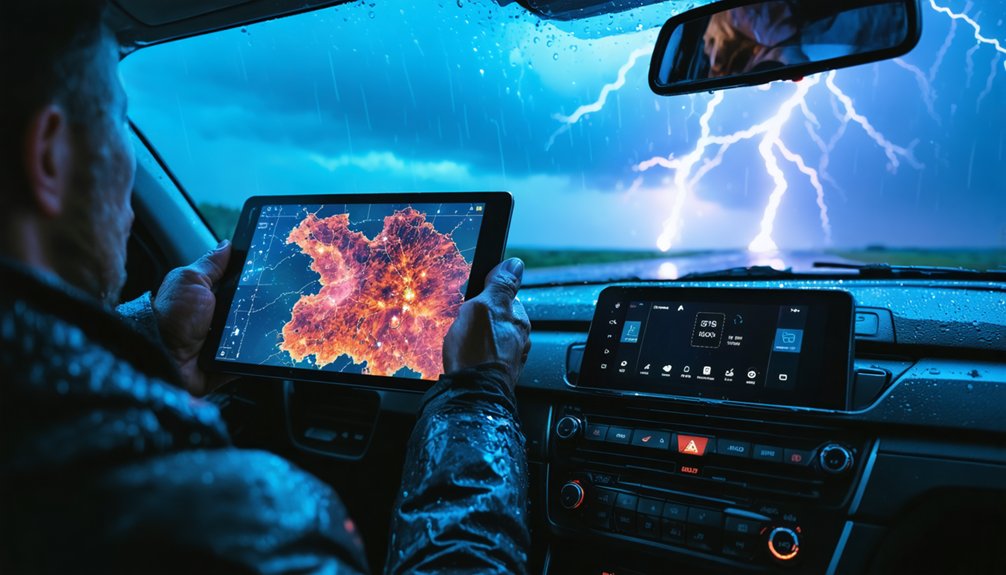
Maneuvering actively around a developing storm requires mapping tools that balance real-time accuracy with practical field utility. Your navigation strategies determine whether you intercept or miss critical events.
Standard consumer GPS units fall short due to small displays and limited data integration. Consider these proven mapping techniques:
- Google Maps handles basic navigation efficiently around populated corridors.
- Dedicated mapping apps deliver superior functionality over consumer GPS hardware.
- Clime integration layers hazard polygons directly onto your navigation framework.
- Multi-app coordination combines radar positioning with real-time road routing.
You’re operating in dynamic environments where road conditions shift rapidly alongside storm movement.
Prioritizing applications that sync meteorological data with geographic positioning gives you the operational flexibility to reposition quickly and maintain situational control throughout active chase sequences.
Satsquatch and Emerging Storm Chasing Apps Worth Watching
If you’re building a multi-app storm-chasing stack, Satsquatch is an emerging iOS and Google Play application worth monitoring for its ability to complement your existing radar data with high-quality satellite imagery.
You can layer Satsquatch alongside tools like RadarScope and Clime to address specific situational gaps that no single app covers independently.
This kind of deliberate multi-app integration strategy—combining radar, satellite, and model data—defines how serious chasers structure their operational setup.
Satsquatch’s Core Features
Satsquatch is an emerging iOS and Android application built to complement radar data rather than replace it, slotting into a multi-app storm-chasing workflow as a satellite and mesoanalysis layer.
Its Satsquatch features focus on delivering high-quality satellite imagery and quick mesoanalysis data, giving you rapid decision-making capability in the field. The user interface prioritizes speed and clarity over complexity.
Here’s what it brings operationally:
- Real-time satellite imagery layered against active storm environments
- Quick mesoanalysis snapshots for rapid atmospheric structure assessment
- Cross-platform availability on both iOS and Google Play
- Seamless integration alongside radar apps like RadarScope or Clime
You’re not replacing your primary tools — you’re stacking Satsquatch on top of them to close critical situational gaps.
Complementing Radar Data
Knowing what Satsquatch brings to a chase setup raises a broader question: what does a complete radar-complementing stack actually look like, and which emerging apps are worth adding to it?
Radar efficiency improves when you layer tools deliberately. Satsquatch handles satellite and mesoanalysis gaps that RadarScope and Clime don’t fully address.
For storm tracking, StormCenter adds live chaser positions and real-time tornado reports, giving you situational context that pure radar data can’t provide. Windy.app fills model visualization needs when web-based resources aren’t accessible.
Each app targets a specific operational gap rather than duplicating existing functionality.
The principle is straightforward: build your stack around non-overlapping capabilities. Emerging apps earn a spot only when they solve a problem your current tools leave unaddressed.
Redundancy without purpose wastes attention during active operations.
Multi-App Integration Strategies
Building a functional multi-app stack means treating each tool as a module with a defined role, not a fallback option. Multi-app benefits compound when each application handles a discrete task without overlap.
Structure your stack around four operational layers:
- Radar interrogation — RadarScope or Clime for real-time NWS data
- Satellite and mesoanalysis — Satsquatch for complementing radar with atmospheric structure data
- Live tracking — StormCenter for active chaser positions and tornado reports
- Model analysis — web-based platforms for superior data presentation
Operational efficiency depends on pre-assigning each app before deployment, not mid-chase.
Satsquatch represents exactly the kind of emerging tool worth monitoring — purpose-built to fill a specific gap rather than replicate existing functionality.
Build deliberately, not reactively.
How to Stack These Apps Into One Complete Chase Setup
Once you’ve selected your individual tools, stacking them into a cohesive chase setup requires assigning each app a distinct operational role.
Run Clime as your primary hub, handling NWS polygons and multi-hazard alerts. Layer RadarScope beneath it for deep radar interrogation when storm patterns demand closer analysis. App comparisons consistently show that no single platform wins every category, so leverage each tool’s strengths deliberately.
Assign StormCenter your live tracking duties, monitoring other chasers and real-time tornado reports. Pull satellite and mesoanalysis through Satsquatch or dedicated model websites, prioritizing data reliability over convenience.
Navigation techniques stay cleaner when Google Maps handles routing separately from your weather stack.
This discipline eliminates redundancy, sharpens weather safety decisions, and reflects real user experiences from professionals who trust tech innovations built specifically for field operations.
Frequently Asked Questions
What Offline Mapping Options Work Best When Cell Service Drops?
When cell service drops, you’ll want dedicated mapping apps with offline navigation tools pre-downloaded. Prioritize GPS accuracy features in applications like OnX or Gaia GPS, ensuring you’ve cached regional maps before heading into remote chase territory.
Can Storm Chasing Apps Integrate With Vehicle-Mounted External Antennas?
Like a signal amplifier releasing raw power, you’ll boost GPS compatibility and antenna performance considerably. External antennas enhance mapping accuracy and real-time updates, but app integration depends entirely on your device’s hardware support.
How Much Mobile Data Do Storm Chasing Apps Typically Consume Daily?
You’ll consume 500MB–2GB daily running multiple storm chasing apps, with data usage varying by radar refresh rates and satellite imagery frequency. Maximize app efficiency by pre-downloading maps and limiting background data syncing during active operations.
Are There Storm Chasing App Subscriptions That Bundle Multiple Tools Together?
Most apps don’t bundle tools together, so you’ll build your own stack. Weigh subscription benefits across Clime, RadarScope, and StormCenter through tool comparisons to create a flexible, freedom-driven setup tailored to your operational needs.
Which Apps Work Best for International Storm Chasing Outside the United States?
Chasing storms beyond borders? You’ll find Windy.app excels at international storm tracking with global model data, while RadarScope offers limited international coverage. Complement these international apps with region-specific meteorological services for extensive situational awareness abroad.
References
- https://climeradar.com/blog/best-weather-app-for-storm-chasers
- https://www.stormtours.com/radarscope-weather-radar-app/
- https://stormcenter.app
- https://www.tornadotitans.com/p/the-ultimate-companion-app-to-radar
- https://stormtrack.org/threads/mapping-software-for-chasing.32414/
- https://www.youtube.com/watch?v=RE9GemgDryQ
- https://apps.apple.com/au/app/highways-hailstones/id1562171693