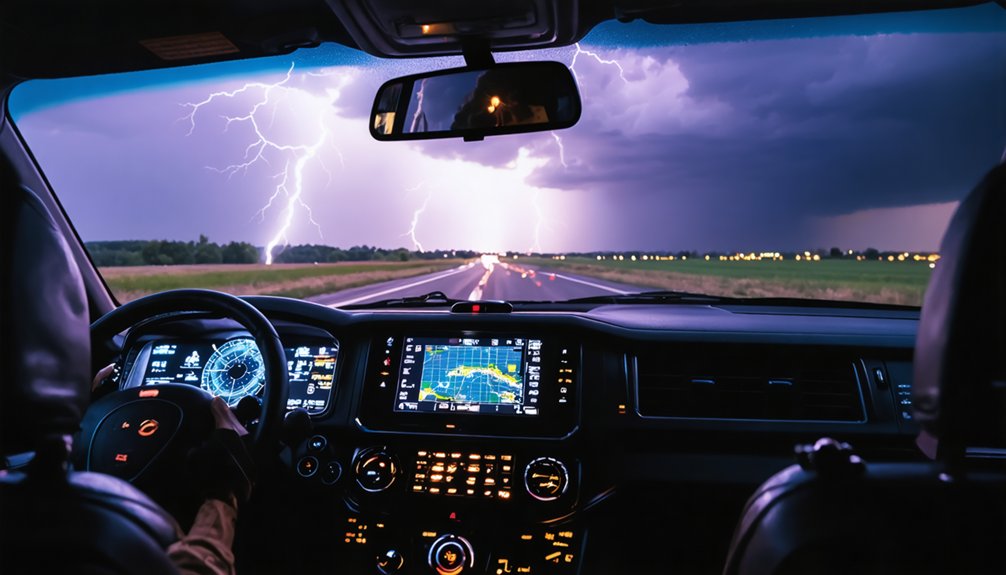
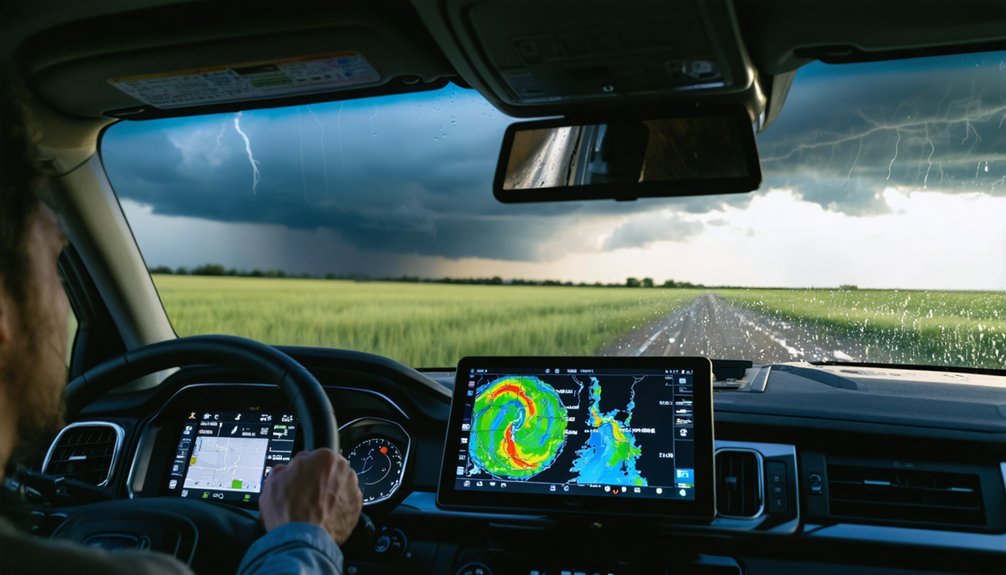
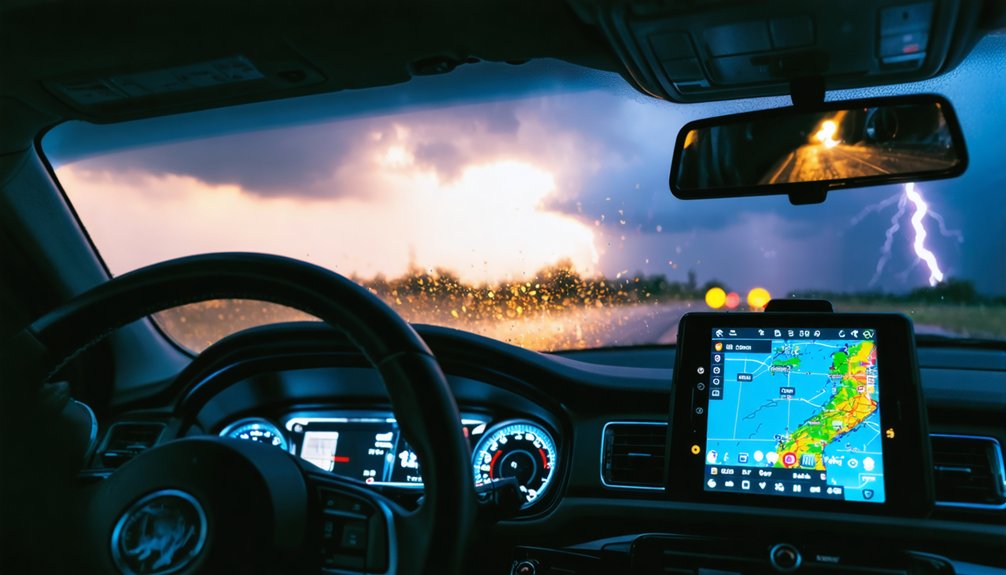
For Windows, GRLevel2 Analyst and GRLevel3 give you direct NEXRAD access with professional-grade analysis tools, while RadarOmega and WSV3 handle real-time radar and satellite integration. On Mac, Gibson Ridge and StormLab keep you covered with live data feeds and GPS support. If you’re working with a tight budget, Supercell WX delivers solid open-source performance. Pair your desktop setup with a reliable provider like Allison House, and you’ll understand exactly why platform choice matters more than most chasers realize.
Key Takeaways
- GRLevel3 and GRLevel2 Analyst are top Windows options, offering direct NEXRAD data access and professional radar analysis tools.
- RadarOmega and WSV3 provide live radar feeds, satellite integration, and customizable alerts optimized for high-performance Windows laptops.
- Mac users can rely on Gibson Ridge and StormLab for real-time data integration, though customization options are more limited.
- Supercell WX is a strong free option, delivering high-resolution NEXRAD radar data without licensing costs.
- Allison House integration ensures reliable, low-latency data feeds, making it a preferred provider across multiple platforms.
Why Desktop Storm Chasing Software Still Beats Mobile
While mobile apps have made storm tracking more accessible, desktop software still dominates serious storm chasing for one core reason: raw processing power.
When you’re running complex weather modeling algorithms or pulling high-resolution NEXRAD data streams, your laptop handles tasks that would throttle any smartphone processor.
Desktop platforms like GRLevel2 and WSV3 give you simultaneous multi-layer data rendering without lag, which directly impacts storm prediction accuracy in fast-moving situations.
You’re not waiting on compressed data packets or fighting battery limitations when it matters most.
Mobile apps serve casual awareness well, but they’re architecturally constrained.
Desktop systems let you customize radar parameters, integrate multiple data sources, and execute real-time analysis with precision that mobile platforms simply can’t replicate.
For serious chasers, that computational freedom isn’t optional — it’s essential.
Top Storm Chasing Software for Windows PCs
When it comes to Windows-exclusive storm chasing software, Gibson Ridge’s GRLevel3 suite stands out as the industry benchmark. You’ll get direct access to NEXRAD Level 3 data with high-definition radar imagery, giving you the precision you need during active events.
GRLevel2 Analyst extends your radar data analysis capabilities further, letting you dissect storm structures with professional-grade tools.
For an all-in-one approach to storm chasing technology, RadarOmega integrates live radar feeds, satellite data, and modeling into a single interface.
WSV3 rounds out your Windows toolkit with next-generation mapping capabilities, customizable alerts, and GPS integration.
Pair any of these platforms with Allison House as your data provider, and you’re operating a highly reliable, real-time storm monitoring setup built for serious field work.
Best Storm Chasing Software for MacBook Users
MacBook users face a narrower selection of dedicated storm chasing software compared to Windows, but viable options exist.
Gibson Ridge offers Mac-compatible versions that preserve the analytical depth of their PC counterparts, giving you access to high-definition NEXRAD radar imagery on macOS.
StormLab serves as another reliable alternative, delivering real-time data integration and customizable alerts without compromising Mac compatibility.
StormLab delivers real-time data integration and customizable alerts while maintaining full Mac compatibility.
For iOS and macOS convergence, Storm Chaser Atlas provides advanced tracking algorithms through the Apple App Store.
Your User Experience across these platforms remains technically capable, though you’ll notice fewer customization layers than Windows-based tools like GRLevel2 Analyst.
Prioritize software that supports real-time data feeds and precise GPS integration.
Evaluate each option’s data provider partnerships, particularly Allison House integration, before committing to a platform.
Free and Open-Source Desktop Storm Chasing Software
If you’re exploring free alternatives for desktop storm chasing, Supercell WX offers an open-source solution that mirrors much of GRLevel2’s core radar analysis functionality without licensing costs.
You can also access the College of DuPage‘s free modeling and satellite data portal for supplementary atmospheric analysis alongside your primary tracking tools.
Together, these resources let you build a capable, cost-effective storm monitoring setup on your laptop or desktop.
Supercell WX Overview
Supercell WX stands out as a compelling open-source alternative to GRLevel2, giving you access to high-resolution NEXRAD radar data without licensing costs. Its radar visualization capabilities deliver clear, detailed storm tracking imagery directly on your desktop or laptop.
You’ll find the user interface intuitive yet functional, reducing friction during fast-moving severe weather events.
As one of the stronger open source alternatives available, Supercell WX benefits from active community feedback that continuously refines its performance and data accuracy. Users regularly report solid software reliability across varying hardware configurations, making it a dependable choice for budget-conscious chasers.
You’re not sacrificing critical functionality by choosing free software here. Supercell WX demonstrates that open-source development can produce professional-grade storm monitoring tools competitive with premium paid solutions.
College Of Dupage Access
College of DuPage delivers free access to modeling and satellite data that complements your radar-based tools without adding licensing overhead.
You’ll find high-resolution model output, satellite imagery, and atmospheric sounding data consolidated through their NEXLAB interface—no subscription required.
The College Benefits extend beyond cost savings. You’re accessing institutionally maintained infrastructure that prioritizes data accessibility for operational meteorologists and independent chasers alike.
Model runs include NAM, GFS, and RAP products, giving you forecast guidance directly applicable to severe weather positioning decisions.
You can integrate CoD’s satellite loops alongside GRLevel3 or RadarScope without workflow disruption.
The platform runs cleanly in any modern browser, eliminating compatibility concerns across Windows and macOS systems.
For budget-conscious chasers needing reliable upper-air and model data, CoD remains a technically sound, zero-cost solution.
Must-Have Features: Live Radar, GPS, and Customizable Alerts
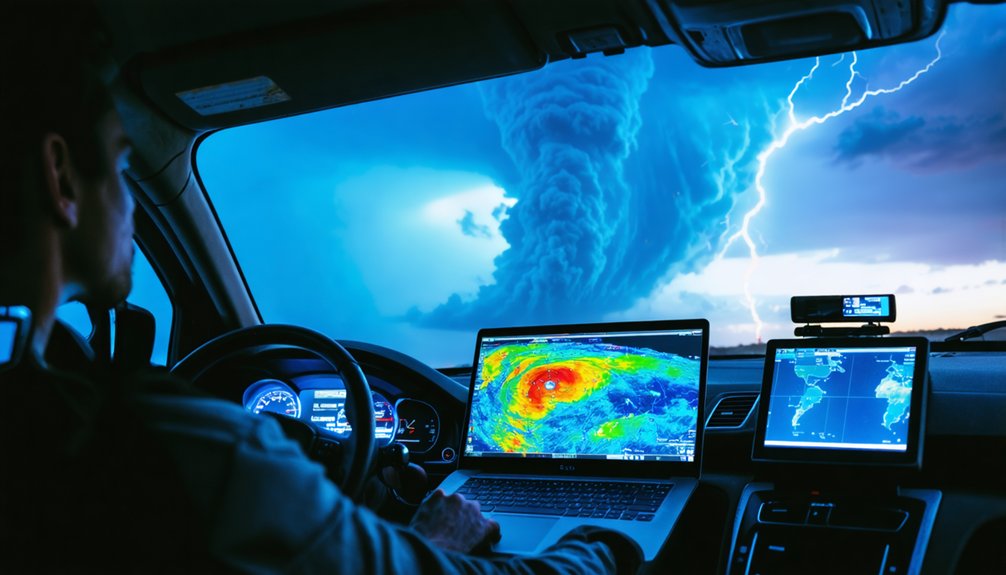
When selecting storm chasing software, you’ll need to prioritize three core features: live radar access, GPS integration, and customizable alerts.
Real-time NEXRAD radar data lets you identify storm structures and rotation patterns as they develop, while GPS tracking synchronizes your position with live data streams for precise situational awareness.
You can further refine your monitoring by configuring alert thresholds to trigger notifications for specific meteorological events, eliminating unnecessary interruptions while ensuring you capture critical hazard warnings.
Real-Time Radar Access
Real-time radar access sits at the core of effective storm chasing, and the best software delivers live NEXRAD data feeds, GPS integration, and customizable alerts as non-negotiable baseline features.
You need real-time data flowing continuously, not cached snapshots that lag behind rapidly evolving storm structures. Platforms like GRLevel3, RadarScope, and RadarOmega deliver high-definition radar visualization that lets you identify rotation, hook echoes, and mesocyclone signatures with precision.
Without sub-minute refresh rates, you’re operating blind during critical decision windows. Your software must render multiple data layers simultaneously, including velocity, reflectivity, and dual-polarization products, without performance degradation on your laptop or desktop.
Prioritize platforms that pull directly from Allison House or equivalent reliable data providers to guarantee feed integrity during active severe weather events.
GPS Tracking Integration
GPS integration closes the gap between radar interpretation and spatial awareness, anchoring your position directly within the storm environment you’re analyzing.
GPS accuracy determines how reliably your software plots your location against live radar layers, which directly affects decision-making when conditions deteriorate fast.
Integration challenges arise when data refresh rates lag behind your movement, creating positional drift that distorts your situational picture.
Prioritize platforms addressing these realities:
- Real-time position sync — Your GPS coordinates must update continuously within the radar interface, not intermittently.
- Route overlay capability — Plot escape vectors and intercept paths directly against storm polygons for tactical awareness.
- Cross-platform GPS handshaking — Confirm your software communicates cleanly with external GPS receivers, particularly on Windows-based systems like WSV3, which supports native GPS integration.
Alert Customization Options
Customizable alerts separate reactive storm chasers from proactive ones. You need granular control over alert types—rotation warnings, hail thresholds, wind shear triggers—so you’re responding to relevant data rather than noise.
Software like WSV3 and RadarScope let you configure notification settings precisely, filtering alerts by storm intensity, proximity, and event classification.
You shouldn’t tolerate one-size-fits-all warnings that flood your screen during active chasing. Instead, layer your alerts strategically: set primary triggers for life-threatening signatures like mesocyclone detection, secondary triggers for developing cells entering your intercept corridor.
Fine-tuned notification settings mean you’re eyes-forward on the road, not parsing irrelevant warnings.
The freedom to define your own alert thresholds transforms your software from a passive display into an active tactical partner during high-stakes storm operations.
PC vs. Mac: Which Platform Handles Storm Chasing Software Better?
When it comes to storm chasing software, platform choice markedly impacts your available toolset. PCs dominate storm chasing due to superior software compatibility and platform performance advantages.
- GRLevel3 and GRLevel2 Analyst run exclusively on Windows, giving PC users direct access to professional-grade NEXRAD analysis tools unavailable natively on macOS.
- WSV3 and RadarOmega are optimized for Windows-based high-performance laptops, handling large real-time data streams more efficiently than Mac equivalents.
- Mac users rely on workarounds like StormLab or Boot Camp configurations, limiting seamless integration with industry-standard data providers like Allison House.
If you prioritize unrestricted access to the full spectrum of storm chasing tools, a Windows-based laptop delivers measurably greater flexibility, analytical depth, and software ecosystem support than macOS alternatives.
How to Choose a Data Provider for Storm Chasing Software
Selecting the right data provider directly shapes the accuracy and reliability of your storm chasing software. You’ll want to prioritize data accuracy above all else, since outdated or incomplete feeds compromise your situational awareness during fast-moving events.
Allison House integrates seamlessly with platforms like Gibson Ridge and RadarScope, delivering real-time, high-definition imagery that keeps your analysis sharp.
Allison House pairs effortlessly with Gibson Ridge and RadarScope, delivering real-time, high-definition data for sharper storm analysis.
Evaluate latency, update frequency, and regional coverage before committing to any provider. A poor data feed degrades user experience regardless of how capable your software is.
You should also assess whether the provider supports crowd-sourced inputs, as Weather Underground demonstrates how layered data sources sharpen hyper-local precision.
Free options like College of Dupage suit budget-conscious chasers, but premium providers consistently outperform them when conditions turn dangerous.
Desktop Tools and Mobile Apps That Work Together in the Field
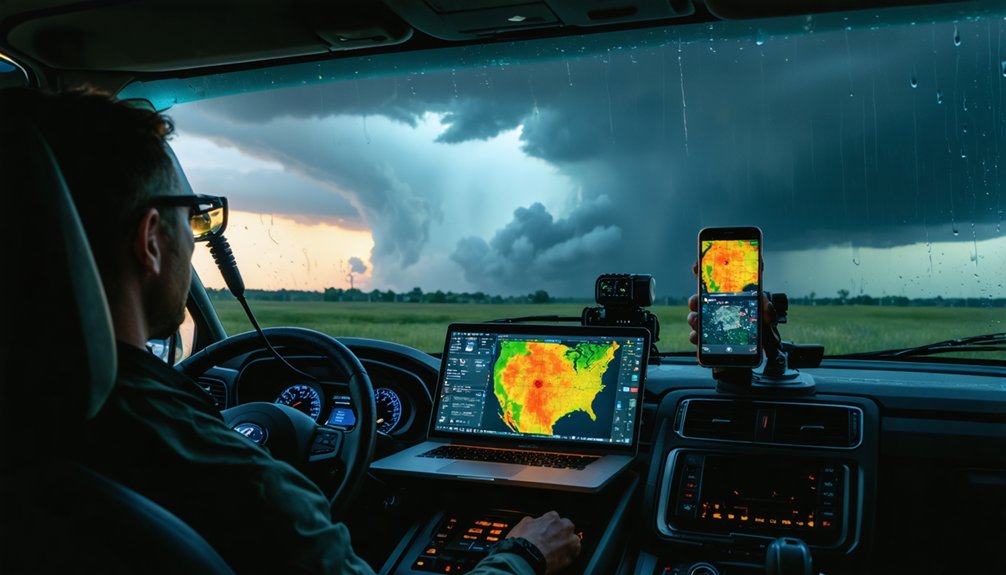
Pairing desktop tools with mobile apps gives you layered situational awareness that neither platform delivers alone. Your laptop runs deep radar analysis through GRLevel2 or WSV3 while your phone keeps you mobile without losing critical storm data feeds.
Three integration strategies maximize field effectiveness:
- Mirror your data provider — Use Allison House across both RadarScope mobile and GRLevel3 desktop to maintain consistent storm data streams without feed discrepancies.
- Assign platform roles — Reserve desktop systems for detailed radar analysis and mesoscale interpretation; use mobile apps for real-time alerts and GPS positioning.
- Cross-reference platforms actively — RadarOmega supports both PC and mobile simultaneously, letting you validate what your desktop displays against field-level observations instantly.
This division of labor keeps your analytical depth intact while preserving your freedom of movement.
How to Set Up Your Laptop for Field Storm Chasing
Three hardware and software decisions determine whether your laptop performs or fails in the field.
First, disable automatic updates and background processes that consume bandwidth during active storm tracking techniques. You can’t afford system interruptions when a supercell is rotating nearby.
Second, apply these laptop optimization tips before deployment: increase virtual memory allocation, set your power plan to high performance, and connect an external SSD for faster data processing.
Battery redundancy matters too—carry at least one fully charged backup.
Third, configure your software stack in advance. Pre-load GRLevel3, WSV3, or RadarOmega with your preferred data layers and alert thresholds already set.
Mount your laptop securely using a vehicle dash mount, ensuring screen visibility without compromising your driving position during rapid repositioning.
Frequently Asked Questions
What Internet Speed Is Recommended for Running Storm Chasing Software Effectively?
You’ll need at least 25 Mbps internet speed for effective storm chasing software performance. Faster connections enhance data reliability, ensuring real-time radar feeds, satellite imagery, and live updates stream without interruption during critical tracking sessions.
Can Storm Chasing Software Integrate With External Hardware Like Weather Stations?
Want real-time precision? Yes, you can integrate external weather stations with storm chasing software. Hardware compatibility enables seamless data synchronization, letting you merge local sensor readings with live radar feeds for sharper, more autonomous storm analysis.
How Much RAM Is Needed for Running Multiple Storm Chasing Applications Simultaneously?
You’ll need at least 16GB of RAM for smooth storm tracking across multiple platforms. For ideal application performance when running RadarOmega, GRLevel2, and WSV3 simultaneously, 32GB guarantees you’re never bottlenecked during critical severe weather events.
Are There Subscription Costs Associated With Professional Storm Chasing Software Platforms?
Yes, you’ll encounter subscription pricing across most professional platforms. RadarScope, RadarOmega, and Allison House charge recurring fees tied to their software features, while free alternatives like Supercell WX let you maintain full operational independence without financial commitment.
Can Storm Chasing Software Record and Replay Historical Storm Data for Analysis?
Because apparently chasing storms live isn’t thrilling enough, yes, you can record and replay historical data using platforms like GRLevel2 and RadarOmega, which offer robust analysis tools for dissecting past storm events precisely.
References
- https://www.reddit.com/r/stormchasing/comments/1cljsun/storm_tracking_software/
- https://www.youtube.com/watch?v=Rd6JPzOoxGo
- https://www.reddit.com/r/stormchasing/comments/8tzj5w/what_appswebsites_should_i_use_for_storm_chasing/
- https://wsv3.com
- https://www.reddit.com/r/stormchasing/comments/16l612n/does_anybody_know_good_software_for_storm_chasing/
- https://www.reddit.com/r/stormchasing/comments/35izes/what_are_your_recommended_apps_for_chasing/
- https://www.allisonhouse.com/pages/storm-chasers/mac-guide
- https://www.reddit.com/r/stormchasing/comments/1efytk3/beat_storm_chasing_app/
- https://download.cnet.com/storm-chasers/3000-windows-storm-chasers.html
- https://www.stormguardrc.com/resources/best-weather-apps-for-storm-tracking/