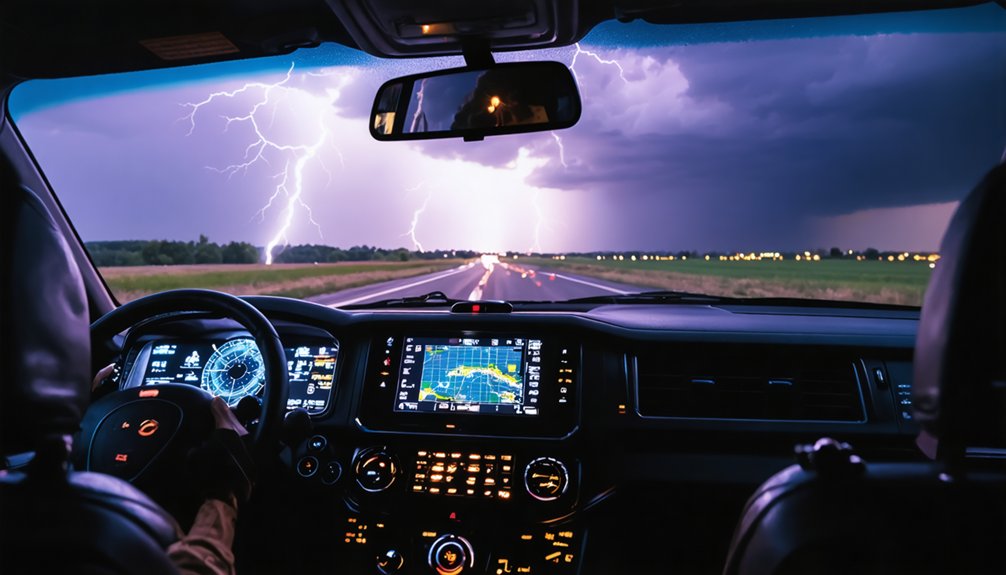
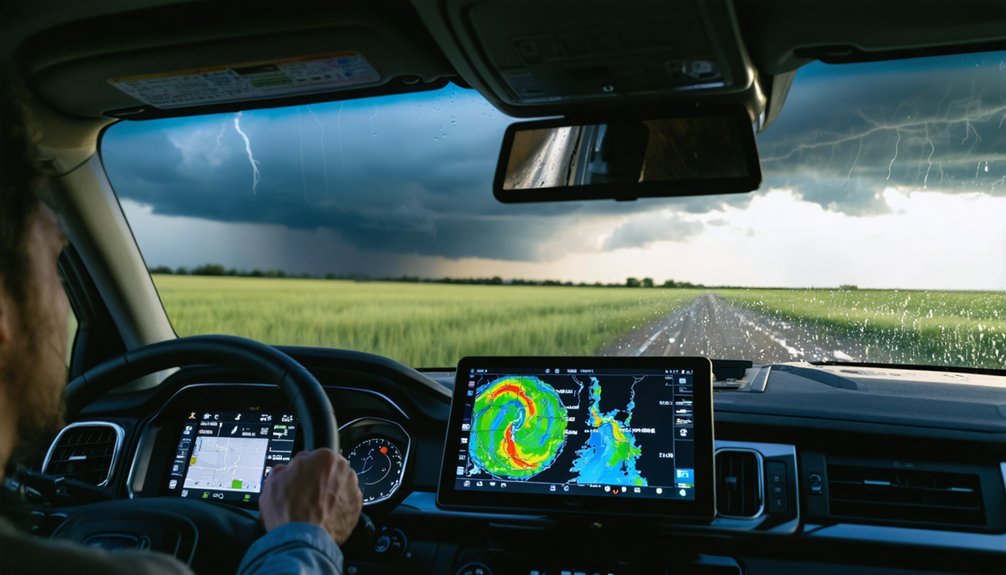
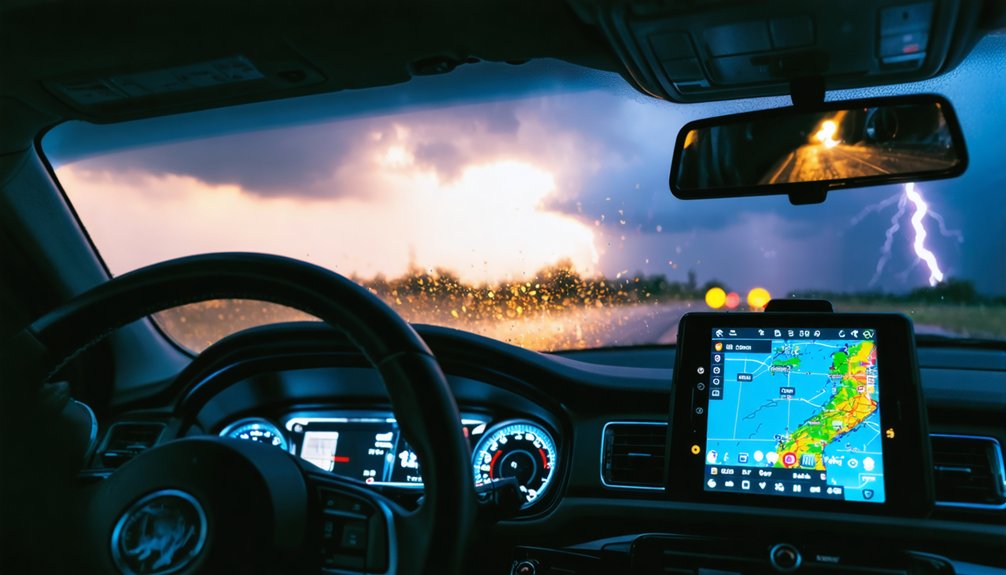
The 7 best storm tracking tools for storm chasers are RadarScope, GRLevel3, Clime, MyRadar, Windy, StormTracker, StormSpy, and Weather Underground. Each tool serves a distinct operational role, from tilt-by-tilt NEXRAD radar access to machine learning-based pattern analysis. You’ll want redundancy built into your stack since no single app survives every dead zone or bandwidth spike. Understanding how these tools integrate into a field-ready system is where your real advantage begins.
Key Takeaways
- RadarScope delivers tilt-by-tilt NEXRAD access and real-time velocity data, excelling in mobile performance for tracking fast-moving storm cells.
- GRLevel3 provides advanced radar product customization and storm morphology analysis, making it ideal for stationary, in-depth monitoring.
- MyRadar integrates real-time NEXRAD data with GPS tracking, enhancing situational awareness during high-tempo mobile storm chasing operations.
- Windy and StormTracker support pre-chase planning through model-based forecast visualization and minute-by-minute predictive path modeling.
- Physical instruments like Kestrel meters and barometers provide critical redundancy, verifying digital data during rapidly evolving storm conditions.
What Makes a Storm Tracking Tool Worth Using?
Cost effectiveness matters when you’re building a toolkit, and community feedback exposes real-world performance gaps that spec sheets miss.
Prioritize user experience that stays responsive under pressure—because outdated or clunky tools cost more than money.
RadarScope vs GRLevel3: Which Radar App Fits Your Chase Style
When choosing between RadarScope and GRLevel3, your experience level and chase workflow determine which tool delivers more value.
RadarScope gives you tilt-by-tilt NEXRAD access, real-time velocity data, and a mobile-optimized interface built for fast-moving field decisions.
GRLevel3 targets users who need deeper radar product customization and precise storm morphology analysis, making it a stronger fit for technically advanced chasers who prioritize desktop-level interrogation over field mobility.
Radar Data Depth Compared
Both RadarScope and GRLevel3 deliver professional-grade radar data, but they’re built around different chase workflows, and understanding that distinction will shape which one fits your setup.
A radar accuracy comparison between the two reveals that both pull from the same NEXRAD network, so raw data quality is equivalent. The difference is in the user interface analysis and how each app surfaces that data.
RadarScope gives you tilt-by-tilt access, dual-pol products, and smooth mobile performance, letting you interrogate storm structure on the move.
GRLevel3 leans into desktop-level depth, offering more technical product overlays and precise signature analysis suited for stationary monitoring.
If you’re chasing fast-moving cells, RadarScope’s mobility wins. If you’re analyzing from a fixed position, GRLevel3’s layered control gives you sharper diagnostic power.
Best Fit By Experience
Radar depth tells part of the story, but your experience level determines which app you’ll actually use effectively under pressure.
Match your skill set to the right tool:
- New chasers — RadarScope’s mobile usability, intuitive user interface, and app integration with live alerts make it the stronger entry point. Data accuracy stays high without demanding technical fluency.
- Intermediate users — Feature comparison favors RadarScope for cost considerations and cross-device flexibility. You’ll access professional-grade data without steep learning curves.
- Advanced chasers — GRLevel3 rewards deep radar literacy. Its experience levels ceiling is higher, delivering granular storm morphology analysis that serious user preferences demand.
Both tools deliver strong data accuracy. Your chase style, technical comfort, and willingness to manage cost considerations should drive the final call.
Clime and MyRadar for Real-Time Alerts and On-the-Move Tracking
When you need consolidated radar, NWS polygons, and multi-hazard push alerts in a single interface, Clime functions as an efficient hub for monitoring official risk and current storm position.
MyRadar complements that capability by pairing real-time NEXRAD data with GPS integration, giving you location-aware tracking as conditions shift rapidly around you.
Together, these two apps cover both situational awareness at a fixed monitoring point and active navigation through fast-moving storm environments.
Consolidated Alerts and Radar
For storm chasers who need real-time situational awareness without toggling between multiple apps, Clime and MyRadar each deliver consolidated alert and radar functionality in a single interface.
Alert integration and radar consolidation keep your workflow tight when conditions shift fast.
Both platforms give you:
- Layered hazard data — Clime stacks NWS polygons, NOAA radar, and multi-hazard push alerts into one dashboard, eliminating fragmented monitoring.
- GPS-linked radar tracking — MyRadar ties real-time radar directly to your location, supporting navigation through rapidly evolving storm corridors.
- Automated push notifications — Both apps deliver threshold-based alerts without requiring manual refreshes, freeing you to focus on driving and positioning.
Together, they reduce the cognitive load of managing multiple data streams during high-pressure chase sequences.
Mobile Tracking on the Move
Chasing active storms demands tools that keep pace with your movement, and both Clime and MyRadar are built specifically for that operational tempo.
Clime consolidates NOAA radar, NWS polygons, and push alerts into a clean user interface, letting you monitor official risk layers without switching between platforms. Its multi-hazard alert system covers storms, lightning, and wildfires simultaneously.
MyRadar complements that with GPS-integrated radar and animated storm-movement visualization, giving you immediate positional awareness as conditions shift beneath you. Its mobile connectivity is optimized for field use, where data needs to load fast and display clearly while you’re repositioning.
Together, these two apps cover alert aggregation and real-time spatial tracking, which are the two core demands of mobile storm chasing operations.
Why GRLevel3 Still Dominates Professional-Grade Radar Work
Professionals who need more than surface-level radar interpretation consistently turn to GRLevel3 for its depth of technical output. Its GRLevel3 features let you interrogate storm morphology with precision that consumer apps simply can’t match.
Professional user benefits include direct access to raw NEXRAD data, giving you full control over your analysis workflow.
Here’s why it holds its ground:
- Tilt-by-tilt radar inspection lets you assess storm structure at multiple elevation angles independently.
- Advanced radar signatures help you identify rotation, hook echoes, and debris signatures with high confidence.
- Customizable alert thresholds mean you’re not dependent on pre-set consumer parameters during warning events.
If you’re making critical chase decisions, GRLevel3 delivers the technical precision your safety and accuracy demand.
How Windy Supports Storm Chase Planning and Wind Field Analysis
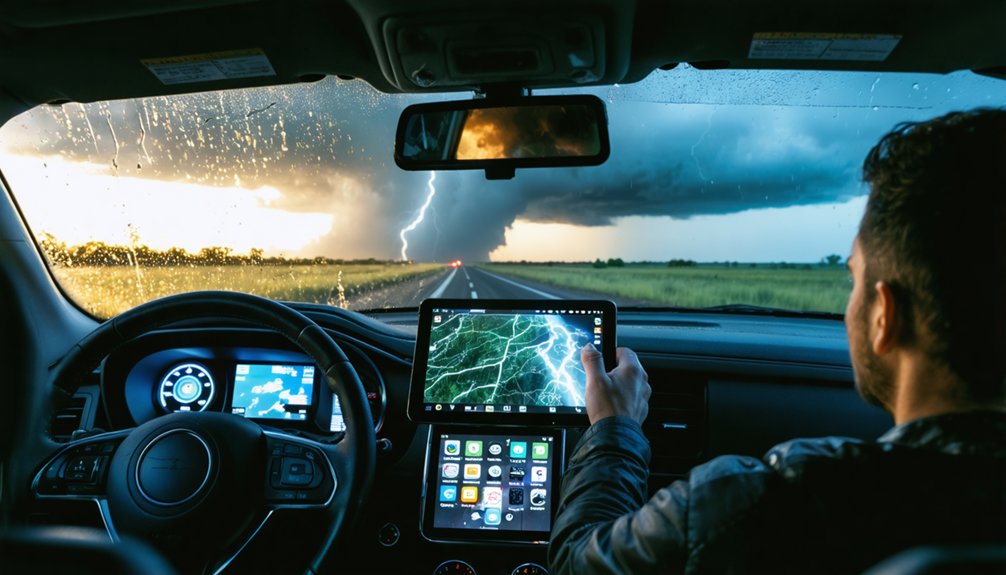
While radar apps anchor real-time storm interrogation, Windy fills a critical gap by giving you model-based forecast visualization that radar alone can’t provide.
Powered by ECMWF data, Windy lets you analyze wind dynamics across multiple atmospheric layers, helping you identify favorable positioning windows hours before initiation. You can visualize pressure gradients, low-level jet streams, and wind shear patterns that directly shape your chase strategies.
Windy’s interactive maps let you scrub forward through time, so you’re not reacting blindly—you’re anticipating storm movement and escape routes with confidence.
Pairing Windy with a dedicated radar tool like RadarScope creates a complete workflow: Windy handles pre-chase atmospheric setup, radar handles real-time structure analysis. Together, they give you the situational awareness needed to chase smart and stay mobile.
StormTracker, StormSpy, and Weather Underground for Supplemental Storm Data
Beyond primary radar and model tools, a secondary layer of apps adds supplemental value when you need hyper-local data, predictive analytics, or consolidated situational context.
These tools sharpen your storm tracking workflow without replacing core platforms.
- StormTracker delivers minute-by-minute updates, predictive path modeling, and storm-cell identification—critical when you’re repositioning quickly and need data accuracy on cell movement.
- StormSpy applies machine learning and real-time analytics to anticipate storm patterns before they fully develop, giving you a forward-looking edge during rapidly evolving setups.
- Weather Underground pulls hyper-local forecasts from its personal weather station network, letting you cross-reference official NWS data with ground-truth observations at street-level resolution.
Together, these platforms extend your situational awareness beyond what standard radar or model tools alone can provide.
How to Build a Storm Chasing Tool Stack That Works in the Field
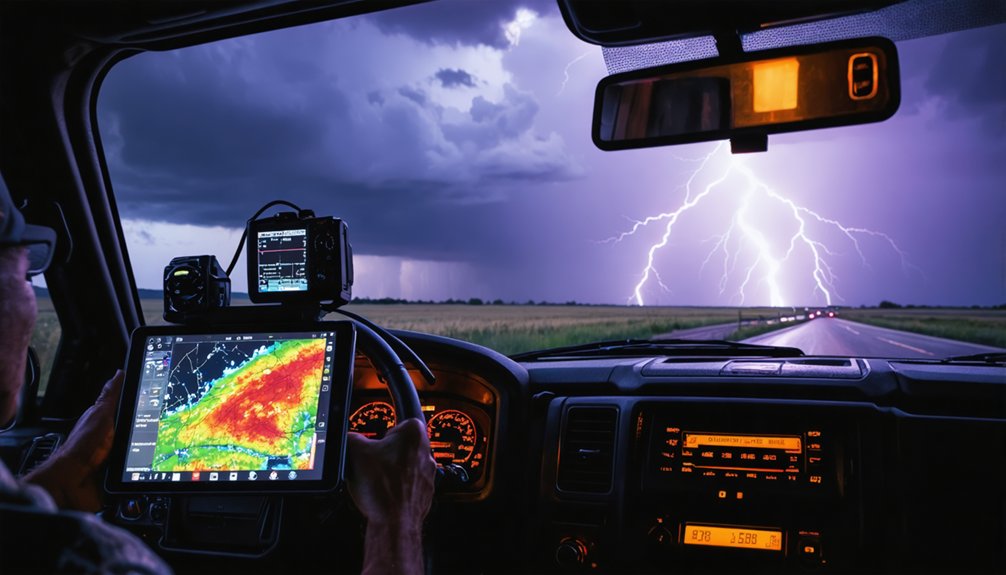
Each of those supplemental apps adds value in isolation, but the real performance gain comes from how you stack them together into a field-ready workflow.
Effective tool integration starts with assigning each app a defined role in your chase strategy. Use Clime as your alert hub, RadarScope or GRLevel3 for deep radar interrogation, and Windy for model-based atmospheric setup.
Every tool earns its place. Assign roles, eliminate overlap, and build a stack that performs when it matters most.
Layer in MyRadar for GPS-aware situational awareness while mobile, and pull StormTracker or StormSpy for predictive cell identification.
Physical instruments like Kestrel meters and barometers verify what digital data suggests.
The stack works because each tool covers a gap the others leave open. Redundancy isn’t waste here—it’s resilience.
When conditions shift fast, a well-integrated toolkit keeps you informed, mobile, and in control.
Frequently Asked Questions
Are Storm Tracking Apps Safe to Use While Actively Driving During a Chase?
Don’t operate storm tracking apps while actively driving—they’re serious driving distractions. Implement strict safety precautions: assign a dedicated navigator to monitor RadarScope, Windy, or MyRadar so you’re focused entirely on road conditions.
Do Storm Chasers Need a Special License or Certification to Use Professional Radar Tools?
Free as the open plains—you don’t need storm chaser regulations or radar tool certification to access professional tools like RadarScope or GRLevel3. They’re commercially available, so you can download and use them immediately.
Can Storm Tracking Tools Work Reliably in Areas With Poor Cellular or Data Coverage?
Some tools work offline, but you’ll face data accuracy limits without live feeds. Pre-download radar tiles, use Kestrel meters for local readings, and pair offline capabilities with satellite-connected devices to maintain reliable situational awareness.
How Much Do Professional-Grade Storm Tracking Tools Typically Cost per Year?
You’ll spend roughly $0–$300+ annually depending on your stack. RadarScope and GRLevel3 lead in cost comparison for precision radar. Factor in tool durability of physical instruments like Kestrel meters when calculating your total investment.
What Physical Instruments Should Beginners Carry Alongside Digital Storm Tracking Apps?
Over 90% of veteran chasers rely on physical instruments for ground-truth accuracy. Your basic equipment and essential gear should include a Kestrel meter, barometer, anemometer, and lightning detector to verify what your digital apps display.
References
- https://crazystormchasers.com/best-tools-for-tracking-storm-paths/
- https://climeradar.com/blog/best-weather-app-for-storm-chasers
- https://www.youtube.com/watch?v=RE9GemgDryQ
- https://www.reddit.com/r/stormchasing/comments/1qa9hh6/what_radar_app_do_storm_chasers_usually_use/
- https://livestormchasers.com/wxtools/
- https://store.sirui.com/blogs/guides/essential-equipment-for-storm-chasing-guide-for-2025
- https://stormcenter.app
- https://kestrelinstruments.com/blog/kestrel-meters-storm-chasing-reliable-tracking-for-severe-weather-conditions
- https://www.tiktok.com/@edgarthestormchaser/video/6970047346059021573
- https://stormtrack.org/threads/equipment-for-the-newbie.32134/