If you’re chasing tornadoes and need a live stream that won’t die the moment cell towers disappear, Starlink is the most reliable solution available to you right now. It bypasses ground infrastructure entirely, delivers 20–40ms latency, and sustains 1080p streaming across rural Tornado Alley where cell coverage fails completely. Real chasers like Nick Stewart have proven its four-hour uninterrupted performance across thousands of miles. Everything you need to evaluate it fully is covered ahead.
Key Takeaways
- Starlink bypasses congested cell towers, providing reliable rural connectivity where traditional networks fail during tornado tracking in remote Tornado Alley locations.
- Operating at 550km altitude, Starlink delivers 20–40ms latency, enabling near-instantaneous communication during rapidly evolving, life-threatening storm events.
- Phased-array antenna technology allows electronic beam steering, maintaining signal stability even during violent turbulence near severe thunderstorms.
- Starlink sustains uninterrupted 1080P live streaming during storm chasing, as demonstrated by Nick Stewart’s four-hour, 5,000-mile rural broadcast.
- Monthly plans range from $150 unlimited RV to flexible Mini Roam tiers, with Speedify bonding recommended for maximum streaming redundancy.
Why Storm Chasers Are Ditching Cell Data for Starlink
Cell data has long been the go-to for storm chasers needing live connectivity in the field, but its limitations become glaring when you’re tracking tornadoes through rural Tornado Alley.
Tower congestion, dead zones, and dropped signals define most storm chaser experiences in these regions. When coverage fails, your live stream fails—and so does your ability to deliver real-time public warnings.
Starlink directly addresses these connectivity challenges by bypassing ground infrastructure entirely.
Starlink sidesteps the broken ground infrastructure problem entirely, delivering connectivity where cell towers simply cannot follow.
Meteorologist Nick Stewart demonstrated this shift clearly, streaming a tornado live in 1080P for nearly four hours without a single dropout—something his cell-based LiveU unit couldn’t reliably deliver.
You’re not dependent on tower proximity anymore. Starlink gives you consistent, high-bandwidth connectivity wherever satellites reach, which in rural storm territory means virtually everywhere cell networks don’t.
How Starlink Maintains Signal Inside Active Tornado Cells
When you stream inside an active tornado cell, Starlink’s Low Earth Orbit satellites—positioned at roughly 550 kilometers altitude—give you dramatically lower latency and stronger signal geometry than traditional geostationary systems.
Unlike cell towers that rely on ground-based infrastructure vulnerable to storm damage, Starlink’s constellation routes your signal through multiple overhead satellites, maintaining redundancy even as atmospheric turbulence disrupts localized coverage.
You’re fundamentally pulling your connection from above the storm’s chaotic boundary layer, which explains why chasers like Nick Stewart sustained an uninterrupted 1080P stream for nearly four hours without a single dropout.
Low Earth Orbit Advantage
Unlike traditional geostationary satellites orbiting at 35,786 kilometers, Starlink’s low Earth orbit (LEO) constellation operates at roughly 550 kilometers altitude, slashing signal latency to 20–40 milliseconds and dramatically reducing the atmospheric path that storm interference can disrupt.
This low latency advantage lets you broadcast real-time warnings without buffering delays that cost lives. Global coverage fills the cellular dead zones dominating rural Tornado Alley.
- Shorter signal path minimizes atmospheric distortion from moisture-laden storm cells
- 20–40ms latency enables near-instantaneous communication during rapidly evolving tornado events
- 550km orbital altitude reduces exposure time between satellite handoffs, maintaining stream continuity
- Multi-satellite constellation dynamically reroutes your connection when individual satellites encounter interference
You’re not dependent on a single orbital asset—Starlink’s network redundancy keeps your stream alive when conditions deteriorate fastest.
Signal Resilience During Turbulence
Low orbital altitude cuts latency, but it doesn’t eliminate the next challenge: keeping your dish locked onto satellites while violent turbulence, precipitation, and electromagnetic interference from active storm cells assault the signal path.
Starlink’s phased-array antenna actively steers its beam electronically, not mechanically, so it tracks satellites without moving parts that weather could disable. That matters when storm intensity escalates around you fast.
Real-world chase data confirms this resilience. Nick Stewart maintained uninterrupted signal strength throughout a nearly four-hour tornado event, even with severe thunderstorm cells in close proximity.
Download speeds and ping showed minimal degradation. The dish held connection across 5,000 miles of rural Tornado Alley runs, strapped to a roof, exposed to hurricane-force winds.
You’re not just getting coverage—you’re getting coverage that doesn’t quit when conditions demand it most.
What Starlink Actually Delivers for Live Streaming in the Field
Most live streamers chasing severe weather face a brutal tradeoff: cell coverage collapses exactly where the story is. Starlink cuts through connectivity challenges by delivering consistent streaming quality where carriers fail completely.
Cell coverage dies where the storm lives. Starlink keeps streamers connected when carriers tap out completely.
Here’s what you’re actually getting in the field:
- 1080P streaming while moving — sustained through rural Tornado Alley without data drops
- Resilience near severe storms — minimal impact on download speeds and ping during close thunderstorm proximity
- Extended session reliability — Nick Stewart maintained connection through a nearly four-hour tornado event without a single hiccup
- Coverage independence — reach areas where cell infrastructure doesn’t exist
You’re not getting a perfect standalone solution, though. Sensitive streams still benefit from a secondary bonding connection like Speedify to eliminate any remaining vulnerability.
How Storm Chasers Mount Starlink for In-Motion Live Streams
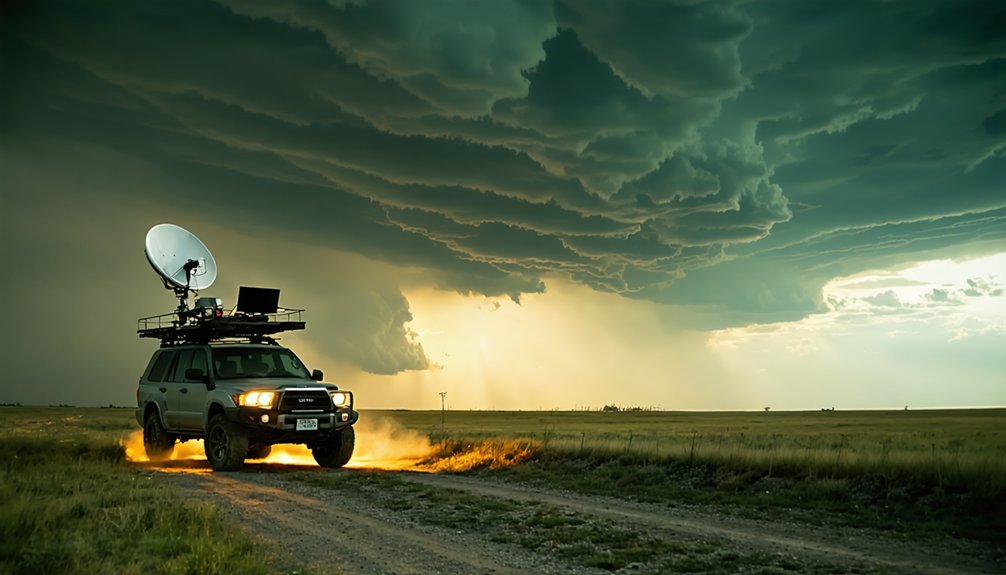
Strapping a Starlink dish to a chase vehicle introduces a specific engineering problem: the dish needs a stable, aerodynamically manageable mount that keeps the antenna oriented correctly at highway speeds while surviving wind loads from nearby severe weather.
Proven mounting techniques favor low-profile roof racks with adjustable tilt brackets, letting you fine-tune the dish angle without tools mid-chase. Installation tips from experienced chasers consistently emphasize routing cables through existing door seals rather than drilling new penetrations, preserving your vehicle’s structural integrity.
You’ll also want vibration-dampening hardware between the mount and roof rack — highway vibration degrades signal quality over long hauls.
Starlink offers partnered mounting systems designed specifically for mobile setups, and chasers have logged over 5,000 miles with dishes roof-mounted without connection loss.
Starlink RV vs. Mini Roam: Which Plan Fits Storm Chasing?
Choosing between Starlink RV and Mini Roam comes down to how you chase and what you’re willing to spend monthly. Both offer real Starlink advantages, but their cost comparison reveals distinct trade-offs for streaming efficiency in the field.
- RV plan: ~$150/month unlimited, ideal for full-season chasers needing consistent connectivity.
- Mini Roam: $349 refurb hardware, choose $50 for 50GB or $165 unlimited monthly.
- Connectivity challenges: Mini Roam’s portability wins for multi-vehicle setups; RV plan suits dedicated chase units.
- Flexibility edge: Both plans allow pausing, letting you control costs during off-season.
If you’re chasing frequently across rural Tornado Alley, the RV plan’s unlimited data justifies its cost.
Occasional chasers get better value from Mini Roam’s flexible data tiers.
Latency, Dropout Risk, and the Real Limits of Starlink for Live Coverage
Starlink delivers impressive field performance, but it’s not without real constraints that matter for live coverage. You’re dealing with latency challenges inherent to low-earth orbit satellites — typically 20–60ms — which can destabilize real-time broadcasts during handoffs between satellites.
Dropout risk increases in dense storm cells where atmospheric interference compounds signal interruption.
Dense storm cells don’t just threaten your signal — they compound every vulnerability until dropout becomes inevitable.
Experienced chasers have adopted smart dropout strategies, primarily bonding Starlink with a cellular backup through software like Speedify. This creates redundant pathways, preventing stream failure when one connection degrades.
Without this layer, you’re vulnerable during the most critical moments of severe weather coverage.
Starlink isn’t a standalone solution for sensitive live streaming. It’s a powerful primary connection that demands a disciplined, multi-connection architecture to perform reliably when conditions turn dangerous and coverage gaps appear.
Is Starlink Worth It for Storm Chasing Live Streams?
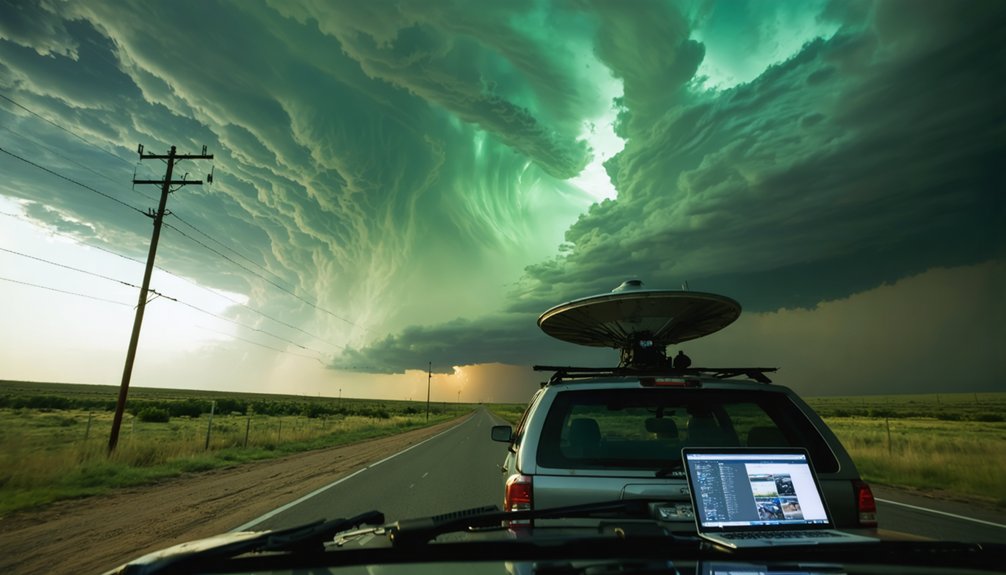
Despite the dropout risks and latency ceilings, the core question remains: does Starlink’s field performance justify its cost and complexity for storm chasing live streams?
Based on real storm chaser experiences, the answer leans yes—with conditions.
The live stream benefits are measurable and documented:
- Nick Stewart maintained uninterrupted 1080P coverage through a four-hour tornado event
- Rural Tornado Alley connectivity held across 5,000 miles where cell service failed entirely
- Starlink RV runs ~$150/month, Mini Roam refurb kits start at $349
- Pairing with Speedify mitigates dropout risk for sensitive broadcast scenarios
You’re not getting a flawless standalone solution.
You’re getting reliable field infrastructure that outperforms cellular in low-coverage zones.
For independent chasers broadcasting life-threatening weather to the public, that operational edge matters considerably.
Frequently Asked Questions
Can Starlink Be Used Internationally During Storm Chasing Trips Abroad?
Like a compass guiding you across borders, Starlink’s international roaming exists, but you’ll navigate international regulations carefully. Connectivity challenges may arise abroad, so you’d want to verify regional coverage and plan availability before chasing storms internationally.
Does Starlink Equipment Require Special Insurance for Storm Chasing Vehicles?
The knowledge base doesn’t specify storm chasing insurance requirements for Starlink gear. You’ll want to consult your provider about equipment liability coverage, as standard policies may not cover specialized Starlink hardware mounted on storm chasing vehicles.
How Does Extreme Cold or Heat Affect Starlink Dish Performance Outdoors?
Extreme temperatures can obliterate your dish’s efficiency. Cold weather impact slows performance in freezing conditions, while heat performance issues may throttle speeds dramatically. You’ll want to monitor your Starlink dish closely during temperature extremes to maintain reliable storm-chasing streams.
Can Multiple Storm Chasers Share One Starlink Connection Simultaneously in the Field?
You can share one Starlink connection, but you’ll face bandwidth limitations that strain connection reliability. Multiple users simultaneously streaming, uploading footage, or running communications will divide available throughput, potentially compromising your critical live broadcast quality in the field.
What Happens to Starlink Data Plans if Equipment Is Damaged During Chasing?
Starlink’s data plan coverage continues independently of hardware damage. You’ll need to address equipment replacement policy separately by purchasing new hardware, as your subscription remains active while you’re responsible for replacing any damaged gear yourself.
References
- https://interestingengineering.com/innovation/meteorologist-uses-starlink-rv-to-live-stream-tornadoes-and-save-lives
- https://stormtrack.org/threads/questions-about-using-starlink-mini-roam.33034/
- https://livestormchasers.com/starlink/
- https://www.youtube.com/watch?v=kOQI6-D-gs0
- https://speedify.com/blog/featured/starlink-real-world-testing-data/
- https://www.youtube.com/watch?v=2sgQt14EkCM
- https://stormtrack.org/threads/question-what-software-are-you-using-to-livestream-your-chase.32790/