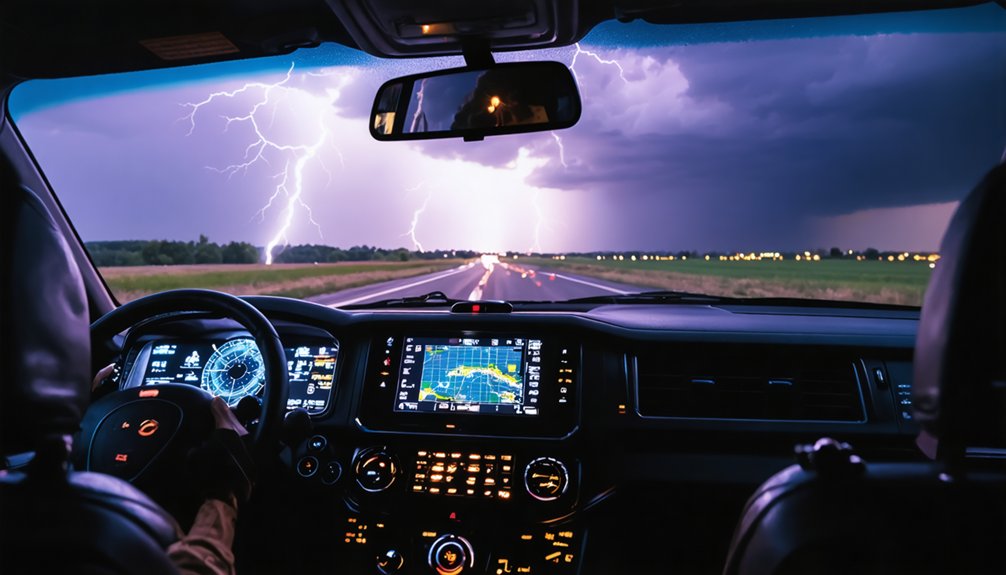
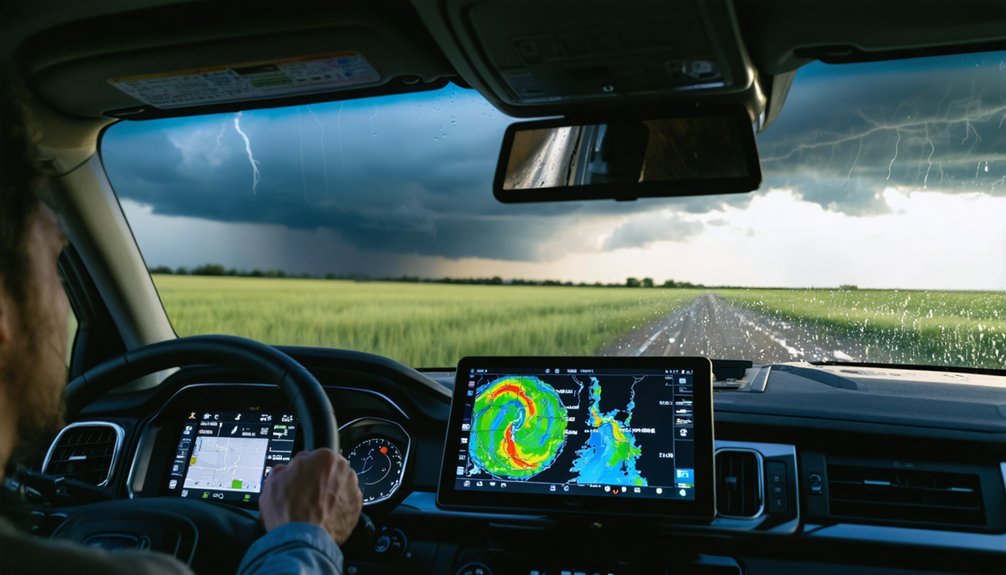
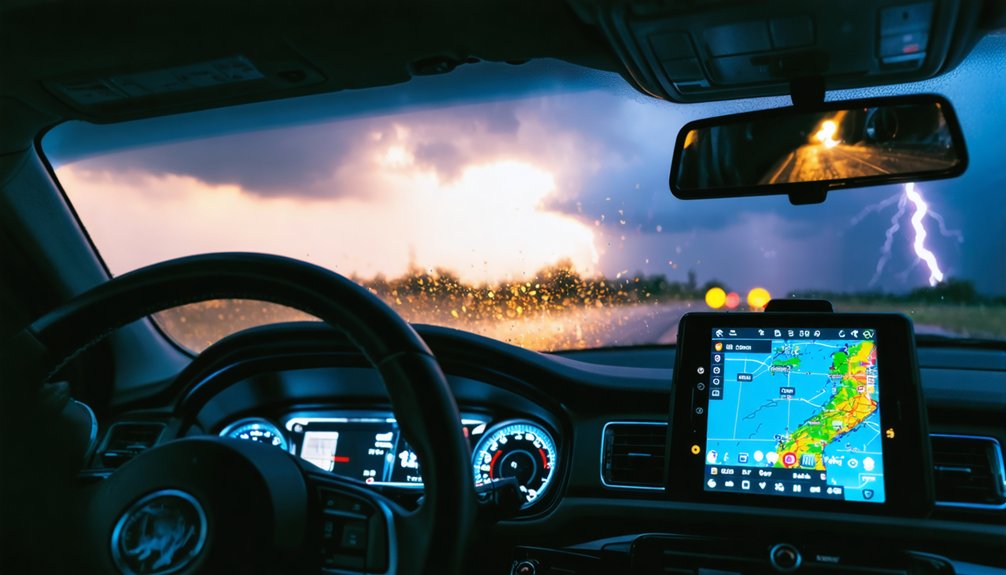
For serious storm chasing, you’ll want software that delivers raw radar data, not blurry composites. RadarScope and RadarOmega are the top mobile choices, offering real-time NEXRAD Level 3 data on iOS and Android. For desktop analysis, GRLevel3 and Gibson Ridge provide Level 2 resolution with 3D storm depictions. Your budget matters too — entry points range from $10 to $300. The right tool depends on your setup, and there’s much more to evaluate before you choose.
Key Takeaways
- RadarScope offers real-time NEXRAD Level 3 data for $10, making it a top mobile choice for storm chasers on iOS and Android.
- GRLevel3 provides professional-grade Level 2 data with 3D storm depictions, ideal for desktop users willing to invest $300.
- RadarOmega supports multi-radar selection and advanced capabilities, available for $10 one-time or via subscription on desktop and mobile.
- MyRadar suits casual monitoring with a free intuitive interface, though it lacks raw data precision needed for serious storm chasing.
- Dual setups pairing mobile apps like RadarScope with desktop software like GRLevel3 maximize data coverage and storm tracking accuracy.
Must-Have Features in Any Serious Storm Chasing Radar App
When choosing storm chasing software, raw radar data access separates professional-grade tools from casual weather apps. You need Level 2 or Level 3 data for genuine radar accuracy, not processed JPEG composites that obscure critical storm tracking details.
Prioritize platforms offering dual-pol products, velocity data, and flexible data visualization tools that you control directly.
Effective storm prediction depends on data integration across multiple radar sources without forced multi-radar blending. Your user interface must deliver speed without sacrificing precision, especially during active chases.
Mobile compatibility isn’t optional—you’ll need seamless shifts between desktop and field environments.
Evaluate historical performance records before committing. Alert customization lets you filter noise and focus on genuine threats.
Finally, understand subscription models upfront—some platforms balance one-time purchases with optional upgrades worth your investment.
Free vs. Paid Storm Chasing Software: What the Price Difference Gets You
When you rely on free tools like MyRadar, you’re working with processed JPEG/GIF composites that strip out the raw data precision you need for accurate storm tracking.
Paid options like RadarScope ($10) and GRLevel3 (up to $300) give you direct access to NEXRAD Level 2 and Level 3 data, dual-pol products, and real-time velocity readings that match what NWS forecasters actually use.
The price difference isn’t arbitrary—it directly determines the resolution, update speed, and analytical depth you can apply when conditions deteriorate fast.
Free Tool Limitations
Free tools like MyRadar look appealing on the surface, but they’re built around processed JPEG and GIF composite images that compress and merge data from multiple radars into a single, lower-fidelity output.
These free tool limitations become critical when you’re tracking a rotating supercell and need precise velocity data to make split-second decisions.
Budget app drawbacks extend beyond image quality — you lose the ability to isolate individual radar sites, eliminating your control over data interpretation.
Without Level 2 or Level 3 access, you can’t analyze dual-pol products, storm-relative motion, or VIL readings that define a storm’s actual threat potential.
Free platforms trade analytical depth for convenience, which works fine for checking weekend rain but fails you entirely when conditions turn genuinely dangerous.
Paid Feature Advantages
Paying $10 to $30 for RadarScope or RadarOmega grants access to a fundamentally different data pipeline — one that pulls raw NEXRAD Level 3 streams directly to your device instead of routing you through pre-processed composite imagery.
These paid features deliver dual-pol products, velocity data, and VIL readings that free tools simply can’t replicate. You’re getting professional reliability baked into every scan cycle, with real time updates matching what NWS forecasters actually see.
Customizable options let you isolate individual radar sites, sharpening your storm tracking precision considerably. The user experience shifts from passive observation to active analysis.
For serious operational decisions — positioning your vehicle, reading rotation signatures, evaluating hail cores — that data accuracy and those advanced capabilities aren’t optional luxuries. They’re tactical necessities.
Value For Money
The gap between free and paid storm monitoring software isn’t cosmetic — it’s architectural. When you run a cost benefit analysis, the numbers tell a clear story. MyRadar’s free tier delivers compressed composites — usable for casual monitoring, but structurally inadequate for operational chasing.
RadarScope’s $10 entry point grants access to real-time Level 3 data processed on-device, eliminating latency that costs situational awareness.
A direct feature comparison sharpens the distinction further. Free apps restrict you to pre-rendered imagery. Paid platforms give you raw dual-pol products, individual radar selection, and velocity data — tools that let you interpret storm structure independently.
GRLevel3’s $300 investment adds 3D depictions and Level 2 resolution. You’re not paying for convenience — you’re paying for analytical autonomy when conditions turn dangerous.
RadarScope: The Mobile Standard for Storm Chasers
When you’re chasing storms in the field, RadarScope delivers real-time NEXRAD Level 3 radar data processed directly on your device, matching the speed and accuracy of NWS forecasters.
You’ll get access to a full suite of radar products—reflectivity, velocity, VIL, and dual-pol—making it one of the most feature-complete mobile options available.
At a one-time cost of $10 on app stores, with an optional subscription for Level 2 data, it’s an accessible yet powerful tool that serious chasers consistently rely on.
Real-Time Radar Data
Storm chasers and weather enthusiasts alike have long debated which radar tool delivers the most reliable real-time data, and RadarScope consistently emerges as the mobile standard. It processes NEXRAD Level 3 data directly on your device, delivering real-time updates that match what NWS forecasters monitor simultaneously.
That’s a critical advantage when you’re tracking rapidly evolving severe weather.
Radar accuracy depends on accessing raw, unprocessed data rather than composite imagery. RadarScope gives you exactly that, including full reflectivity, velocity, VIL, and dual-pol products without degraded jpeg outputs.
You’re not working with approximations—you’re interpreting the same precision data professionals rely on.
For a one-time $10 investment on mobile, you gain independent, high-resolution situational awareness that keeps you informed and in control during dynamic storm scenarios.
Key Features Overview
The subscription model benefits reveal Level 2 data, delivering superior resolution for professionals demanding precision.
At $10 entry-level, you control cost without sacrificing capability.
Pricing And Accessibility
RadarScope’s pricing structure makes professional-grade storm monitoring accessible without demanding a professional budget. You’ll pay a one-time $10 fee on mobile platforms, giving you immediate access to real-time NEXRAD Level 3 radar data without ongoing financial commitments.
If you’re operating on Windows, the desktop version costs $30 as a one-time purchase. These pricing strategies eliminate subscription dependency for core functionality, preserving your financial flexibility.
When you need Level 2 data for deeper storm analysis, subscription options reveal that capability on your terms. These accessibility options mean you’re not confined to expensive software ecosystems like GRLevel3’s $300 investment.
Whether you’re chasing actively or monitoring from home, RadarScope’s tiered model lets you scale your investment precisely to match your operational requirements.
RadarOmega: Advanced Radar for Field and Desktop Use
RadarOmega stands as a strong contender for both field chasers and desktop analysts, delivering advanced radar capabilities alongside NWS outlooks and discussions covering severe, flooding, and winter weather events.
Its desktop compatibility and mobile usability give you operational flexibility whether you’re chasing or monitoring from home.
One of RadarOmega‘s key advantages is multi-radar selection, letting you pull individual radar sites rather than relying on blended composite imagery. This preserves data accuracy and sharpens your storm tracking features considerably.
Real-time updates keep your situational awareness tight, while severe weather alerts integrate NWS polygon data directly into your workflow.
The user interface supports deep customization options, allowing you to tailor displays to your specific analytical needs.
At $10 one-time or via subscription, RadarOmega delivers professional-grade capability without locking you into restrictive pricing structures.
GRLevel3 and Gibson Ridge: The Windows Desktop Standards
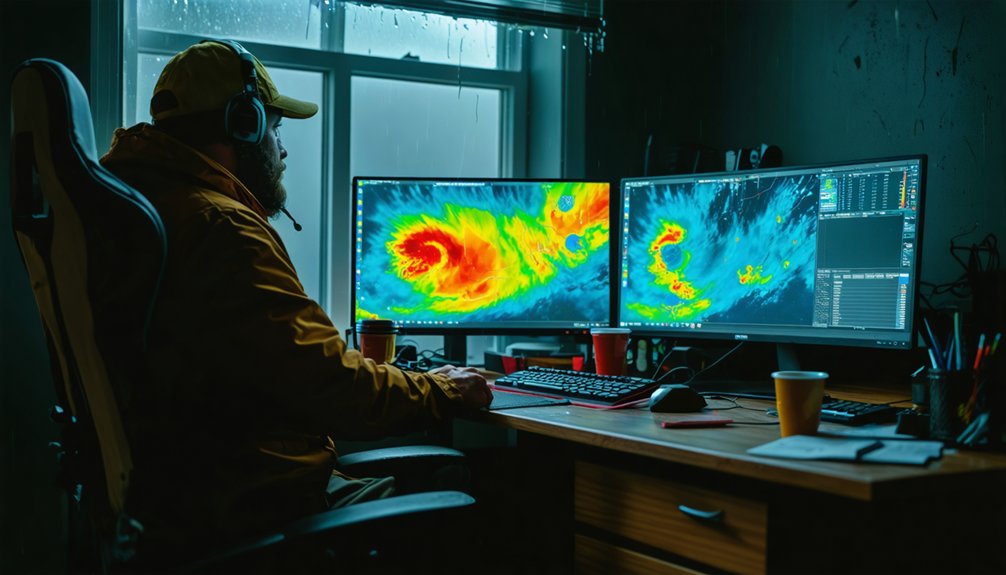
When desktop processing power matters more than portability, GRLevel3 and Gibson Ridge’s suite of tools set the benchmark for Windows-based storm analysis.
GRLevel3 features Level 2 data access, 3D storm depictions, and real-time customization that mobile apps struggle to match, though you’ll pay around $300 for the full package.
Gibson Ridge comparison reveals a nearly identical foundation — both platforms prioritize raw data processing similar to professional NWS tools.
You get high-resolution imagery, precise reflectivity interpretation, and multi-source integration that rewards serious analysts.
However, RadarScope has eroded Gibson Ridge’s advantage by delivering comparable data on mobile devices.
If you’re running a stationary home setup or a laptop-based chase operation, these Windows standards still deliver unmatched analytical depth for those who refuse to compromise on data quality.
MyRadar and Budget Apps for Casual Monitoring
Not every storm monitoring scenario demands Level 2 data and professional-grade analysis tools. For budget monitoring, MyRadar features an intuitive interface delivering wide-area radar composites with real-time updates. You get solid situational awareness without spending heavily.
MyRadar’s core capabilities include:
- Free access with an optional $20/year ad-free upgrade for uninterrupted monitoring
- Multi-radar composite imagery covering state or national scales for broad precipitation tracking
- Satellite imagery integration supplementing radar data for enhanced contextual awareness
Understand its limitations clearly: MyRadar processes jpeg/gif outputs, making it unreliable for precise storm chasing.
It’s best deployed as a supplementary tool rather than a primary analysis platform. If you’re casually tracking regional weather patterns or monitoring general precipitation, it delivers exactly what you need without unnecessary complexity.
The Best Storm Chasing Apps for Mobile Chasers
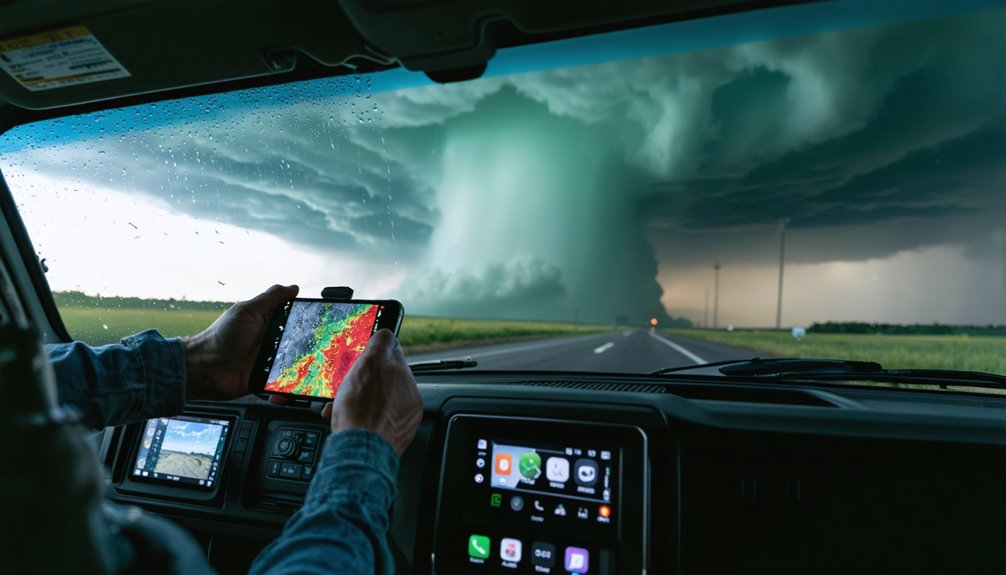
When you’re chasing storms in the field, your mobile app selection directly impacts your ability to track and interpret rapidly evolving weather data.
RadarScope leads the pack with real-time NEXRAD Level 3 processing, full dual-pol products, and a one-time $10 purchase, while RadarOmega competes closely with individual radar selection and integrated NWS outlooks at the same price point.
You’ll want to evaluate each app against key criteria—data resolution, update latency, pricing structure, and offline usability—before committing to a primary tool for active chasing.
Top Mobile Chasing Apps
Whether you’re chasing supercells across the plains or monitoring severe weather from home, selecting the right mobile app can make a critical difference in situational awareness.
Mobile app comparisons consistently highlight three standout options offering distinct user interface experiences:
- RadarScope – Real-time NEXRAD Level 3 data processed on-device, delivering near-instant updates with full dual-pol products for $10
- RadarOmega – Individual radar selection, NWS outlooks, and severe weather discussions for $10, avoiding blended multi-radar composites
- MyRadar – Free wide-area composite radar suited for casual monitoring, though unreliable for professional chasing
RadarScope dominates among active chasers for its precision and high-definition imagery.
RadarOmega excels when you need contextual NWS data alongside raw radar.
MyRadar serves supplementary situational awareness without financial commitment.
Key Features To Consider
Prioritize apps offering individual radar selection rather than blended multi-radar composites, which sacrifice precision for convenience.
NWS polygon overlays, storm-relative motion tools, and customizable alert thresholds give you operational flexibility without depending on pre-processed outputs.
Data latency is critical — even minor delays can misrepresent a storm’s current state.
Cross-platform availability guarantees continuity between your mobile device and home setup.
Evaluate pricing models carefully; one-time purchases often outperform subscription-locked tools for long-term field use.
Pricing And Accessibility
Once you’ve identified the features that match your operational needs, cost and platform availability will shape your final decision.
Pricing models vary greatly across platforms, balancing one-time purchases against subscription benefits:
- RadarScope offers mobile versatility at $10 with optional Level 2 subscriptions, ensuring strong platform compatibility across iOS and Android.
- GRLevel3 prioritizes desktop usability at approximately $300, delivering advanced Level 2 analysis for serious Windows-based chasers.
- RadarOmega bridges both environments at $10, supporting accessibility options across PC and mobile with customizable subscription tiers.
Your user experience depends on matching software updates, customer support responsiveness, and platform compatibility to your chasing environment.
Prioritize solutions that preserve your operational freedom without locking you into unnecessary recurring costs.
Top Desktop Software for Serious Storm Analysis
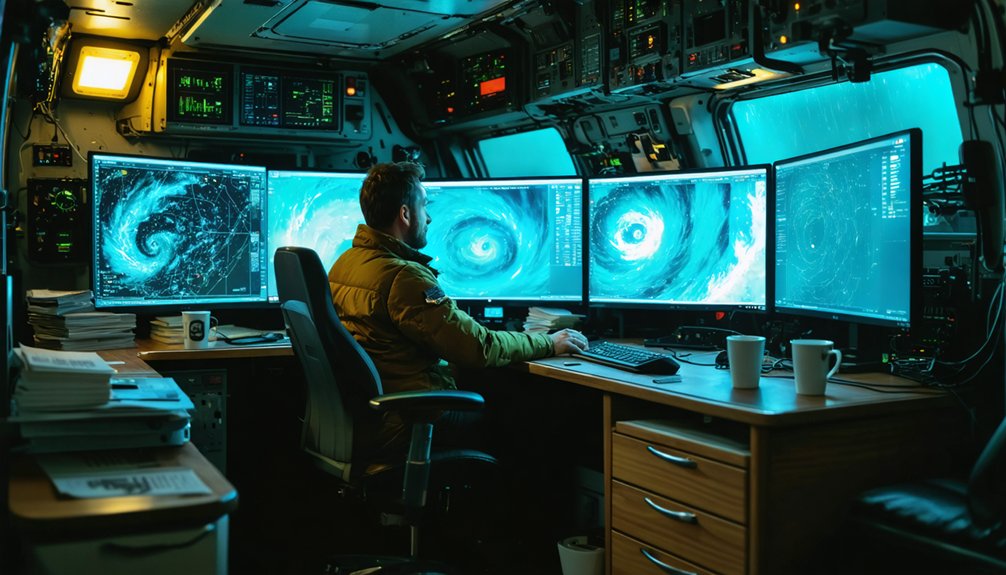
When serious storm analysis demands desktop-level precision, GRLevel3 and Gibson Ridge’s GR 2 Analyst stand out as the top contenders. Both deliver Level 2 data access, giving you superior radar accuracy and 3D storm depictions that mobile apps simply can’t match.
You’ll appreciate the advanced data visualization tools, enabling precise storm tracking and storm prediction when conditions escalate fast.
GRLevel3 costs around $300 for full features, while Gibson Ridge offers tiered one-time purchases. Installation ease varies, but both integrate seamlessly into Windows environments, ensuring solid device compatibility.
Community feedback consistently highlights their robust feature comparison advantages over mobile alternatives, though software updates have slowed as mobile platforms matured.
For armchair analysts and field chasers demanding uncompromised user experience and raw data control, these tools remain authoritative choices.
What Radar Tools Do Professional Storm Chasers Actually Use?
Professional storm chasers rely on a core set of tools that prioritize raw data fidelity over convenience.
Storm chaser preferences consistently point toward platforms delivering unprocessed, high-resolution radar feeds.
Storm chasers demand raw, unfiltered radar data — high-resolution feeds that deliver ground truth, not algorithmically polished approximations.
Radar tool comparisons reveal three dominant choices among active field chasers:
- RadarScope – processes NEXRAD Level 3 data on-device, matching NWS forecaster feeds with near-instant updates
- RadarOmega – supports individual radar selection, eliminating composite distortions common in consumer apps
- GRLevel3 – delivers Level 2 data with 3D storm depictions, preferred for deep desktop analysis
You’ll notice these tools share one priority: direct data access without algorithmic smoothing.
Processed outputs from apps like MyRadar introduce latency and visual artifacts that compromise split-second decisions in the field.
Choose platforms that give you control.
How to Match Storm Chasing Software to Your Setup
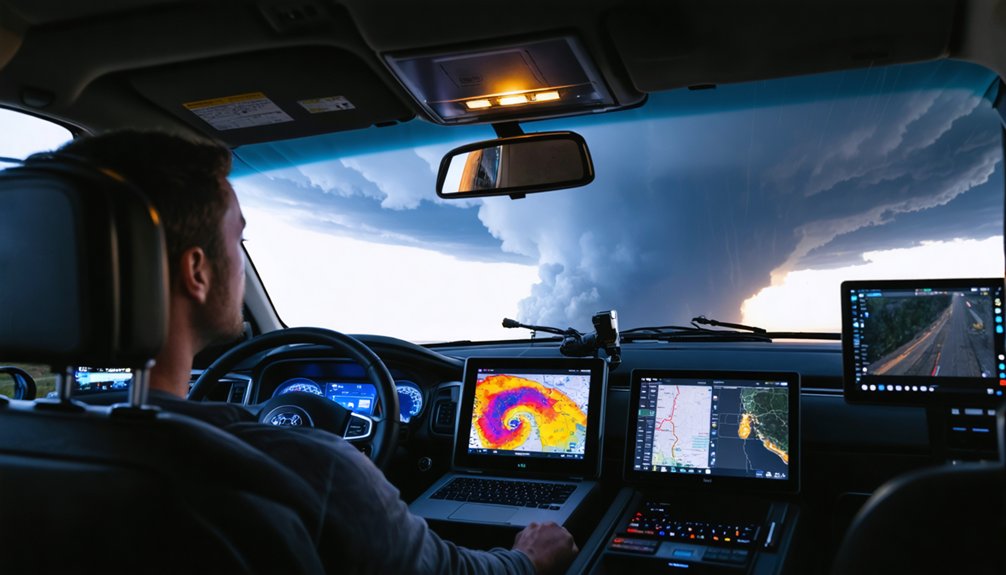
Matching software to your setup starts with identifying whether you’re chasing from a vehicle, monitoring from a desktop, or doing both.
For mobile storm tracking, RadarScope and RadarOmega deliver reliable software compatibility across iOS and Android, giving you real-time Level 3 data without hardware constraints.
If you’re running a desktop or Windows-based rig, GRLevel3 and Gibson Ridge provide deeper analytical control with Level 2 access and 3D storm depictions.
Running dual setups? Pair RadarScope on your phone with GRLevel3 on a laptop for layered data coverage.
Budget also shapes your decision—RadarScope’s $10 entry point beats GRLevel3’s $300 investment for most chasers.
Prioritize software that matches your connectivity conditions, device ecosystem, and the analytical depth your chasing style actually demands.
Frequently Asked Questions
Can Storm Chasing Software Work Offline Without an Internet Connection?
Severely limited storm tracking software struggles sans signal. Most tools lack offline capabilities, requiring you to maintain an active internet connection for real-time NEXRAD radar data, updates, and severe weather alerts during your chasing expeditions.
How Often Is Radar Data Updated in Real-Time Storm Tracking Apps?
You’ll get radar updates every 4–6 minutes, though RadarScope’s processed NEXRAD data delivers near-instant real-time accuracy. Minimize data latency by choosing apps that pull directly from raw Level 2 feeds rather than processed composites.
Are There Radar Apps Specifically Designed for Hurricane or Coastal Monitoring?
Like a lighthouse guiding ships through storms, RadarScope and Clime equip you with hurricane tracking and coastal alerts. They’re your precise, analytical sentinels—delivering real-time NEXRAD data, NWS polygons, and multi-hazard monitoring for coastal threats.
What Minimum Device Specifications Are Needed to Run Advanced Radar Software?
You’ll need a modern processor, 4GB+ RAM, and stable internet for storm tracking compatibility. GRLevel3 demands Windows with strong CPU power, while RadarScope and RadarOmega offer broader device compatibility across mobile and desktop platforms.
Can Multiple Radar Tools Be Used Simultaneously During Active Storm Chasing?
Yes, you can run multiple radar tools simultaneously, boosting storm tracking and radar accuracy. Pair RadarScope for precise data with RadarOmega’s NWS outlooks, and you’ll gain thorough situational awareness during active chasing operations.
References
- https://www.reddit.com/r/stormchasing/comments/1qa9hh6/what_radar_app_do_storm_chasers_usually_use/
- https://www.facebook.com/groups/6926972223/posts/10162109950822224/
- https://www.radaromega.com
- https://www.stormtours.com/radarscope-weather-radar-app/
- https://www.reddit.com/r/stormchasing/comments/1cljsun/storm_tracking_software/
- https://crazystormchasers.com/real-time-storm-monitoring-software-options/
- https://crazystormchasers.com/real-time-storm-tracking-software-reviews/
- https://climeradar.com/blog/best-weather-app-for-storm-chasers
- https://www.youtube.com/watch?v=Rd6JPzOoxGo