When storm chasing, you can’t afford gaps in real-time data. Apps like RadarScope, MyRadar, Storm Shield, and Clime give you NEXRAD Level 3 radar integration, super-resolution storm cell analysis, and live lightning overlays that consumer tools simply can’t match. You’ll want customizable alert zones, velocity scans for mesocyclone detection, and animated radar loops to track storm trajectories accurately. The right app transforms raw atmospheric data into split-second decisions — and there’s much more to unpack ahead.
Key Takeaways
- RadarScope and MyRadar offer professional-grade NEXRAD Level 3 radar and super-resolution data essential for accurate storm chasing decisions.
- Storm Shield pairs live storm alerts with shelter locations and embedded safety tips for real-time decision support.
- Real-time lightning overlays and velocity scans help identify mesocyclones and electrical activity within dangerous storm cells.
- Customizable alert zones let users filter warnings by storm type, wind speed, rain intensity, and lightning activity.
- Evaluate apps based on radar resolution, satellite refresh rates, offline functionality, and subscription cost alignment with your needs.
Why Storm Chasers Rely on Dedicated Storm Tracking Apps
Storm chasers don’t rely on basic weather apps—they need tools that deliver NEXRAD Level 3 radar data, super-resolution storm cell analysis, and real-time lightning overlays to make split-second decisions in the field.
Storm chaser psychology drives a relentless demand for precision; incomplete data isn’t just inconvenient—it’s dangerous.
Technology adoption among serious chasers accelerates because dedicated apps like RadarScope and MyRadar provide capabilities that consumer-grade tools simply can’t match.
Serious storm chasers don’t settle for basic apps—RadarScope and MyRadar deliver the professional-grade data that consumer tools can’t.
You’re analyzing mesoanalysis pressure gradients, tracking storm rotation through satellite loops, and comparing multi-model forecast maps simultaneously.
Every data layer you access sharpens your situational awareness.
When you’re positioned miles from a rotating supercell, professional-grade storm tracking apps aren’t optional—they’re your most critical operational asset.
Top Storm Tracking Apps Worth Downloading Right Now
If you’re serious about storm tracking, you’ll want apps like Clime, MyRadar, RadarScope, and Storm Shield, each delivering specialized tools that go beyond basic weather checks.
You should prioritize apps with real-time NEXRAD Level 3 radar and super-resolution data, since these features sharpen detection of small-scale storm features that generic apps miss entirely.
Pair those radar capabilities with live alert systems that push immediate warnings, shelter locations, and wind speed updates directly to your device, and you’ve got a reliable storm-monitoring setup.
Best Apps Available Now
For serious watchers, RadarScope provides NEXRAD Level 3 and super-resolution radar data, representing some of the most significant storm tracking innovations available to civilians. Its user interface design prioritizes raw data access over simplified visuals, giving you full analytical control.
Storm Shield pairs live alerts with shelter locations and safety tips, while RadarCast Pro delivers animated radar forecasts predicting conditions one hour ahead.
Each app targets a specific need, so matching your requirements to the right tool keeps you informed, independent, and prepared when severe weather closes in.
Key Radar Features Matter
Radar quality determines how much warning time you’ll actually get when a storm intensifies. Prioritize apps offering NEXRAD Level 3 integration and super-resolution data — these tools sharpen storm visualization down to small-scale features most standard apps miss entirely.
Radar accuracy depends heavily on refresh rates and data sourcing. Real-time feeds reveal precise storm intensity and movement, while animated forecast overlays show you exactly where precipitation heads next.
Lightning data layers add another critical dimension, highlighting electrical activity surging within active cells.
Don’t settle for basic radar displays. Apps like RadarScope deliver professional-grade analysis capabilities that give you genuine situational awareness.
You’re not just watching weather — you’re interpreting it. That distinction separates informed decision-making from reactive guessing when conditions deteriorate fast.
Real-Time Alert Systems
Real-time alert systems deliver three things that passive radar-watching never can: immediate push notifications, actionable safety guidance, and shelter location data — all triggered the moment conditions cross critical thresholds.
Storm Shield leads this category, deploying storm alert technology that fires warnings before dangerous weather reaches your coordinates.
You’re not waiting for a broadcast — you’re receiving real time notifications calibrated to your exact zone. Customizable alert boundaries let you define which geographic areas matter, eliminating irrelevant noise.
Push notifications carry specific data: wind speed, rain intensity, and storm surge measurements, not vague warnings. Shelter locations transmit simultaneously, giving you a concrete response plan within seconds.
That precision separates reactive panic from calculated, informed movement — exactly the operational edge serious storm trackers demand.
Storm Tracking Radar Features That Actually Deliver
When serious storm tracking matters, the radar features built into today’s top apps deliver far more than basic precipitation maps. You’ll gain actionable intelligence through tools engineered for precision and speed.
Key features worth leveraging include:
- NEXRAD Level 3 integration — enables professional-level analysis of storm intensity and cell structure
- Super-resolution radar — sharpens radar resolution to detect small-scale storm features traditional maps miss
- Animated forecast overlays — reveal evolving precipitation timelines and movement trajectories
- Lightning data layers — highlight electrical activity embedded within severe systems
- Real-time updates — deliver current conditions with minimal latency
Apps like RadarScope put these capabilities directly in your hands. You’re no longer dependent on broadcast forecasters — you control the data, you read the storm, and you make informed decisions independently.
Satellite and Mesoanalysis Tools Serious Chasers Use
Satellite imagery and mesoanalysis tools push your storm awareness beyond what ground-based radar alone can deliver. High-quality satellite loops reveal cloud structure evolution, storm rotation, and large-scale formation patterns across wide geographic areas.
Multi-spectral views let you distinguish cloud types and identify distinct storm phases with precision. Mesoanalysis techniques give you rapid updates on wind shear, temperature gradients, and pressure shifts — the invisible forces that drive severe weather development.
Apps like MyRadar integrate both satellite imagery and mesoanalysis data directly into a single interface, letting you cross-reference multiple atmospheric variables simultaneously. Real-time satellite feeds also support hurricane and tropical disturbance tracking where radar coverage falls short.
When you’re chasing independently, these tools don’t just inform your decisions — they sharpen every one of them.
How to Read Storm Tracking Data Like a Pro
Reading storm tracking data effectively starts with understanding what each layer of information actually tells you. Radar imagery analysis begins with reflectivity — the brighter the color, the more intense the precipitation.
Velocity scans reveal wind direction and rotation, critical for identifying mesocyclones before tornadoes develop. For accurate storm data interpretation, cross-reference NEXRAD Level 3 data with real-time lightning overlays. Electrical activity spikes often signal rapid intensification.
Pair that with mesoanalysis updates tracking pressure gradients and temperature shifts to confirm storm strength. Animated radar loops show you storm movement speed and trajectory — don’t just watch a single frame.
Stack satellite imagery on top to verify cloud structure evolution. When multiple data layers align, you’re no longer guessing. You’re reading the atmosphere with precision.
Storm Tracking Alert Systems That Warn You Before It Hits
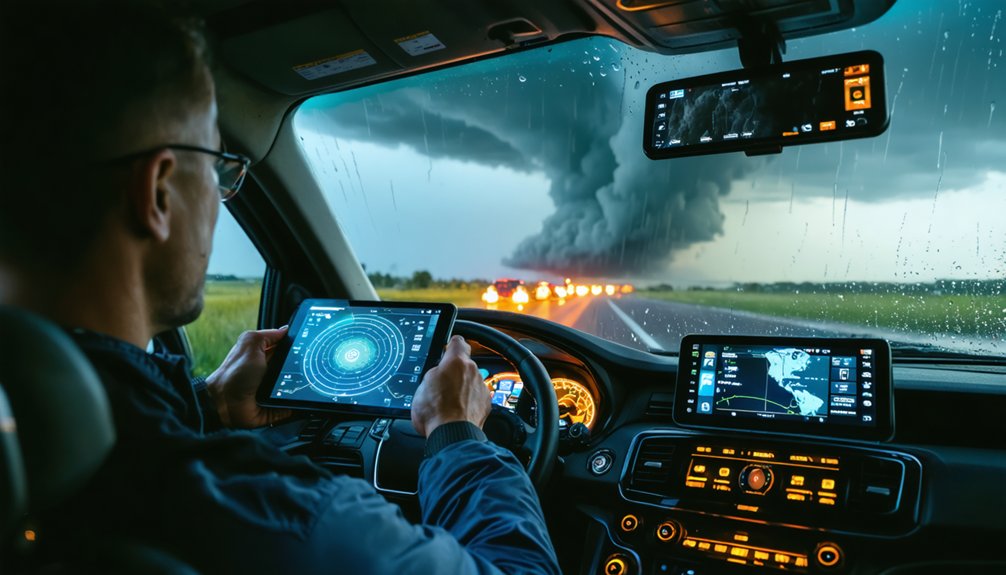
Storm tracking alert systems push live notifications directly to your device the moment severe weather enters your area, giving you critical lead time before conditions deteriorate.
You can configure customizable warning zones around specific zip codes or regions, so you’re only receiving alerts relevant to your exact location.
Apps like Storm Shield pair these warnings with actionable safety tips and real-time shelter location data, ensuring you move from awareness to action without delay.
Live Storm Alert Notifications
When severe weather threatens, live storm alert notifications give you an immediate edge by delivering real-time warnings before conditions deteriorate.
Effective alert settings let you define custom zones, filter alerts by severity, and receive push notifications covering:
- Wind speed thresholds — trigger alerts only when gusts exceed your defined limit
- Rain intensity updates — monitor precipitation rates as storms intensify
- Storm surge warnings — receive coastal flood data before water levels rise
- Lightning activity alerts — track electrical buildup within approaching systems
Mastering live notification strategies means you’re never caught off guard.
Apps like Storm Shield push safety tips and shelter locations alongside raw data, giving you actionable intelligence instantly.
Configure your alert zones precisely, and you’ll maintain full situational awareness without information overload slowing your response.
Customizable Warning Zones
Zone management tools let you configure multiple regions simultaneously, supporting regional tracking across different locations — home, work, or travel destinations.
You set the alert preferences, including storm type, intensity thresholds, and timing parameters. That alert flexibility guarantees you’re only receiving data that directly affects your defined boundaries.
Warning customization sharpens tracking accuracy by filtering storm settings to your exact specifications.
Custom zones put decision-making power in your hands, giving you precise, targeted intelligence without surrendering control to broad, generalized broadcast alerts.
Safety Tips And Shelter
Safety tips and shelter location data give you two critical outputs the moment a live alert triggers. Apps like Storm Shield deliver both simultaneously, cutting your response time when conditions deteriorate fast. You’re not guessing — you’re executing.
Pair app alerts with solid shelter preparedness and pre-built emergency kits:
- Identify the nearest shelter before storm season starts
- Stock emergency kits with water, food, and first aid for 72 hours
- Enable push notifications for wind speed and storm surge thresholds
- Review safety tips embedded in alerts for real-time decision support
The data reaches you first. Your shelter preparedness determines what you do next.
Owning that gap between alert and action keeps you mobile, informed, and free from preventable risk.
Forecasting Tools That Show You Where the Storm Is Heading
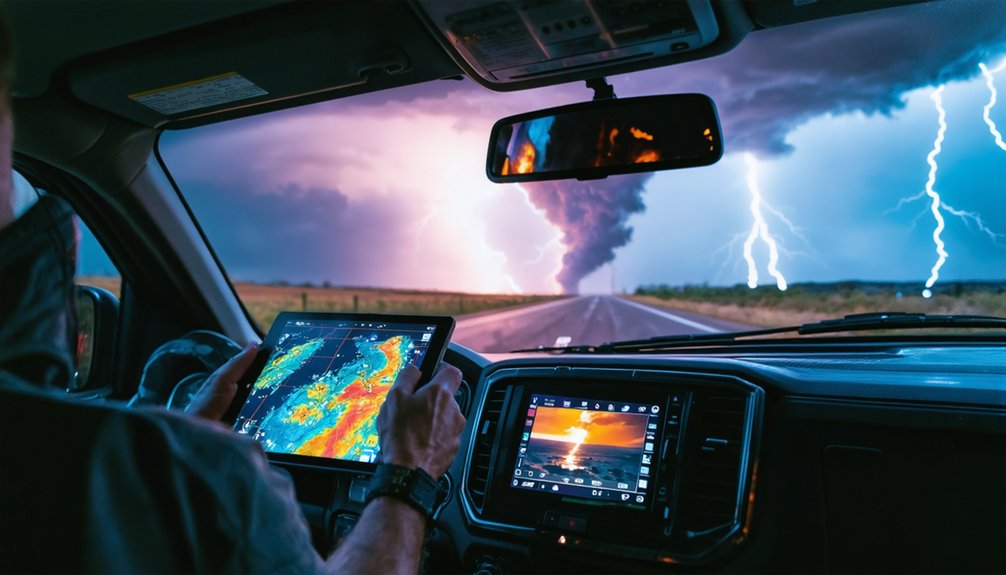
Forecasting tools don’t just show you what’s happening now—they show you what’s coming. Multi-model maps let you compare competing weather models, giving you sharper forecast accuracy than any single source provides.
You can analyze pressure gradients, wind shifts, and precipitation timelines to anticipate a storm path before it reaches your location.
Apps like RadarCast Pro deliver animated radar forecasts projecting conditions up to an hour ahead. Future-radar timelines break down storm movement into precise intervals, so you’re never reacting blind.
MinuteCast-style visuals give you short-term clarity when minutes matter most.
Experimental multi-layer maps push this further, stacking atmospheric data to reveal complex storm dynamics.
With these tools, you’re not waiting on the storm—you’re tracking it, understanding it, and moving on your own terms.
How to Track Hurricanes and Tornadoes by App
Tracking hurricanes and tornadoes demands purpose-built tools, not generic weather apps. You need platforms delivering real-time data, precise storm paths, and actionable tornado safety guidance when seconds matter.
Here’s what your hurricane tracking and tornado monitoring setup should include:
- Clime – Real-time radar with hurricane tracking and integrated severe weather alerts
- RadarScope – NEXRAD Level 3 and super-resolution data for detecting small-scale tornado features
- My Hurricane Tracker – Interactive maps covering tornadoes, cyclones, and tropical storms simultaneously
- Storm Shield – Live alerts with shelter locations and tornado safety protocols built in
Cross-reference NOAA forecast maps against app data to validate storm path accuracy.
Use historical storm archives dating to 1851 to contextualize current hurricane behavior.
You’re not just watching storms—you’re making informed, independent decisions about your safety.
Choosing the Right Storm Tracking App for Your Needs
Hurricane and tornado tracking tools solve a specific problem—but your broader storm tracking needs may demand a different feature set entirely.
Apply clear app selection criteria before committing. Evaluate data accuracy by cross-referencing NEXRAD integration and satellite refresh rates. Use a feature comparison guide to weigh radar resolution, lightning overlays, and mesoanalysis access against what you actually need.
User interface importance can’t be overstated—cluttered dashboards slow critical decisions. Factor in mobile accessibility considerations, especially offline functionality during connectivity outages.
Run a subscription cost analysis across Clime, RadarScope, and Storm Shield to match budget with capability. Check user reviews impact on real-world reliability.
Finally, verify integration options available with NOAA feeds or NWS plug-ins to guarantee your chosen app delivers authoritative, unfiltered data.
Frequently Asked Questions
Are Storm Tracking Apps Safe to Use During Active Tornado Warnings?
You can use storm tracking apps during tornado warnings, but prioritize shelter first. App safety depends on your situation—don’t let real-time data distract you from immediately following official emergency protocols and seeking cover.
Can Storm Tracking Apps Function Reliably Without a Strong Internet Connection?
Most storm tracking apps struggle without strong connectivity, as real-time radar and live alerts depend on continuous data streams. You’ll notice reduced data accuracy and limited offline functionality, compromising your ability to monitor rapidly evolving storm conditions effectively.
Do Storm Tracking Apps Drain Smartphone Battery Faster Than Regular Apps?
Yes, storm tracking apps drain your battery faster due to continuous GPS, real-time radar, and push alerts. In app comparisons, you’ll want to enable battery optimization settings to maintain your freedom and extend device life.
Are There Free Storm Tracking Apps That Offer Professional-Level Radar Features?
You’ll find free options like RadarScope and MyRadar delivering professional-level radar accuracy, including NEXRAD Level 3 data. Check user reviews to confirm real-time performance, lightning overlays, and super-resolution features before committing to any platform.
Can Children or Beginners Effectively Use Storm Tracking Apps Independently?
Yes, you can use apps like Storm Shield effectively, as they offer child-friendly features and beginner tutorials. They’ll guide you through live alerts, safety tips, and shelter locations, making independent storm tracking accessible and precise.
References
- https://apps.apple.com/us/app/storm-tracker/id945662980
- https://teamrubiconusa.org/news-and-stories/best-hurricane-tracking-apps-and-tools/
- https://www.stormguardrc.com/resources/best-weather-apps-for-storm-tracking/
- https://www.rainviewer.com
- https://climeradar.com/blog/top-storm-tracking-apps-united-states
- https://www.reddit.com/r/weather/comments/19df5bn/which_weatherstorm_app_do_you_guys_recommend/
- https://www.cnet.com/tech/mobile/top-apps-to-track-severe-weather/
- https://play.google.com/store/apps/details?id=com.weather.Weather&hl=en_US
- https://play.google.com/store/apps/details?id=com.acmeaom.android.myradar&hl=en_US
- https://www.youtube.com/watch?v=RE9GemgDryQ