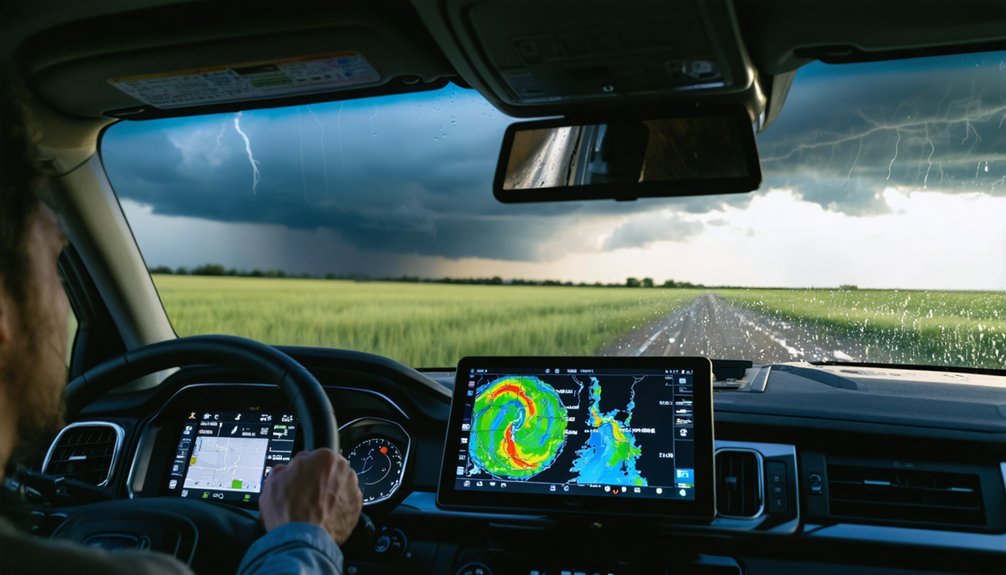
To track storm paths like a pro, you’ll want to loop radar instead of relying on static frames, prioritizing reflectivity to locate high-intensity cores and velocity to spot rotation signatures. Focus your tracking on the storm’s high-dBZ core, not its shifting outer edges, and project movement 30 to 60 minutes ahead. Refresh radar every 10 to 20 minutes as storms approach, and always cross-check your reads against official NWS warnings. There’s much more technique behind each of these steps.
Key Takeaways
- Use radar loops over 30–90 minutes to identify precipitation patterns and project storm paths 30–60 minutes ahead.
- Prioritize composite reflectivity to locate storm cores and gauge intensity before using velocity data to assess rotation.
- Track the high-dBZ storm core across frames, as outer edges shift rapidly and can mislead path projections.
- Refresh radar every 10–20 minutes as storms approach, cross-verifying readings with official NWS or NHC warnings.
- Combine radar, weather apps, and local news while prioritizing official warnings over independent radar interpretations for safety.
Why Radar Loops Beat Still Images Every Time
When you pull up a single radar frame, you’re seeing a snapshot frozen in time—useful, but limited.
Radar technology delivers its real value through loops, not static images. A 30-to-90-minute loop reveals how precipitation patterns shift, intensify, and move—data a single frame can’t provide.
Storm forecasting depends on motion trends, not isolated moments. Watch how the strongest echoes migrate frame by frame, and you’ll quickly identify a storm’s direction and speed.
That movement data directly improves tracking accuracy, letting you project a path 30 to 60 minutes ahead with confidence.
Single frames hide the story. Loops tell it.
If you’re serious about reading what a storm will do next, always loop the radar before drawing any conclusions.
Reflectivity, Velocity, and When to Use Each
Radar gives you two primary diagnostic tools—reflectivity and velocity—and knowing which one to pull up first determines how fast you get useful data.
Reflectivity types—composite and base—measure returned energy from precipitation, directly indicating rain rate, hail size, and storm structure. Pull reflectivity first to locate the core and gauge intensity.
Reflectivity cuts straight to the point—locate the core, read the intensity, understand what the storm is carrying.
Velocity significance becomes critical once you’ve confirmed a storm exists. Doppler velocity maps wind movement toward and away from the radar, revealing rotation signatures that signal potential tornadoes or mesocyclones.
However, velocity data has range limitations and beam-height constraints that distort readings at distance. Your workflow should follow a clear sequence: reflectivity identifies the threat, velocity qualifies its rotational nature.
Switching between both layers rapidly during an active storm gives you the clearest, most actionable situational picture available.
Track the Storm Core, Not the Outer Edges
When tracking a storm, you’ll want to fix your attention on the brightest echo in the composite reflectivity display, as that high-dBZ core marks the system’s most intense and dangerous activity.
Follow that core’s movement frame to frame across the loop, since its trajectory gives you a far more reliable path estimate than watching the lighter outer precipitation bands.
Those outer edges shift, expand, and dissolve rapidly, so treating them as the storm’s true position will consistently skew your tracking data and mislead your short-term projections.
Identify The Brightest Echo
On a composite reflectivity display, the brightest echoes — typically shown in reds, pinks, or whites depending on the color scale — mark the storm’s most intense core. These high-reflectivity zones directly correlate with storm intensity, indicating heavy rainfall, large hail, or both.
When you’re tracking a system, lock onto that brightest echo rather than monitoring the lighter precipitation bands surrounding it. The outer edges shift constantly and can mislead your path estimate. The core, however, moves with greater consistency and represents the primary hazard.
Watch how the brightest echo repositions across successive radar frames — that movement defines the storm’s true trajectory. Filtering out the noise and focusing on peak reflectivity gives you a precise, data-backed read on where the most dangerous segment of the storm is actually headed.
Follow The Core Movement
Once you’ve locked onto the brightest echo, the next step is watching how it moves across successive frames. Core dynamics reveal the storm’s true trajectory far better than shifting outer bands. Track the strongest reflectivity zone consistently, and you’ll build a reliable short-term path projection.
- Focus on the high-reflectivity core, not the light rain edges that reshape constantly.
- Watch frame-to-frame shifts to identify steady directional trends tied to storm intensity.
- Extend the observed motion line 30–60 minutes ahead for a quick nowcast projection.
- Replace your projection immediately when core dynamics show deviation from the established track.
Outer edges distort quickly and mislead your read. The core tells you where the real hazard is heading, giving you the precise, actionable data you need to stay ahead.
Ignore Shifting Outer Edges
Outer edges on radar shift constantly because light precipitation scatters, dissipates, and reforms with little relation to the storm’s actual hazard zone.
Edge variability is normal, not meaningful. If you’re chasing that movement, you’re misreading the data and wasting time on low-reflectivity noise.
Focus instead on the brightest echo cluster, which directly reflects storm intensity. That core tells you where the heaviest rain, hail, and strongest dynamics are concentrated.
Watch how it moves across frames, and you’ll build an accurate short-term path projection.
Outer bands will blur, stretch, and vanish between scans without signaling real changes in threat level.
Dismiss that peripheral clutter and keep your attention locked on the core. That’s where the actionable information lives.
Project the Storm’s Path Over the Next Hour
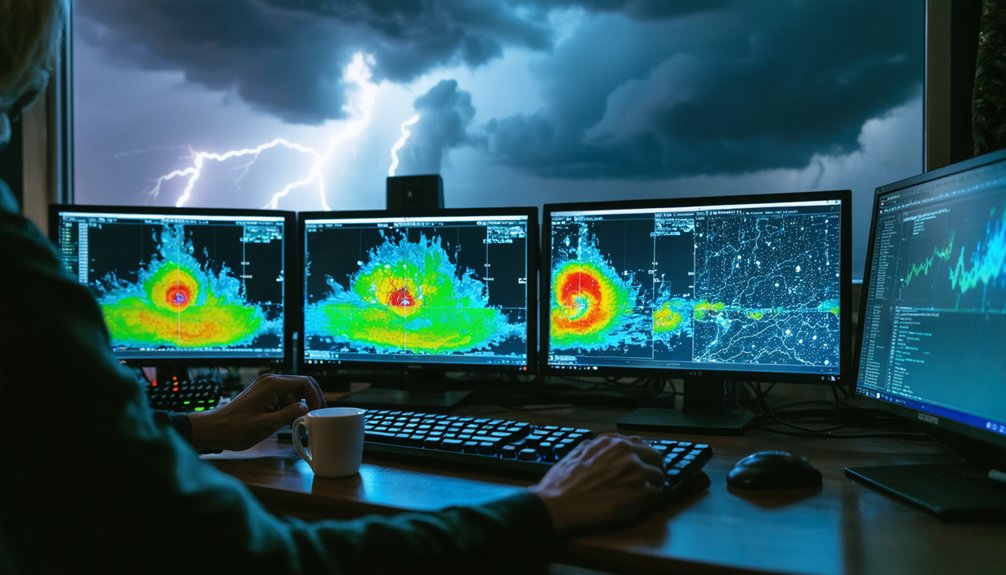
Extending a storm’s observed motion line is one of the most reliable ways to project where it’ll be in the next 30 to 60 minutes. Consistent frame-to-frame movement makes short-term forecasting straightforward—you mentally extend that storm trajectory forward and identify what’s in its path.
- Track the core’s movement across multiple frames, not just two
- Steady, uniform motion produces the most accurate 60-minute projection
- Erratic or shifting movement signals you should shorten your projection window
- Replace older projections immediately when the storm deviates from its established path
You’re in control of your own situational awareness. Use real-time radar updates to continuously refine your projection, and never lock onto a single estimate when conditions keep evolving.
Update Your Radar on the Right Schedule
Knowing when to refresh your radar matters as much as knowing what to look for. During active storm development, you’ll want radar updates every 20 to 30 minutes to catch new cells forming upstream.
As a system closes in, tighten that interval to every 10 to 20 minutes. Consistent storm tracking means you’re never working from stale data when conditions shift fast.
Don’t drop your guard once the main line passes. Secondary cells can spin up behind the primary system, so continue radar updates until the entire complex clears your area.
On major outbreak days, check radar, warnings, and NWS discussions repeatedly throughout the day. A disciplined update schedule turns raw radar data into reliable, actionable intelligence rather than a fragmented snapshot of a moving threat.
Cross-Check Every Radar Read Against Official Warnings
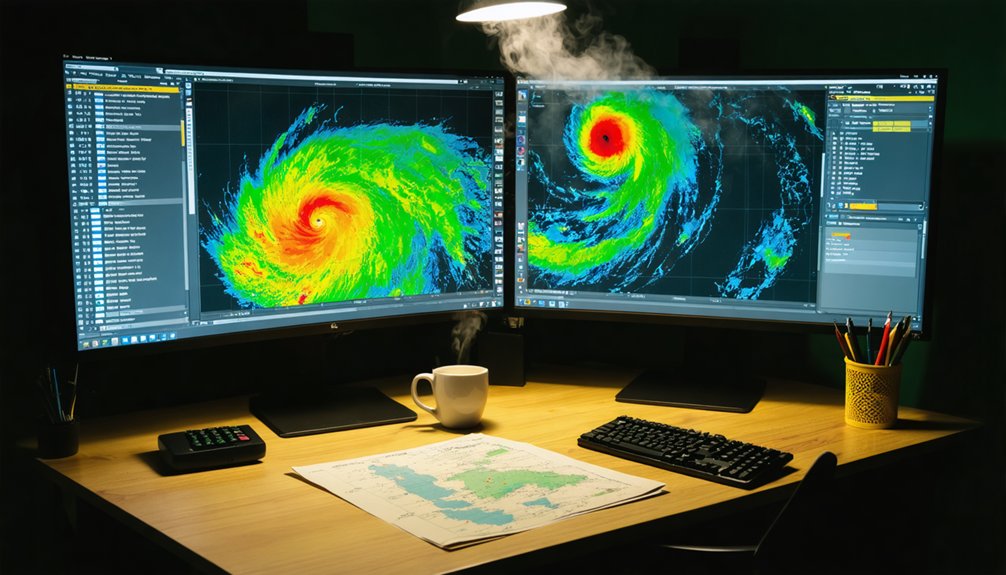
Radar interpretation only gets you so far—you must pair every path estimate with the latest NWS or NHC warnings to confirm what you’re seeing. Official warnings carry verified, actionable data that raw radar accuracy alone can’t provide. Warning polygons define exact hazard zones, timing, and intensity, giving your radar reads a reliable framework.
Radar alone isn’t enough—pair every path estimate with verified NWS or NHC warnings to confirm what you’re seeing.
- Treat NWS severe-thunderstorm and tornado polygons as your action trigger, not your radar read alone.
- Cross-reference warning wording against what reflectivity and velocity products are showing you.
- Check NHC advisories for tropical systems to validate your projected storm path.
- When official warnings contradict your radar interpretation, defer to the warnings immediately.
Staying independently informed means using every verified tool available—not just one. Official warnings close the gap where radar accuracy reaches its limits.
Frequently Asked Questions
Can I Track Storms Effectively Using a Free Radar App?
Yes, you can track storms effectively using a free radar app. Apply proven storm tracking tips, focus on core reflectivity, loop recent frames, and leverage radar app features like velocity and warning overlays for precise, data-driven results.
What Should I Do When a Storm Suddenly Changes Direction?
Like a compass resetting, you’ll need to ditch your old projection immediately. Update your radar loop every 10–20 minutes, discard prior path estimates, and cross-check NWS warnings to maintain storm safety and strong emergency preparedness.
How Accurate Are Automated Storm Path Predictions Compared to Manual Tracking?
Automated accuracy degrades when storms behave erratically, so you’ll get better results combining both approaches. Manual methods let you interpret context that algorithms miss, giving you sharper, more reliable short-term path projections every time.
Is Tracking Storms During Nighttime Any Different Than During Daytime?
Nighttime storm detection isn’t impossible, but you’ll lose every visual cue you’d normally rely on! Radar remains your lifeline when nighttime visibility hits zero—you’ll want to refresh it every 10–20 minutes as storms close in.
Should I Rely on Social Media Reports Alongside Official Radar Tools?
You shouldn’t prioritize social media reliability over official sources comparison. Trust NWS radar and verified alerts first. Social posts can complement your data but often lack precision, timing accuracy, and the validated structure that official tools consistently deliver.
References
- https://climeradar.com/blog/how-to-monitor-storm-paths-using-radar
- https://www.youtube.com/watch?v=Y_g6bwSi_tw
- https://medium.com/@paul_15500/hurricane-tracker-hacks-how-to-stay-one-step-ahead-of-the-storm-6a2b06d11cb3
- https://online.utpb.edu/about-us/articles/gis-geospatial/how-to-track-a-hurricane-gis-and-storm-tracking
- https://climavision.com/blog/how-are-hurricanes-tracked-tools-and-tips-for-superior-coverage/
- https://climeradar.com/blog/storm-tracking-radar-guide-us
- https://crazystormchasers.com/storm-trackers-with-real-time-updates/
- https://climeradar.com/blog/radar-tracking-for-severe-thunderstorms
- https://www.enchantedlearning.com/subjects/weather/hurricane/tracking.shtml
- https://houstonlanding.org/hurricanes-are-difficult-to-track-here-are-tips-for-staying-ahead-of-major-storms/