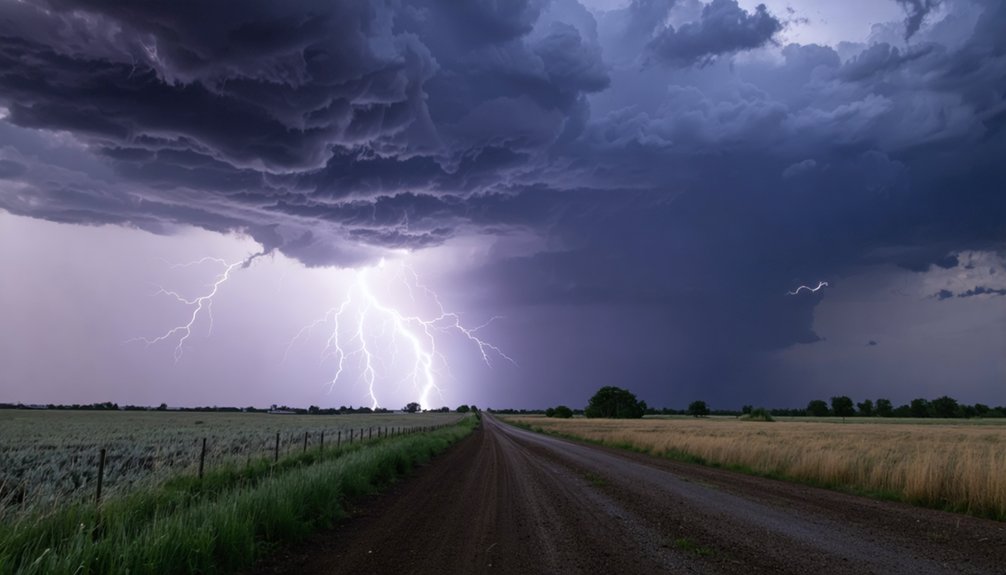
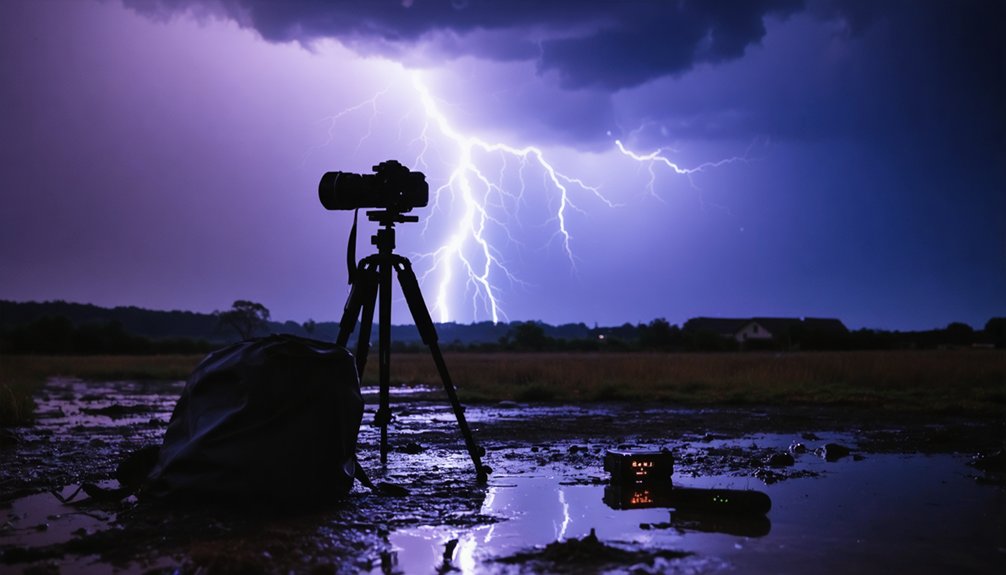
To capture lightning strikes on your smartphone, you’ll need to lock your phone down on a tripod or fixed surface to prevent blur during long exposures. Set your camera to manual mode with a shutter speed between 8 and 15 seconds and a low ISO around 100–400. Always shoot from indoors or inside a parked car to stay safe. There’s plenty more technique involved in getting the perfect shot.
Key Takeaways
- Mount your phone on a tripod and use a timer or remote shutter to eliminate camera shake during long exposures.
- Set shutter speed between 8–15 seconds with low ISO (100–400) in Pro or Manual mode to capture lightning streaks.
- Lock focus manually on a distant point and frame wide to maximize the chance of capturing a strike.
- Shoot continuously with multiple attempts, as lightning is unpredictable and rarely strikes the same spot twice.
- Stay indoors or inside a parked car, shooting through clean glass to ensure safety without sacrificing image quality.
Lock Your Phone Down Before the Storm Hits
Before you take a single shot, mount your phone on a tripod or brace it against a fixed surface—a windowsill, ledge, or the ground all work. Camera stability isn’t optional here; long exposures magnify every tremor, and even slight movement destroys the shot. Once you’ve secured the phone, don’t touch it to trigger the shutter—use a timer or remote to eliminate shake at the moment of capture.
Next, lock your focus manually on a distant reference point—a far light, the horizon, or any fixed landmark near the strike zone. Focus accuracy matters because autofocus struggles in dark, shifting storm conditions. Set it once, lock it down, and leave it.
You’re now positioned to shoot repeatedly without reconfiguring between frames.
Use Long Exposure to Photograph Lightning
With your phone locked in place, switch to a long exposure setting—most smartphones offer this through a Pro, Manual, or dedicated Long Exposure mode. Set your shutter between 8 and 15 seconds, keeping ISO low, around 100 to 400, to prevent overexposed bolts and digital noise.
Set your shutter between 8 and 15 seconds and keep ISO low to capture clean, detailed lightning bolts.
These camera settings give lightning enough time to appear within your frame without washing out detail.
Your composition techniques matter here too. Frame a wide section of sky over the strike zone, include a grounded foreground element for visual reference, and let the exposure run repeatedly. Each frame is a separate attempt, and strikes rarely land twice in the same spot.
Shoot in RAW if your phone supports it—you’ll recover far more detail during editing.
Shoot From Indoors or a Parked Car
Safety determines where and how you shoot, so position yourself indoors behind a glass window or inside a parked car with the windows rolled up. Both options deliver indoor safety and vehicle stability without sacrificing your shot quality.
Follow these four practical guidelines:
- Choose a window facing the storm’s strike zone for an unobstructed sight line.
- Stabilize your phone against the glass or use a tripod inside the vehicle to eliminate vibration.
- Disable notifications and enable airplane mode so interruptions don’t cut your exposure short.
- Keep extra battery and storage ready because extended sessions drain resources fast.
Glass slightly reduces image sharpness, so clean it thoroughly before shooting. Your location controls your survival — don’t compromise it for a better angle.
Frequently Asked Questions
What Camera App Settings Work Best for Capturing Lightning on Smartphones?
Imagine you’re chasing a Midwest storm—set your app to manual mode, ISO 100–400, and 8–15 second shutter. You’ll maximize lightning safety using smartphone accessories like tripods for sharp, noise-free strikes.
How Do I Focus My Smartphone Camera Correctly During a Lightning Storm?
Set your focus manually to infinity—don’t rely on autofocus in dark conditions. Lock onto a distant light for camera stability, and shoot from secure cover, keeping weather safety your priority throughout the storm.
Can I Capture Multiple Lightning Strikes in a Single Smartphone Photo?
Yes, you can. Though lightning’s chaos feels uncontrollable, long exposure gives you command—set 10–15 seconds, stay indoors for storm safety, and time your captures around lightning timing patterns to catch multiple strikes in one frame.
What ISO Setting Should I Use When Photographing Lightning at Night?
For night lightning, you’ll want ISO 100–400, favoring the lower end to avoid overexposed bolts. Monitor weather forecasting to anticipate strike frequency, and always prioritize lightning safety by shooting from a secure, sheltered position.
How Do I Compose My Shot to Best Include Lightning Strikes?
Frame a wide sky view, positioning a foreground element for scale. Aim at the storm’s active zone, lock focus at infinity, and you’ll maximize lightning safety while weather forecasting helps you anticipate where strikes’ll likely occur.
References
- https://davealex.com/photography/capturing-lightning-cell-phone/
- https://onechelofanadventure.com/how-to-capture-lighting-shots-with-an-iphone/
- https://www.reddit.com/r/AskPhotography/comments/142ldfo/what_is_the_best_way_to_capture_lightingthunder/
- https://www.miops.com/blogs/news/the-complete-guide-to-storm-and-lightning-photography
- https://www.youtube.com/watch?v=Pbhwf9efl-M
- https://www.youtube.com/watch?v=0_g7DSIFNTg
- https://www.phonearena.com/news/How-to-take-photos-of-lightning-with-smartphone-camera-using-manual-controls_id95442
- https://iphonephotographyschool.com/lightning/
- https://digital-photography-school.com/how-to-photograph-lightning-the-ultimate-guide/