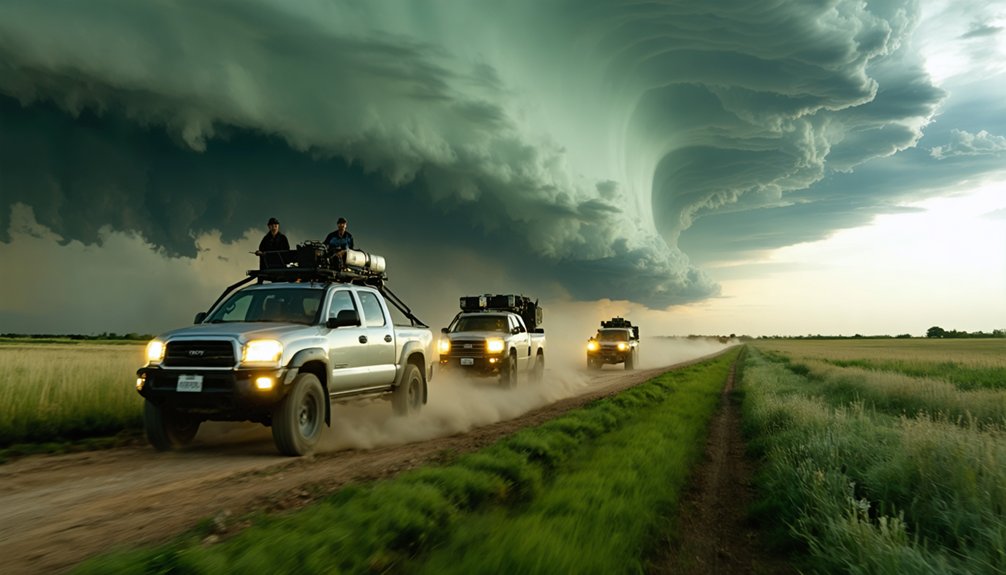
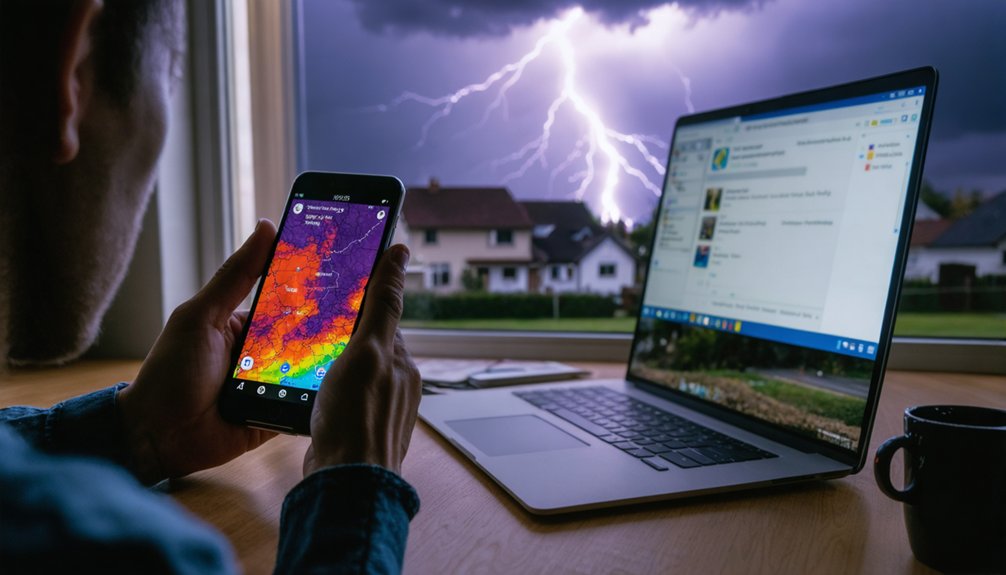
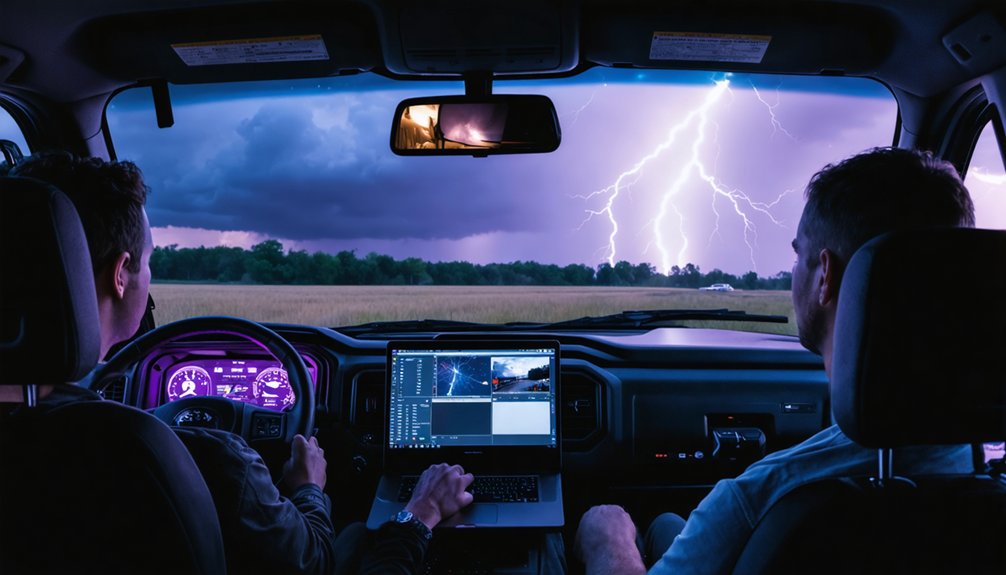
For live storm chaser tracking, your best options are LiveStormChasing.com, StormCenter, RadarOmega, WeatherWise, and Severe Studios. Each platform delivers real-time chaser positions, radar overlays, and integrated live streams at varying update frequencies and interface quality. You’ll want to cross-reference at least two sources to eliminate data lag and confirm target zones accurately. RadarOmega consolidates the most workflow-critical data into one interface. Keep exploring to see exactly how each tool performs and which combination suits your operational setup.
Key Takeaways
- LiveStormChasing.com is the most active live chaser map, offering real-time positioning and audio access, best used on desktop.
- RadarOmega combines radar data, chaser icons, and live stream access within a single, mobile-optimized interface.
- StormCenter provides real-time chaser positions and integrated weather data, ideal for monitoring multiple chasers across storm corridors.
- WeatherWise offers desktop chaser tracking with one-click overlays and an Android app for mobile map management.
- Severe Studios serves as a reliable backup platform for cross-verification, safety monitoring, and storm pattern analysis.
What to Look for in a Storm Chaser Live Tracking Tool
When choosing a live tracking tool, real-time positioning accuracy should be your first filter. Delayed or infrequent position updates make a tool unreliable during fast-moving storm events. Storm accuracy depends on how often chaser locations refresh and whether that data syncs with current radar layers.
Real-time positioning accuracy is your first filter — delayed updates make any tracking tool unreliable when storms move fast.
Next, evaluate the user interface. You need a layout that lets you pull information fast without navigating multiple menus under pressure. A cluttered or unresponsive interface costs you situational awareness when conditions escalate quickly.
Also consider cross-device performance. Some platforms run well on desktop but break down on mobile, limiting your flexibility in the field.
Finally, check whether the tool integrates radar, satellite, and live streams in one place. Consolidated data reduces the time you spend switching between platforms.
LiveStormChasing.com: The Most Active Live Chaser Map Online
Among the platforms available for live chaser tracking, LiveStormChasing.com stands out as the most active map currently in use. During any significant storm chase event, you’ll find more active chasers plotted here than on competing platforms, giving you denser real-time situational awareness across outbreak zones.
The map lets you monitor multiple field operators simultaneously, which proves critical when cross-referencing positions against incoming weather alerts. You can also listen in on chase activity directly through the platform, adding an audio layer to your operational picture.
One limitation worth noting: mobile performance is reportedly unwieldy, so desktop access delivers the most reliable experience. If you’re building a serious tracking stack, LiveStormChasing.com functions as your primary chaser-density layer during high-activity severe weather days.
StormCenter: Live Chaser Positions Updated in Real Time
StormCenter gives you real-time positioning data on active chasers, making it a functional complement to LiveStormChasing.com rather than a replacement. It’s built for situational awareness during active storm events, slotting cleanly into your storm chase logistics stack alongside radar and satellite tools.
StormCenter complements LiveStormChasing.com with real-time chaser positioning—built for situational awareness, not replacement.
Here’s what StormCenter brings to your setup:
- Real-time chaser positions updated continuously during active severe weather events
- Field monitoring capability that lets you track multiple chasers across a storm corridor simultaneously
- Weather data integration compatibility, making it effective when paired with radar platforms for full operational awareness
If you’re running a serious chase operation, StormCenter isn’t a standalone solution—it’s a precision layer. Use it to cross-reference field positions and maintain situational control when conditions evolve fast.
RadarOmega: Radar Data and Live Streams in One Place
RadarOmega lets you view storm chaser icons directly on the radar map, so you’re combining positional data with meteorological analysis in a single interface.
When you click a chaser’s icon, it opens their live stream, eliminating the need to switch between separate tracking and viewing tools.
If you’re running a serious chase operation, RadarOmega’s premium tier gives you access to the full feature set that working meteorologists and chasers rely on.
Integrated Radar and Streams
For chasers who want radar data and live streams in a single interface, RadarOmega delivers both without requiring you to switch between tools. Chaser icons appear directly on the radar map, letting you cross-reference positioning with live storm data instantly. That integration supports chaser safety by keeping situational awareness tight during fast-moving events.
- Click any chaser icon to open their live stream without leaving the radar view
- Overlay historical storm data alongside real-time positioning for pattern recognition
- Access premium-tier tools built specifically for meteorologists and active field chasers
You’re not juggling separate tabs or losing track of storm structure while searching for a stream. RadarOmega keeps your workflow consolidated, precise, and fully operational when severe weather demands your complete attention.
Premium Features for Chasers
When severe weather demands full operational capability, RadarOmega’s premium tier delivers the toolset built for meteorologists and active field chasers. You’re getting radar data and live chaser streams integrated into a single interface, eliminating the need to toggle between platforms during fast-moving events.
Chaser icons overlay directly onto radar, and clicking one launches their live feed instantly. That kind of storm data accuracy matters when you’re making real-time positioning decisions in the field. You maintain situational awareness without sacrificing data integrity.
It’s also worth noting that responsible use of these tools reinforces storm chasing ethics — precise positioning reduces unnecessary convergence on storm targets. If you want operational-grade capability without compromise, RadarOmega’s premium features give you the freedom to chase smarter and safer.
WeatherWise: Desktop Live Chaser Tracking With One Click
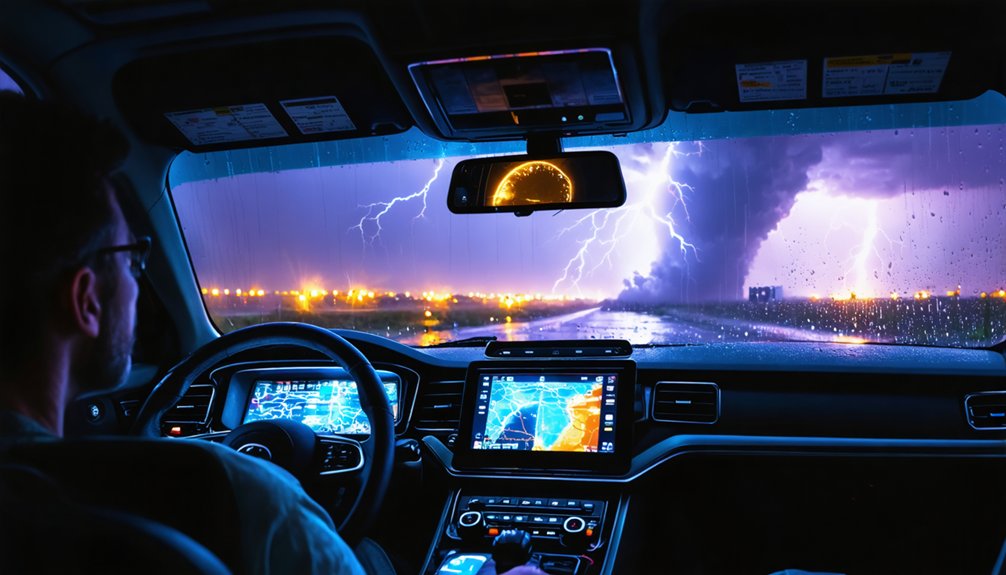
WeatherWise gives desktop users a straightforward way to layer live chaser data onto an existing map view. You’ll access chaser icons through the hamburger menu, enabling real-time positioning without switching platforms. It’s a clean integration that fits naturally into weather pattern analysis workflows used across storm chaser communities.
Once enabled, the map populates with chaser icons showing current field positions. Clicking any icon pulls up a live feed directly within the interface.
Key functional advantages include:
- One-click activation via the hamburger menu for immediate chaser overlay
- Icon-based map display showing live chaser coordinates during active events
- Direct stream access by selecting individual chaser icons on the map
WeatherWise also carries a Google Play listing, though desktop remains its strongest operational environment for tracking.
Severe Studios Live Map: A Reliable Backup Tracking Source
If you need a secondary source for verifying chaser positions, Severe Studios’ live map gives you a functional, map-based option.
You’ll notice fewer active chasers plotted compared to LiveStormChasing.com, making it less thorough as a primary tool.
Use it to cross-check coordinates and confirm field activity when you want a second data point during active chase days.
Fewer Active Chasers
Although Severe Studios’ live storm chasing map tends to show fewer active chasers than LiveStormChasing.com, it’s still a functional backup tracking source worth keeping in your monitoring stack.
During major outbreak setups, chaser density increases, making the platform more useful for cross-referencing positions and verifying storm patterns across a target area.
Use it strategically by focusing on:
- Cross-verification – Compare chaser positions against LiveStormChasing.com to confirm field coverage and identify gaps in storm patterns
- Chaser safety monitoring – Track movement relative to storm motion to assess positioning decisions in real time
- Secondary confirmation – Validate tornado reports by checking whether chasers cluster near a specific storm cell
It won’t replace your primary tracker, but it adds a reliable redundancy layer to your overall situational awareness setup.
Cross-Checking Chase Positions
Cross-checking chaser positions between Severe Studios and LiveStormChasing.com gives you a fast method for identifying field coverage gaps during active setups. When one platform shows fewer icons in a target zone, pull up the second map immediately to confirm whether that gap reflects actual reduced deployment or a data lag.
This dual-source approach aligns with sound storm chase ethics — verifying positioning data before committing to a route prevents redundant coverage and keeps field coordination efficient. If you’re running a full operations stack, equipment recommendations should include a secondary display dedicated to cross-referencing both maps simultaneously.
Severe Studios functions best as a validation layer rather than a primary source. Use it to confirm what LiveStormChasing.com reports, and you’ll maintain tighter situational awareness throughout the entire event window.
YouTube Storm Chaser Channels That Stream Live Coverage
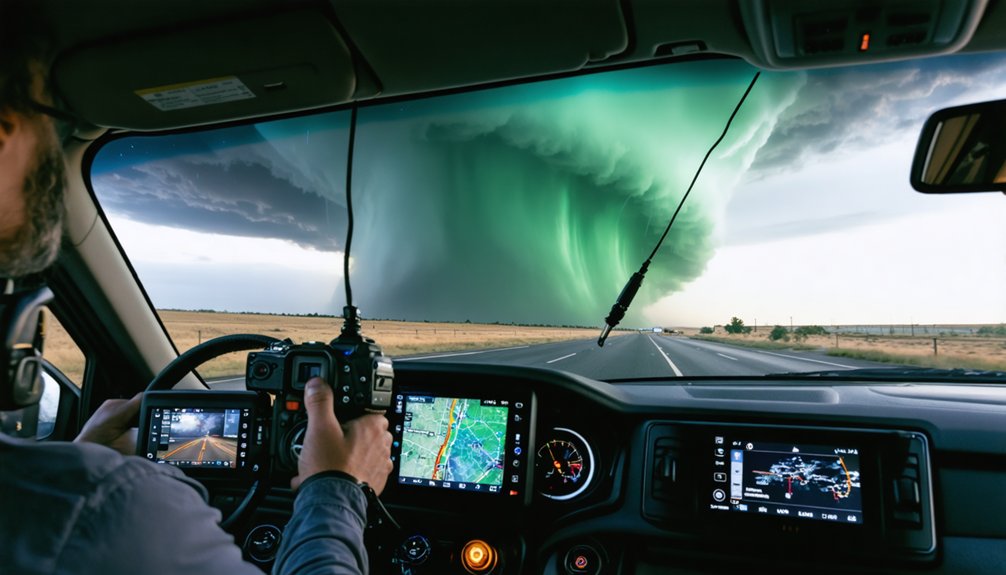
Beyond map-based tracking, YouTube live streams from individual storm chasers give you direct visual access to storm structure, road conditions, and real-time field decisions. These channels let you observe professional storm chaser gear in action while monitoring storm chase safety protocols under live conditions.
Top channels worth following include:
- MaxVelocity – delivers structured, data-driven commentary alongside raw storm footage
- Freddy McKinney – provides close-range intercepts with clear situational narration
- Tornado Paigeyy and Conner Croff – offer independent perspectives during simultaneous outbreak events
Streaming alongside radar and chaser maps gives you multi-angle situational awareness you can’t get from data alone. These feeds complement positional data by revealing what instruments don’t capture—visual storm evolution and real-time tactical maneuvering in the field.
How These Live Tracking Tools Perform on Mobile
Mobile performance varies considerably across these platforms, and knowing the gaps before a chase day saves you from scrambling mid-event.
LiveStormChasing.com’s user interface gets unwieldy on phones, making it better suited as a desktop-primary tool.
WeatherWise handles mobile more cleanly through its Google Play app, letting you pull chaser icons directly onto the map without friction.
RadarOmega integrates chaser streams into its radar interface, and its mobile optimization holds up reasonably well under active-event conditions.
StormCenter focuses on real-time positioning data, functioning best when paired with dedicated radar apps rather than standing alone.
If you’re running field operations from a vehicle, prioritize platforms with responsive user interfaces and fast icon loading.
Test each tool before outbreak setups, not during them.
How to Stack These Tools for Complete Storm Coverage
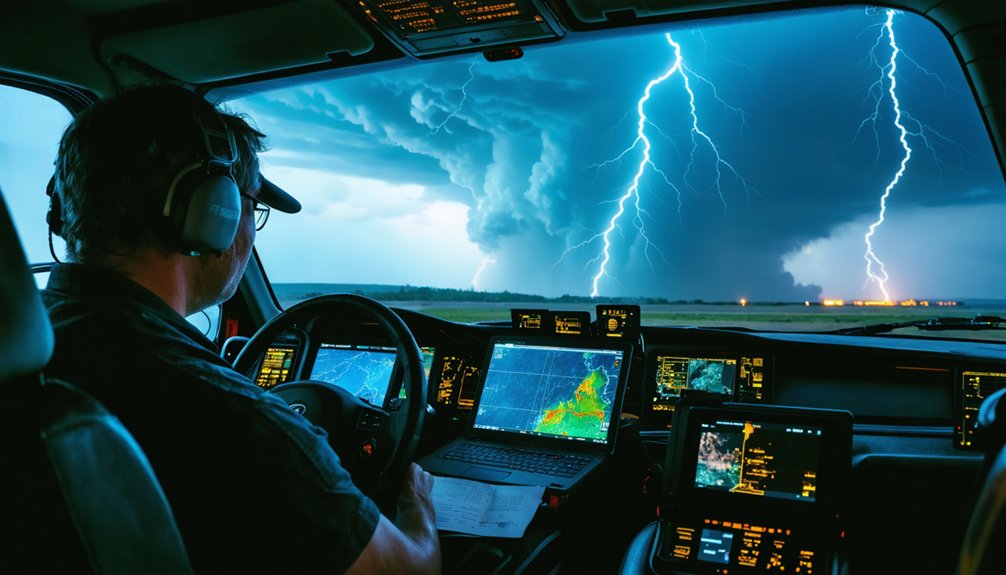
Getting full storm coverage means running multiple tools simultaneously rather than relying on any single platform. Effective storm chasing demands tight data integration across radar, positioning, and live feed sources.
Stack your tools like this:
- RadarOmega for radar overlaid with chaser icons and direct stream access in one interface
- LiveStormChasing.com or StormCenter for real-time chaser positioning and situational awareness across the field
- YouTube live channels like MaxVelocity or Tornado Paigeyy for direct visual storm structure and road-level conditions
You control how deep your data integration goes. Run RadarOmega on one screen, a live chaser map on another, and a YouTube stream alongside both.
That three-layer setup gives you positional data, radar intelligence, and ground-truth visuals simultaneously—exactly what serious storm chasing demands.
Frequently Asked Questions
Do Storm Chasers Need to Opt in to Appear on Tracking Maps?
Most platforms require chasers to opt in, giving you accurate chaser identification and tracking accuracy. They control their visibility, so you’re seeing only those who’ve chosen to share their real-time positioning data voluntarily.
Are Any Live Chaser Tracking Services Completely Free to Use?
Like open-source code, several options won’t cost you a cent. LiveStormChasing.com and Severe Studios offer free access, letting you explore storm chase technology and weather data integration without paywalls restricting your situational awareness.
Can Live Tracking Tools Send Alerts When Chasers Enter Your Area?
Most live storm tracking tools don’t natively push alert notifications when chasers enter your area. You’ll need to manually monitor chaser icons on platforms like RadarOmega or WeatherWise to independently track real-time positioning data yourself.
How Often Do Chaser Positions Update on These Live Tracking Platforms?
Like a heartbeat on a monitor, chaser positions refresh every 30–60 seconds on most platforms. You’ll get solid storm accuracy, though data privacy policies vary—so you’re free to choose tools that respect your preferences.
Is Personal Data Collected When Using Storm Chaser Live Tracking Sites?
Most sites don’t explicitly disclose data collection practices, so you should assume basic privacy concerns apply. Review each platform’s privacy policy, as data collection of your browsing behavior, location, or account info may occur.
References
- https://www.reddit.com/r/stormchasing/comments/mdbydj/best_chasing_streams/
- https://crazystormchasers.com/best-storm-chasing-gps-mapping-software/
- https://www.reddit.com/r/weather/comments/1sdg0lk/where_to_watch_live_storm_chasers/
- https://play.google.com/store/apps/details?id=com.interactiveweather.weatherwise&hl=en_US
- https://play.google.com/store/apps/details?id=com.ml.TXSC&hl=en_US